
If you have a lot of dates with alerts set up in ContractSafe, you might want to see specifically which contracts have alerts for each of your users.
1. In the Search Bar, you can search for a user's email address and the Contract List page will show a list of all Contracts that have a reminder set for that email address.

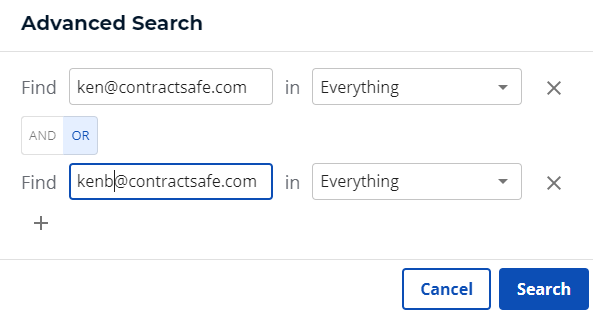
2. You can also use the Advanced Search to include multiple email addresses for a more complete list.
3. *NEW* Generate a report on upcoming email alerts. Includes information on who the alert is going to, from what contract, and what date field is triggering the alert. Just to to Settings>Views, Reports, and Downloads>All Reminders Report. 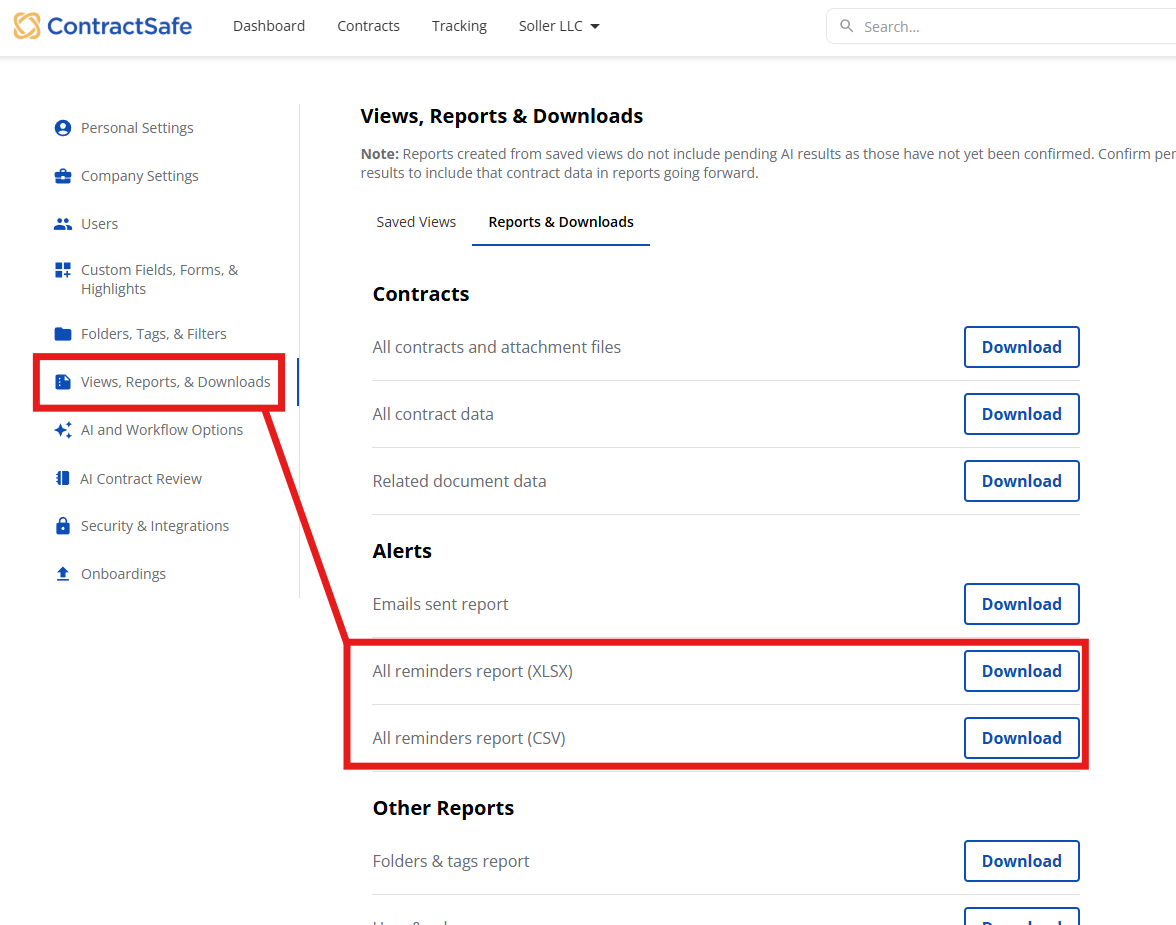
*#3 is only available for Administrators and the Account Wwner.
See also: How do I re-assign a reminder to a different user?
Please reach out to support@contractsafe.com for any questions.