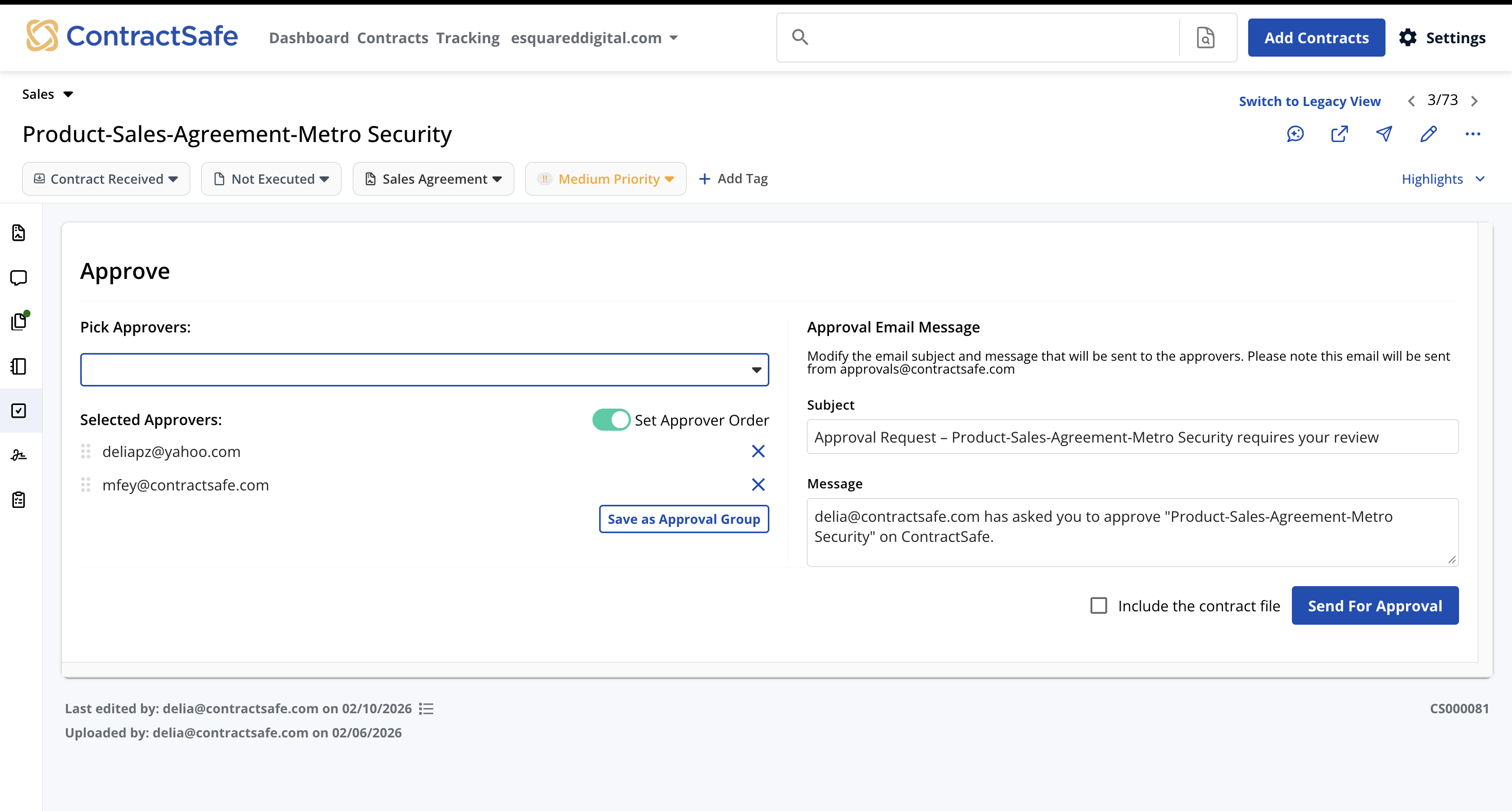
Know who's approved and who's holding things up
-
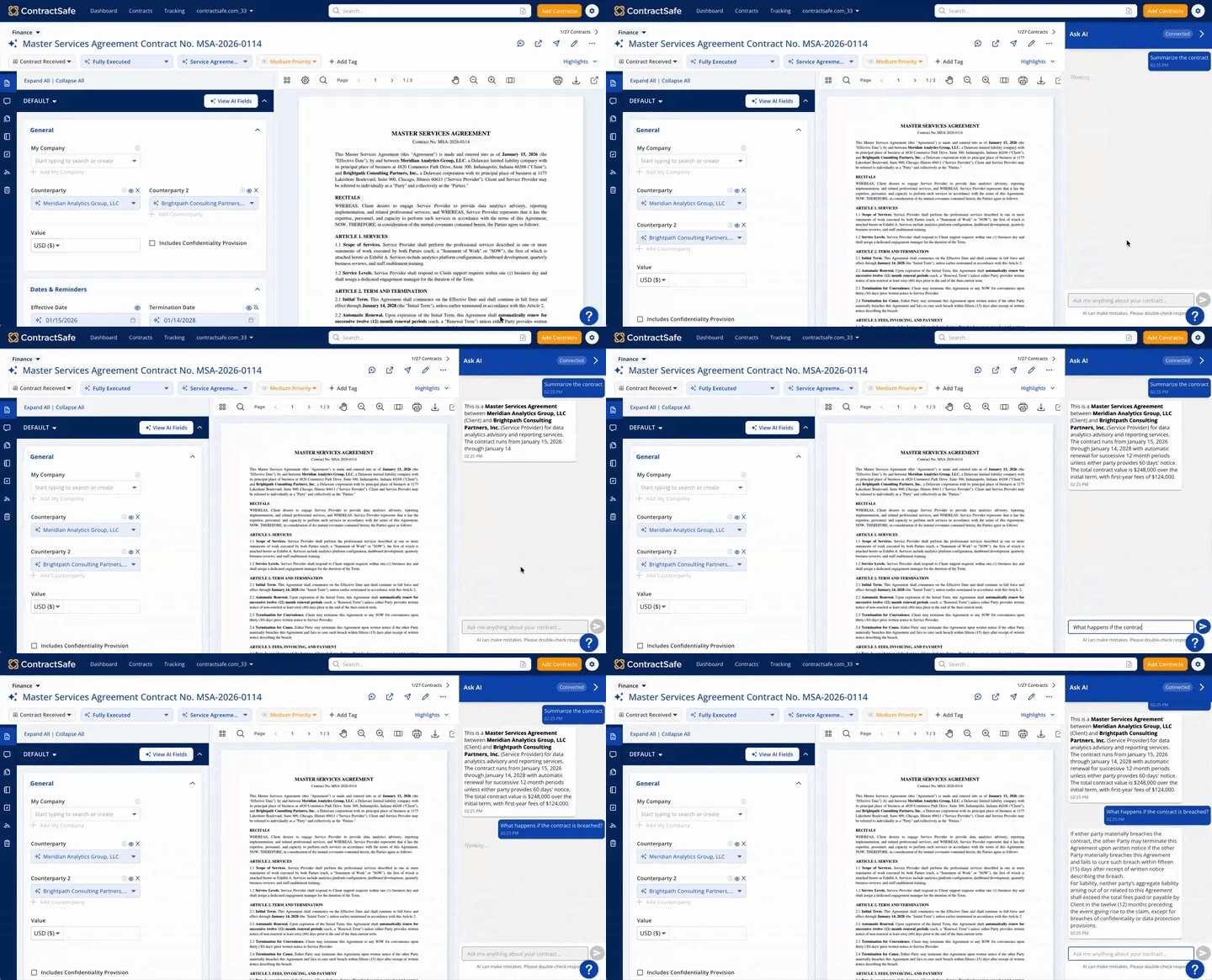
Answer "where are we on this?" at a glance, instead of sending three emails to find out.
-
Get contracts to the right approvers automatically and keep them moving with built-in reminders
- See why something was rejected without chasing anyone down
-
Keep every approval and comment attached to the contract record for good
Send it, sign it, store it. All in one place.
-
Send for signature the moment approvals finish. No re-uploading, no second tool to log into
- Know exactly who signed and when with a built-in audit trail.
-
Find the executed copy right on the contract record the minute the last person signs
-
eSign is included with no cap on documents sent or signatures collected.
-
Already have Docusign? Easy integration means you can keep using your account if you want
Edit where your team already works
-
Edit and mark up contracts in Microsoft Word the way your team always has, with tracked changes, comments and all.
-
Every changed copy saves back to ContractSafe and saves the previous version, so nothing sits on someone's desktop
-
Edit with confidence; document locks while changes are being made o no one saves over someone's work
- Make simple edits right in ContractSafe, if needed
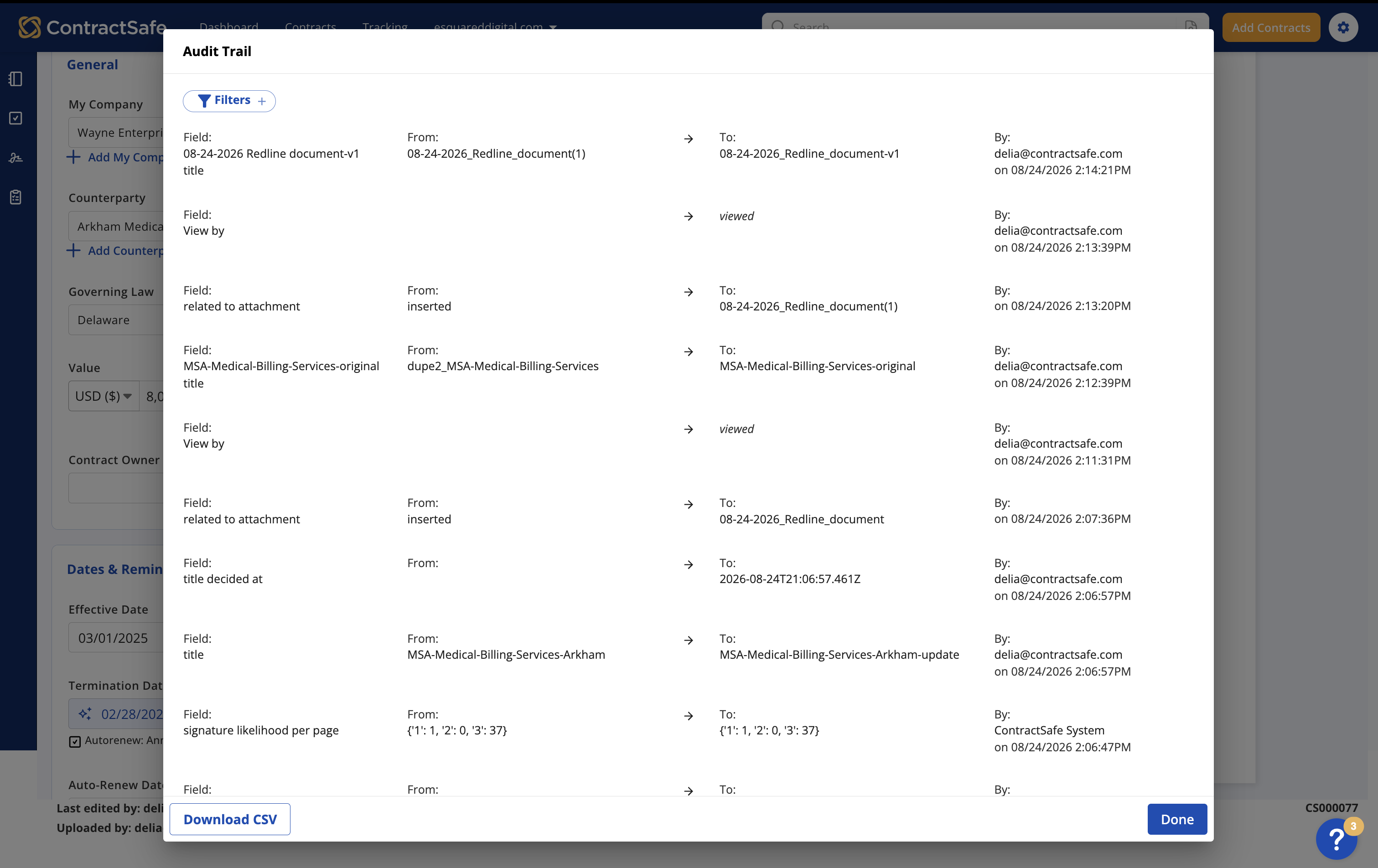
Every version accounted for, every change on record
-
Compare any two versions and see what changed so a moved date or a quietly dropped clause never gets through
-
Know who edited what and when without asking around
-
Store every draft alongside the signed copy, ready should an auditor ask.
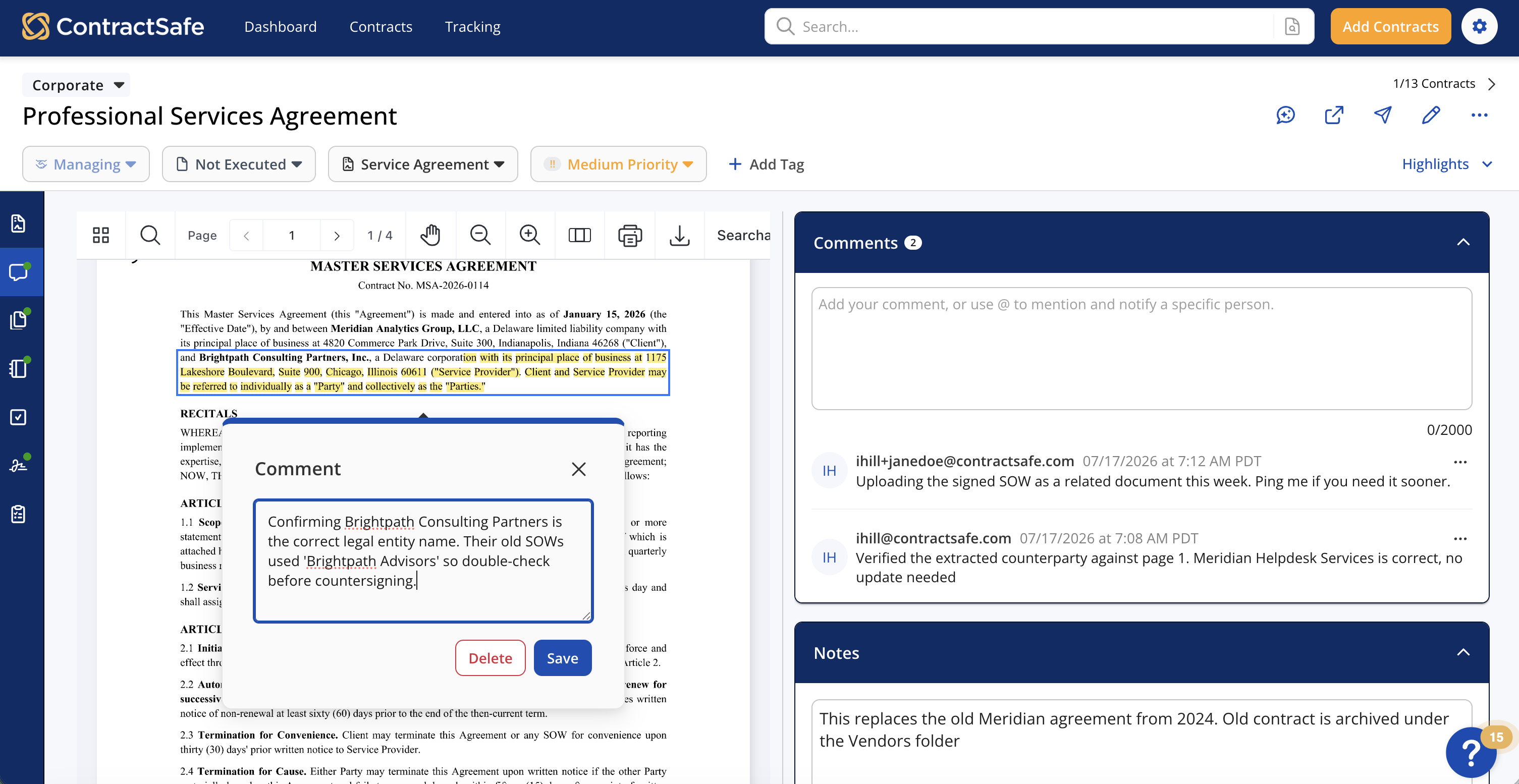

The integration with Word, version control, and automated reminders and notifications make managing contracts so much simpler and faster. Our business partners appreciate the level of detail they are able to see in scheduled reporting emails from ContractSafe.

_EasiestToDoBusinessWith_EaseOfDoingBusinessWith.png)


_FastestImplementation_Mid-Market_GoLiveTime.png)