Share contract status, owners, and due dates with the tools your team already uses, then automate what happens next.
Contracts do not stop needing attention when they are signed. Teams still need to track where a contract stands, who owns it, what needs to happen next, and when something is due.
That information is useful beyond ContractSafe too. Legal may manage the contract in one place, while finance, sales, and operations work from their own systems.
Contract Lifecycle Tracking now gives teams two ways to share that information and keep work moving: the API and Zapier.
 Share lifecycle data with the API
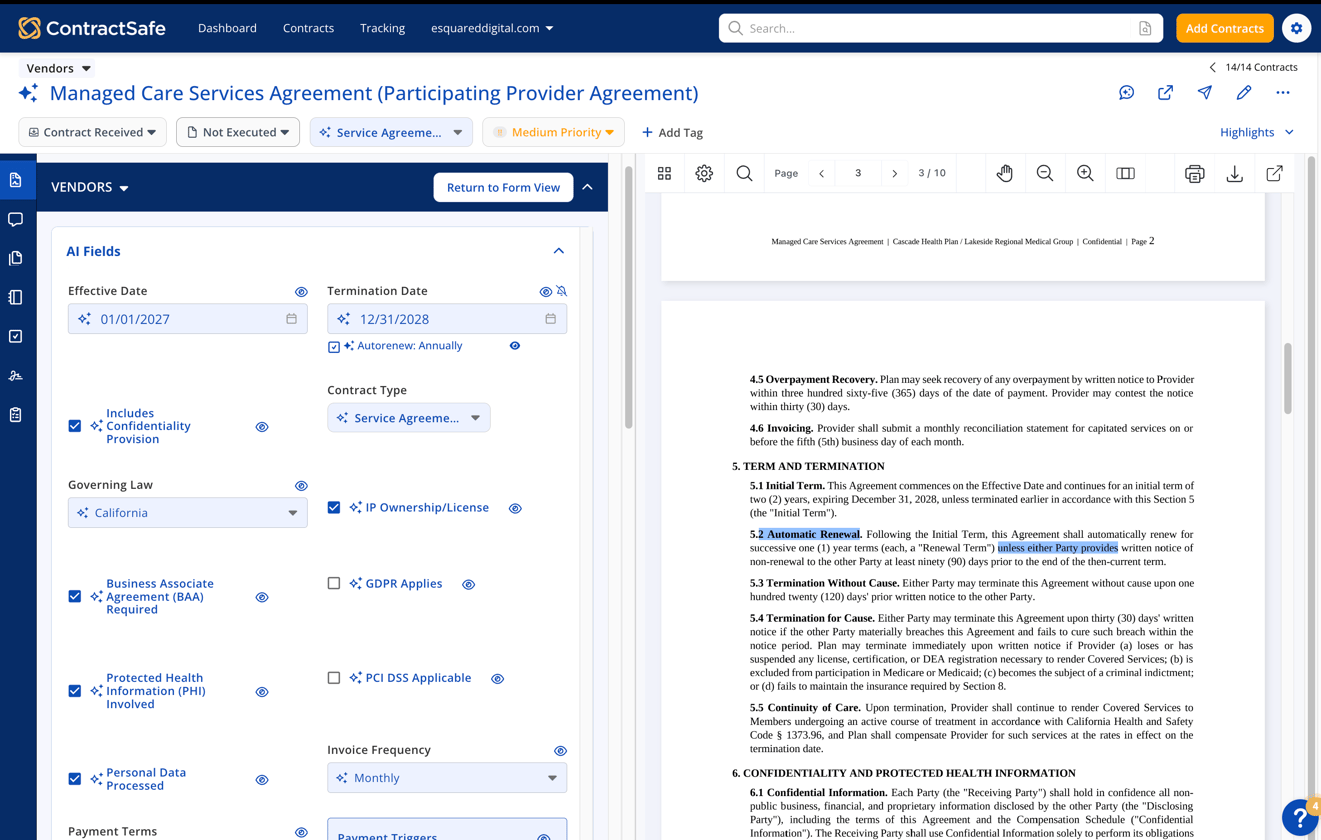
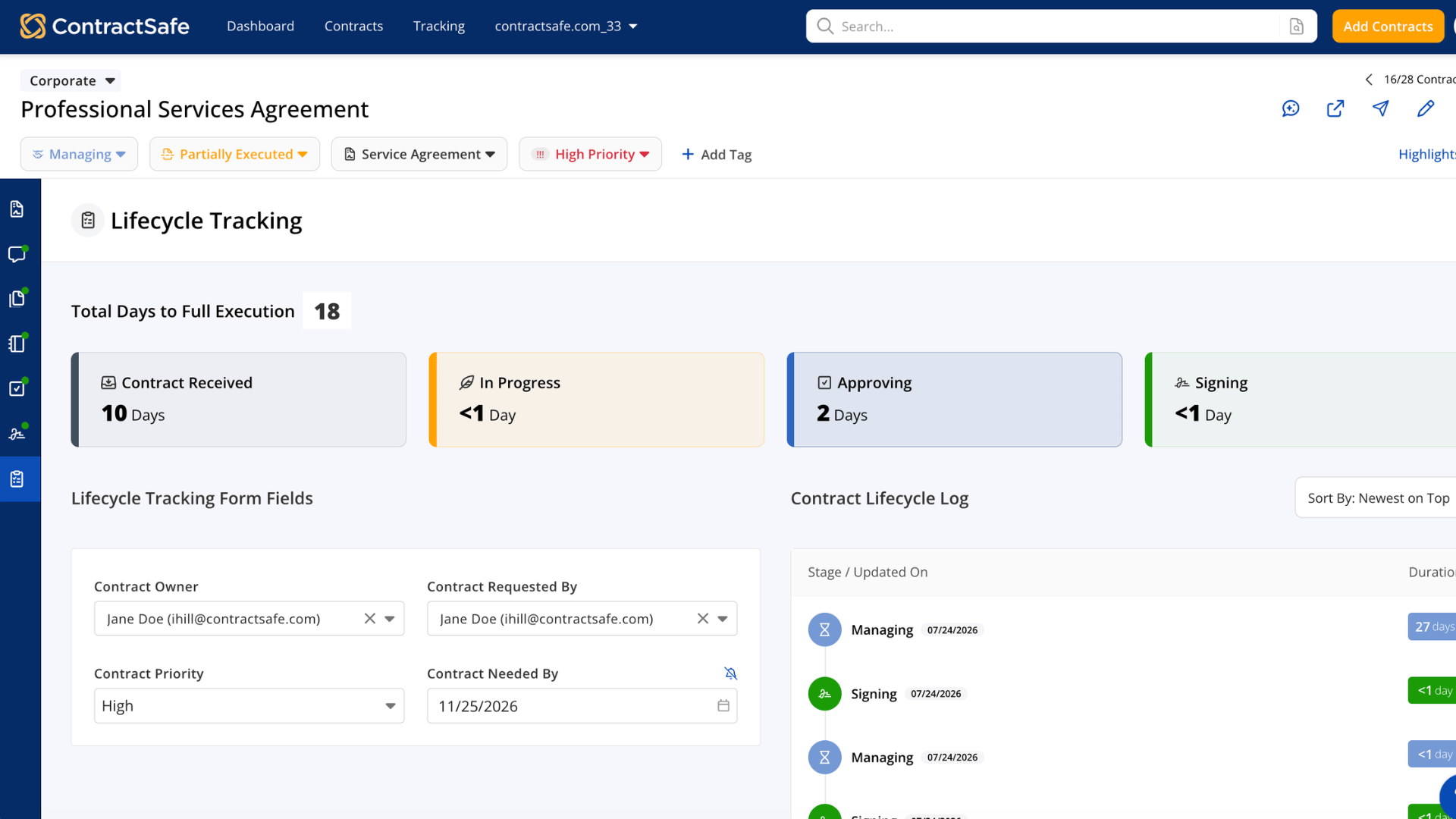
Use the API to share contract information with the tools your team already uses. That can include:
- Current contract stage
- Contract owner
- Person who requested the contract
- Contract priority
- Contract needed-by date
With this information available in your other systems, teams can power dashboards and reports with current contract data without asking people to update the same information in multiple places.
Trigger workflows with Zapier
Use Zapier to start the next step when contract details change. For example, you can:
- Notify a team when a contract moves to a new stage
- Create a task when ownership changes
- Alert someone when a contract’s priority changes
- Send a reminder when a needed-by date or termination date is approaching
Zapier connects ContractSafe to the apps your team already uses, without requiring a custom integration.
Keep lifecycle work moving
The API helps get contract information where it needs to go. Zapier helps your team act on that information.
Together, they make it easier to keep systems in sync, give teams a clearer view of contract work, and make sure the next step does not get lost.