


DocuSign CLM pricing is the cost of buying and launching DocuSign’s contract lifecycle management product, not the cost of DocuSign eSignature. Which stages of the contract lifecycle you actually need covered drives most of that cost. Published eSignature plans are separate and run roughly $11 to $45 per user each month before enterprise options.
Imagine a legal team that already uses DocuSign for signature. Finance asks whether adding DocuSign CLM is the simple next step, and the room starts treating the brand as if it already answered the budget question.
That’s the trap for legal teams. DocuSign is familiar because of eSignature. DocuSign CLM is a broader contract platform decision.
The pricing conversation should cover platform scope, users, implementation, migration, support, AI, integrations, renewal terms, and whether the team really needs a full CLM rollout.
Key Takeaways
- DocuSign CLM pricing should be evaluated separately from DocuSign eSignature.
- Buyers should ask what the CLM quote includes for users, implementation, migration, support, AI, integrations, and renewal terms.
- Familiarity with the DocuSign brand doesn’t prove the CLM workflow is the right fit for a lean legal team.
- ContractSafe is the simpler comparison for teams that want one system for signature, storage, alerts, reporting, and permissions, with no separate CLM rollout required.
- A good DocuSign CLM pricing review ends with a scope decision: which full-lifecycle CLM fits the team now, weighed on cost, adoption, and ease of rollout.
Choose your next step:
If you have a DocuSign CLM quote, start with the first-year cost categories.
If you’re comparing fit, read the ContractSafe vs. DocuSign comparison.
If finance needs a broader cost model, use contract management software cost.
If you need a vendor shortlist after the budget model is clear, use best contract management software.
What Is DocuSign CLM Pricing?
DocuSign CLM pricing should show what the full contract lifecycle management rollout will cost after launch, including users, implementation, migration, support, AI, integrations, and renewal terms.
As of 2026, DocuSign doesn’t publish CLM list prices. Vendr’s 2026 transaction data places small CLM deployments around $20,000 to $60,000 per year, mid-market deployments around $60,000 to $200,000, and enterprise deployments at $200,000 to $500,000 or more before the buyer confirms implementation and add-ons.
In plain terms, DocuSign CLM pricing means the buyer is pricing a contract workflow system, not just a familiar signature tool.
That question is different from "what does the subscription cost?" The subscription matters, but the launch work matters too.
For a CLM product, the buyer needs to understand intake, drafting, approvals, storage, search, reporting, integrations, permissions, migration, support, AI, and how many people need access.
DocuSign is often already in the conversation because the company uses eSignature. That can be helpful. It can also blur the buying decision.
The team shouldn’t assume that eSignature familiarity answers CLM fit. eSignature completes a document. CLM manages contract work before and after signature.
Use the ContractSafe vs. DocuSign comparison to separate product fit from brand familiarity before the pricing conversation gets too far.
What Public Pricing Does And Does Not Tell You
Public pricing usually doesn’t tell the full DocuSign CLM story because CLM scope depends on workflow, users, integrations, migration, and support.
That’s not unusual for larger software. The issue is whether the buyer gets enough detail before approval.
A useful quote should answer these questions:
| Pricing area | Question to ask | Why it matters |
|---|---|---|
| Platform scope | Which CLM capabilities are included in this quote? | The demo may show more than the quoted package |
| User access | Which users can view, edit, approve, report, and administer? | Contract answers often need to leave legal |
| Implementation | What work is included before go-live? | CLM setup can become the real first-year project |
| Migration | Who handles old agreements, amendments, fields, and duplicates? | A CLM tool is weak if the old record stays messy |
| Support | What help is included after launch? | Admin questions don’t stop after go-live |
| AI | Which AI features are included, limited, or separate? | AI can change both scope and price |
| Integrations | Which systems are included and which require services? | CRM, storage, e-signature, SSO, and API work can change the plan |
| Renewal terms | What rate cap, expansion terms, or usage limits apply? | Year two matters before the team depends on the tool |
The World Commerce & Contracting resources frame contract management as a business discipline, not a single legal task.
That matters for pricing because the quote has to support the operating work around contracts: records, owners, permissions, reporting, performance, and follow-through after signature.
The Federal Acquisition Regulation on contract administration makes the same practical point from a public-sector angle. Contract value depends on what happens after award, not just the signed document.
Those sources matter because CLM pricing is really pricing the operating system around contract work.
The First-Year Cost Categories To Confirm
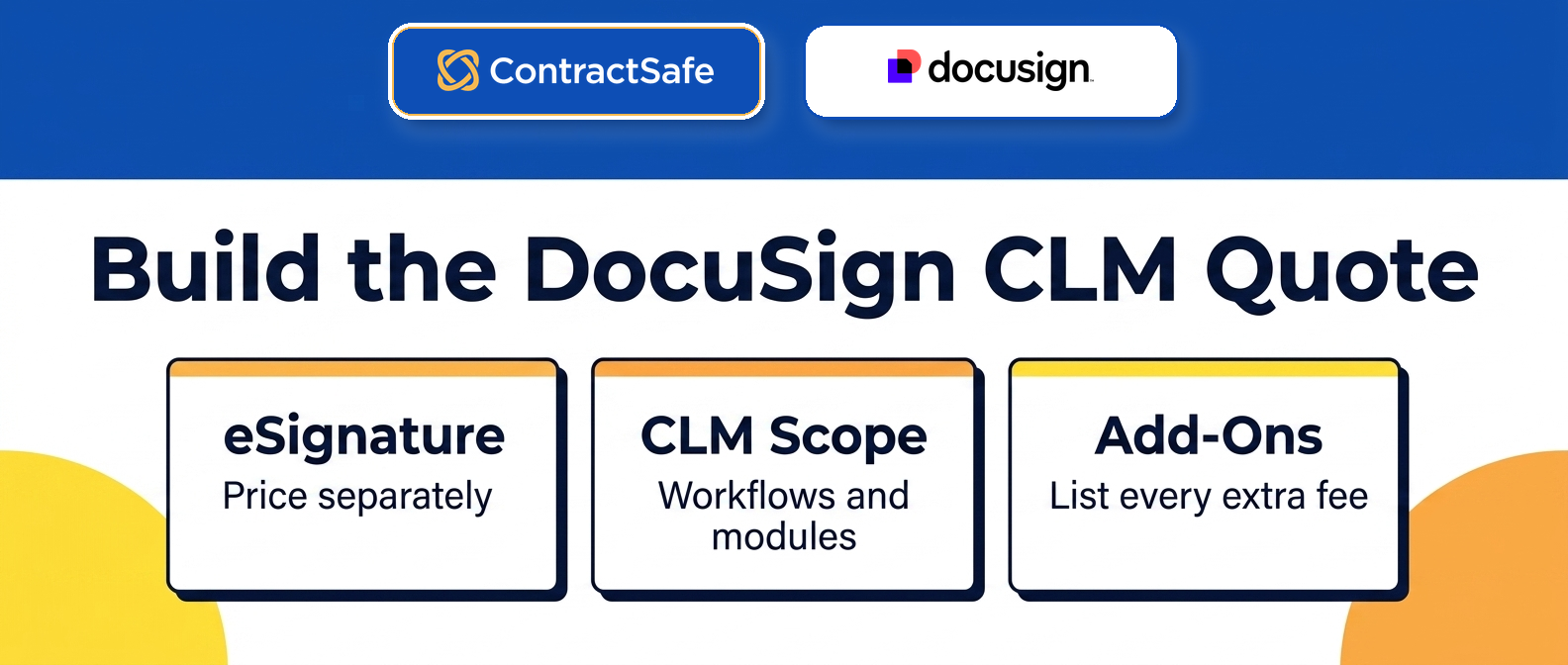
The first-year cost categories to confirm are the line items that turn a CLM quote into a working system.
Start with the platform. Then add the work around it.
| Cost category | What to confirm in the DocuSign CLM quote | What to compare against ContractSafe |
|---|---|---|
| Subscription | Which CLM product scope is included | Published ContractSafe plan and feature scope |
| Users | How access changes when finance, procurement, sales, HR, or auditors need answers | Broad access without rationing contract answers |
| Implementation | Whether configuration, launch planning, and admin setup are included | Included implementation and support expectations |
| Migration | How old contracts, scans, amendments, and fields get into the system | Migration and field setup included with full CLM onboarding |
| Support | What help is included after launch | Human support and customer success path |
| AI | Whether extraction, review, search, and reporting AI are included | AI tied to contract data, search, and reviewed fields |
| Integrations | Which integrations are native, scoped, or custom | Practical integrations without making the first project too heavy |
| Renewal | What changes in year two | Clear budget conversation before signing |
This isn’t about making DocuSign look bad. It’s about making the scope clear.
If the buyer needs a larger intake-to-signature workflow, the larger scope may be reasonable.
If the buyer wants one simple system the whole org will actually use for signature, storage, renewals, and reporting, a full-lifecycle CLM built for adoption may be the better first move.
Decision Check: if the team can’t explain what problem the extra CLM scope solves in the first ninety days, slow down before approving the quote.
Where DocuSign CLM Pricing Can Expand After The Quote
DocuSign CLM pricing can expand when the buying team underestimates workflow scope, user access, implementation work, AI needs, integrations, or renewal exposure.
The easiest way to avoid that is to pressure-test the quote with real contract scenarios.
Bring these examples into the final vendor call:
A scanned vendor agreement with a renewal date and amendment.
A customer contract that finance needs to check.
An agreement with restricted access.
A report leadership asks for every quarter.
A contract owner who isn’t in legal.
A workflow that legal wants to approve before signature.
A signed agreement that must connect back to eSignature.
Ask the vendor to show how each example works inside the quoted scope. If the answer requires a different module, a different user tier, a different services plan, or a future integration, the price comparison changes.
This is especially important when DocuSign is already used for signature. Signature familiarity can make CLM feel like the obvious next step. Sometimes it’s the right next step. Sometimes the team needs a full-lifecycle CLM with simpler adoption across signature, approvals, searchable records, alerts, reporting, and renewals.
That’s why the contract management software cost model is useful before the final decision. It forces the buyer to compare the whole working system.
Questions To Ask Before You Sign
Before signing a DocuSign CLM agreement, ask questions that connect the quote to actual contract work.
Use this list in writing:
Which CLM capabilities are included in the quoted package?
Which capabilities from the demo aren’t included?
How many users are included, and what roles do they have?
What happens to the price when finance, procurement, auditors, or business owners need access?
What implementation work is included before go-live?
Who handles migration for old contracts, scans, amendments, and fields?
Which AI features are included, and which are separate?
Which integrations are included in the quote?
What support path is included after launch?
What renewal cap, expansion terms, or usage limits apply?
What is the simplest phase-one rollout that would still solve the business problem?
What shouldn’t be part of phase one?
The last two questions protect the project from getting too large too early.
A buyer doesn’t need every contract workflow on day one. The buyer needs the first project to work.
If the first project is full CLM, price full CLM. If the first project is signed-contract control, price signed-contract control.
What To Send Back After The First Quote
A DocuSign CLM quote follow-up should turn the proposal into a buyer-ready scope document.
Don’t send a broad "can you clarify pricing?" email. Send a short list that forces each cost driver into a clear answer.
Ask for this information in writing:
Which CLM modules are included in the quote?
Which demoed capabilities aren’t included?
How many users are included by role?
What does implementation include before go-live?
What migration help is included for old agreements and amendments?
Which AI capabilities are included, limited, or separate?
Which integrations are included and which ones need separate services?
What support level is included after launch?
What renewal cap applies?
What usage, contract volume, storage, or API limits can change the bill?
The answers should be plain enough for finance to read without another sales call.
If the reply uses vague language, don’t fill in the blank for the vendor. Mark the item as unknown and treat it as a buying risk.
Unknown doesn’t mean the vendor is bad. It means the buyer hasn’t received enough information to compare the offer.
How To Decide Whether The DocuSign Ecosystem Matters
The DocuSign ecosystem matters when the integration benefit is part of the phase-one job.
If the team already uses DocuSign eSignature and needs signature, workflow, storage, and contract records connected in one larger process, the ecosystem can be a real buying reason.
If the team only needs signed-contract control, the ecosystem may be less important than search, alerts, permissions, reporting, broad access, and launch support.
Use this decision test:
| Ecosystem question | Strong reason to value it | Weak reason to value it |
|---|---|---|
| Signature connection | Signed contracts must move through a defined CLM workflow | The company already recognizes the name |
| Workflow depth | Legal needs intake, drafting, approvals, and redlines in phase one | The demo showed workflows the team may use later |
| Integrations | CRM, storage, SSO, and other systems are part of launch | Integrations sound useful but aren’t scoped |
| Administration | The team has people ready to own a deeper CLM rollout | Legal wants fewer admin tasks, not more |
| Reporting | Leadership needs reports from a managed contract process | The first report isn’t yet named |
This is where the buying team should be strict. A familiar ecosystem is helpful only if it removes work from the first rollout.
If the ecosystem adds scope without solving the current contract problem, the buyer should compare a simpler full-lifecycle CLM before signing.
What A Fair ContractSafe Comparison Looks Like
A fair ContractSafe comparison shouldn’t pretend ContractSafe and DocuSign CLM are identical products.
The fair comparison starts with the job.
If the job is a broad contract workflow program, score DocuSign CLM against that scope. Ask what implementation includes, what the admin model looks like, which integrations are required, and what support looks like after go-live.
If the job is practical full-lifecycle contract control, score ContractSafe against that scope. Ask whether the team can sign and approve agreements, migrate old records, find text in messy files, set alerts, restrict sensitive records, report on contract data, and give more people access without rationing seats.
That’s the comparison a buyer can defend.
The wrong comparison is "DocuSign is bigger" versus "ContractSafe is simpler." Bigger and simpler aren’t decisions. Scope is the decision.
The buyer should write the scope sentence before the final call:
"We are buying a full CLM workflow because phase one requires intake, drafting, approvals, signature, storage, reporting, and integrations."
Or:
"We are buying a full-lifecycle CLM because phase one needs signature, storage, renewals, alerts, reporting, permissions, and broad access in one system the whole org will use."
Once that sentence is clear, the pricing conversation gets much cleaner.
Do the same exercise for whichever contract tool you’re comparing against, using the same three buckets and the same first problem you’re solving. If you’re pricing that side out, ContractSafe pricing is public, so bucket one fills in without another call. When both quotes sit in the same table, the approval conversation stops being about which brand feels safer and starts being about which scope you’re actually buying.
Write one number for bucket one. That’s the amount you’re asking finance to say yes to today. List bucket two as named add-ons with a rough range, not a mystery. And treat bucket three as a watch list, because those are the costs that show up in year two when nobody’s looking.
Turn The Answers Into A Number Finance Can Approve
Here’s the move. Take each answer from your list and sort it into one of three buckets:
In the price now (users, modules, launch work, support that’s actually included)
Extra when you flip it on (an AI feature, an integration, migration help that’s quoted separately)
Could move the bill (usage caps, storage, API limits, the renewal cap)
Once the vendor writes back and every line item has a real answer, turn those raw ingredients into a scope, a price, and a short list of what could move that price later. Finance can approve that package instead of a pile of email replies.
How To Write The Recommendation
A DocuSign CLM recommendation should be written as a scope decision, not a brand preference.
Use one of these formats:
| Recommendation type | What it should say |
|---|---|
| Choose DocuSign CLM | We need the broader CLM workflow now, and the quote covers the launch work, users, integrations, support, and renewal terms needed for that rollout |
| Choose ContractSafe | We need full-lifecycle contract control now, and ContractSafe covers signature, renewals, search, alerts, reporting, permissions, broad access, and AI extraction |
| Keep evaluating | The current quotes don’t answer enough about users, launch work, AI, integrations, support, migration, or renewal risk |
Don’t write "DocuSign is more mature" unless the recommendation names which maturity matters this quarter.
Don’t write "ContractSafe is easier" unless the recommendation names which easier work matters this quarter.
The buying team should be able to defend the choice in one paragraph:
What contract problem are we solving first?
Which vendor fits that first problem?
Which quote includes the work needed to solve it?
Which risks are still open?
What decision do we need this week?
That paragraph is also useful for the CFO. It ties the price to the work, not to a vague software preference.
If the paragraph is hard to write, the team probably still has a scope problem.
Go back to the quote and ask for the missing details before the buying conversation turns into brand preference.
What To Do If The Quote Is Still Vague
If the DocuSign CLM quote is still vague after follow-up, don’t treat the blank spaces as harmless.
Move the missing items into a risk list and decide who owns each one.
Use three labels:
Budget risk: the item could change the first-year or renewal cost.
Launch risk: the item could delay go-live or leave cleanup work with your team.
Adoption risk: the item could keep finance, procurement, sales, HR, or business owners from using the system.
Then ask whether the risk belongs in phase one.
If the risk is central to phase one, the vendor needs to answer before signature.
If the risk belongs to a later phase, document that choice so the team doesn’t accidentally buy future scope early.
This is where ContractSafe can be a useful control option in the comparison.
If the open risk is adoption and day-to-day lifecycle control, compare the quote against a simpler full-lifecycle path for signature, approvals, search, alerts, reporting, renewals, broad access, and practical migration.
If the open risk is a deep workflow requirement, keep pricing the larger CLM rollout. Just do it with the missing items named.
How To Present The DocuSign CLM Decision Internally
A DocuSign CLM recommendation should separate three questions: brand comfort, CLM scope, and repository need.
Brand comfort is real. If the company already uses DocuSign, buyers may trust the name and understand the signature workflow. That doesn’t automatically answer the CLM question.
CLM scope is the work the team is buying. If the team needs intake, templates, approvals, redlines, signature, storage, reports, and integrations in one larger process, the quote should price that whole process.
Repository need is narrower.
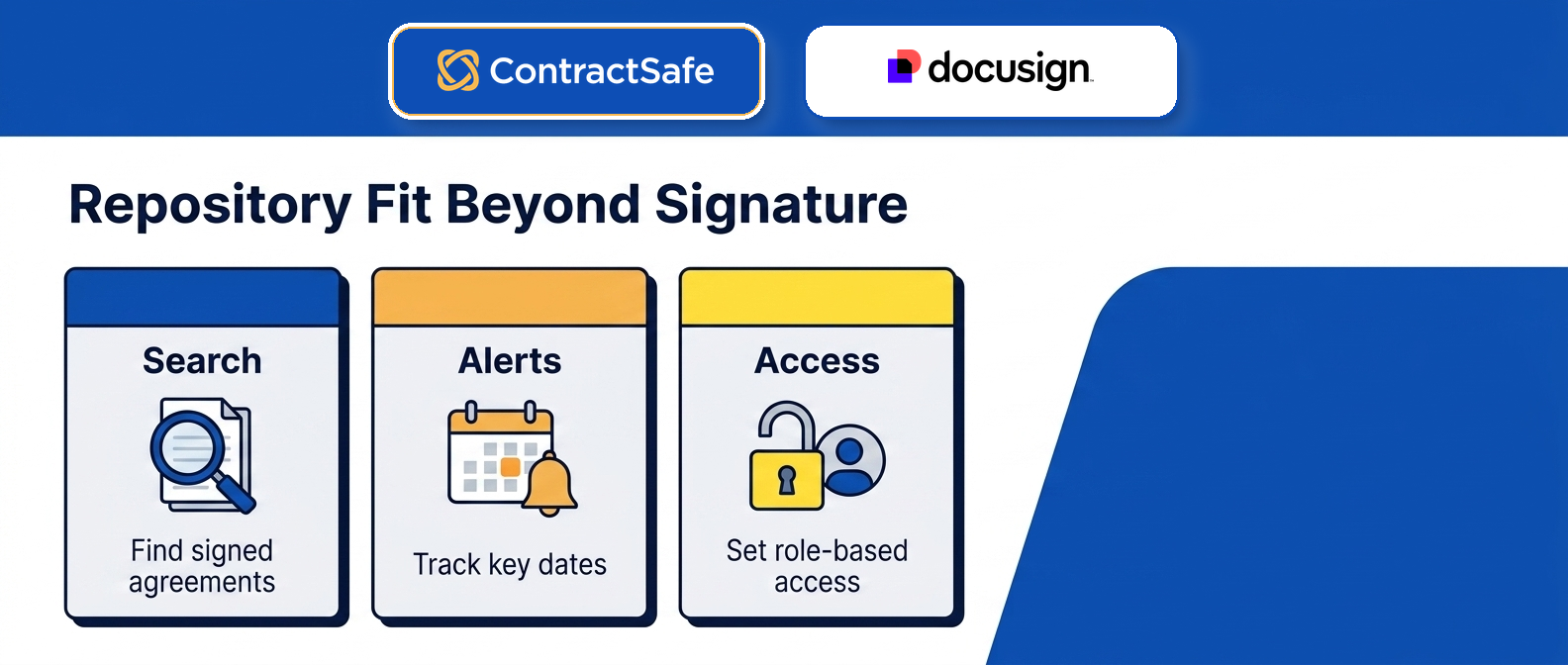
If the team mainly needs to find signed agreements, track renewals, control access, report on contract data, and stop asking legal for routine answers, the buying team should compare a simpler full-lifecycle CLM before accepting a heavier enterprise scope.
Use this meeting table:
| Question | If the answer is yes | If the answer is no |
|---|---|---|
| Do we need pre-signature workflow in phase one? | Price the full CLM rollout | Don’t let workflow features drive the decision |
| Do we need broad access outside legal? | Price realistic user access | Don’t compare against a tiny legal-only user count |
| Do we have messy old records? | Price migration and cleanup | Don’t assume the repository will be useful on day one |
| Do we need AI in phase one? | Ask which AI features are included | Keep AI out of the approval model for now |
| Do we already know the first report? | Make the vendor build toward it | Pause until the report is named |
The goal isn’t to make DocuSign CLM win or lose before the demo. The goal is to prevent the familiar brand from doing work the quote hasn’t done yet.
If DocuSign CLM is the right fit, the answers should make that clear. If ContractSafe is the cleaner first step, the answers should make that clear too.
ContractSafe Pricing Contrast
ContractSafe is the clearer pricing contrast when the buyer needs practical contract control before a large CLM rollout.
Start with the actual problem:
Contracts are scattered across folders, inboxes, and local drives.
People can’t find the current agreement without asking legal.
Renewal dates and notice windows aren’t trusted.
Finance and procurement need contract answers but don’t need to run legal workflows.
Reports take spreadsheet cleanup.
Sensitive agreements need permissions, but normal agreements need broad access.
Those are problems a full-lifecycle CLM built for adoption solves on day one.
ContractSafe pricing gives the buyer a visible starting point.
The ContractSafe repository page explains the signed-contract control job. ContractSafe alerts connect the price to renewal and deadline work.
ContractSafe AI contract management connects AI to source-linked contract records instead of vague automation.
ContractSafe integrations show where the system can connect without turning the first project into a custom build.
The DocuSign CLM comparison should come back to that scope question.
DocuSign CLM may deserve a serious look when the buyer needs deep workflow customization inside an existing DocuSign ecosystem and has the team to support it.
If the buyer wants a full-lifecycle CLM that’s simple enough for the whole org to actually adopt, with signature, storage, renewals, alerts, reporting, AI extraction, and permissions in one place, ContractSafe may be the cleaner first move.
Related Reading
Contract management software cost: Use this to normalize the first-year number before finance approves a quote.
ContractSafe vs. DocuSign comparison: Use this when the question is product fit, not only price.
Best contract management software: Use this when the buying team needs a broader shortlist.
How ContractSafe Helps With DocuSign CLM Pricing Decisions
ContractSafe supports intake, signature, approvals, searchable records, reporting, alerts, and renewal work. Review the full-lifecycle ContractSafe feature set, then confirm the right scope in a ContractSafe demo. Published plans start at $450 per month billed annually and include unlimited users.
ContractSafe helps buyers separate brand familiarity from contract-management fit before they accept a DocuSign CLM quote.
If DocuSign is already in the company, it is reasonable to include DocuSign CLM in the comparison. The mistake is assuming the familiar signature tool automatically answers the CLM buying question.
ContractSafe gives the buying team a practical full-lifecycle alternative to test: what if the first job is a system for signature, approvals, searchable records, alerts, reporting, renewals, permissions, AI extraction, integrations, and broad access that doesn’t require an enterprise rebuild?
Bring that question into the ContractSafe demo. Use your own contract examples, your own access model, and the reports leadership asks for.
Then compare the DocuSign CLM quote and the ContractSafe path against the same first-year cost model. The right answer is the system that fits the work you actually need done.








.svg)







.svg)




