One Secure Home for Every Contract
A single source of truth your team can search in seconds, organized the way you already work and visible only to the people you choose.

_EasiestToDoBusinessWith_EaseOfDoingBusinessWith.png?width=868&height=1000&name=ContractLifecycleManagement(CLM)_EasiestToDoBusinessWith_EaseOfDoingBusinessWith.png)
_FastestImplementation_Mid-Market_GoLiveTime.png?width=868&height=1000&name=ContractLifecycleManagement(CLM)_FastestImplementation_Mid-Market_GoLiveTime.png)
Trusted by










Organized your way
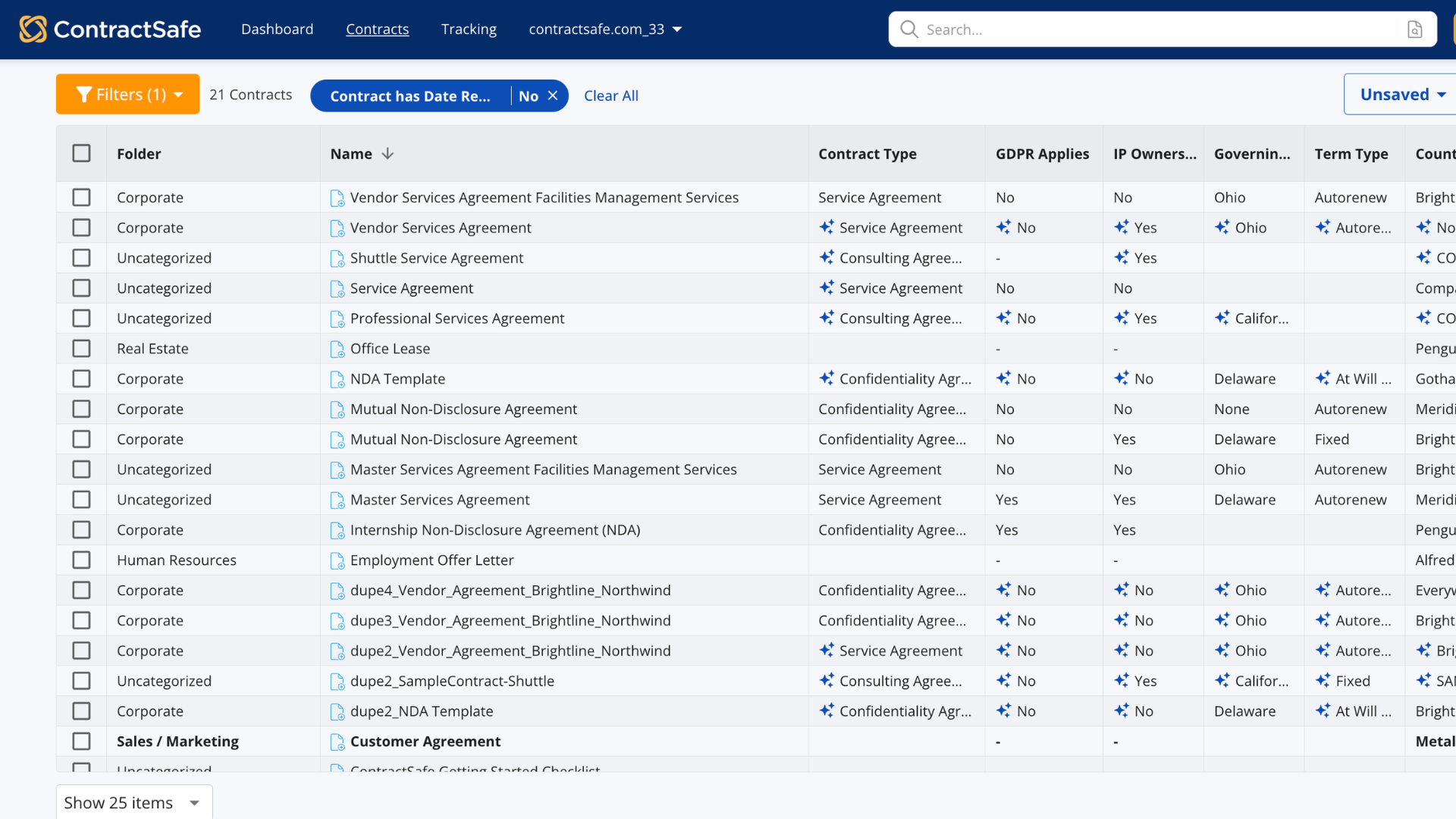
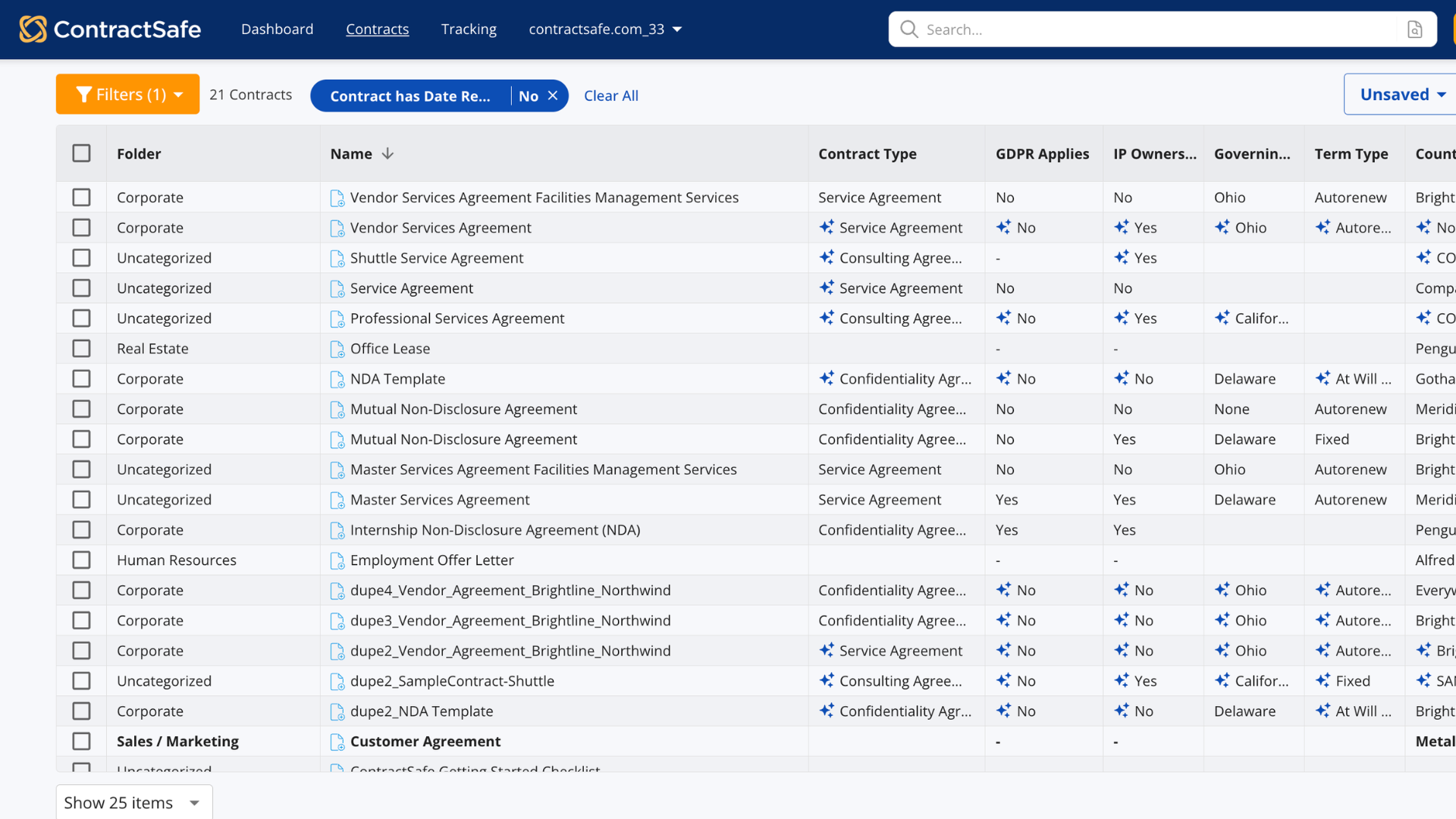
Every contract, organized your way and fully searchable
-
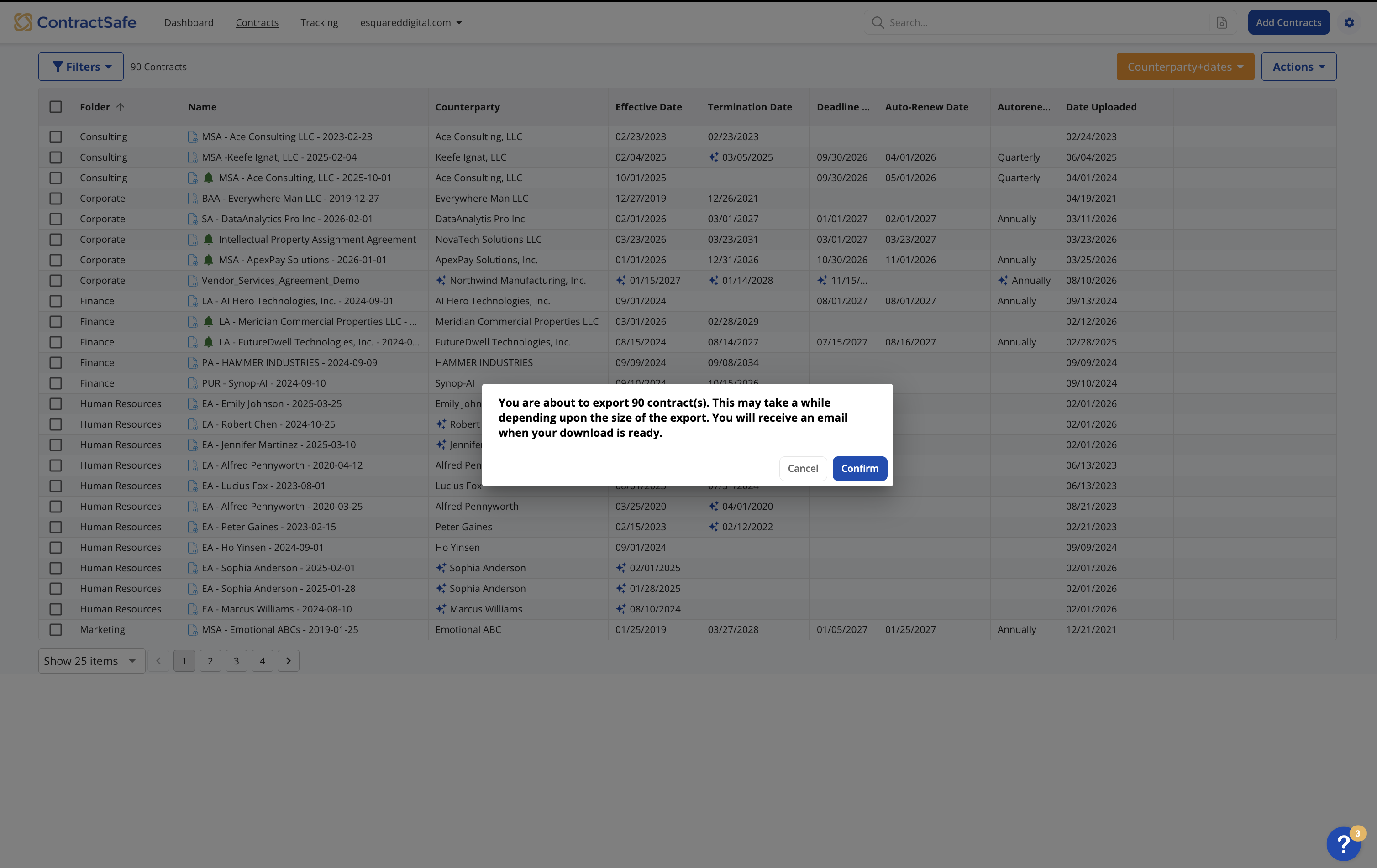
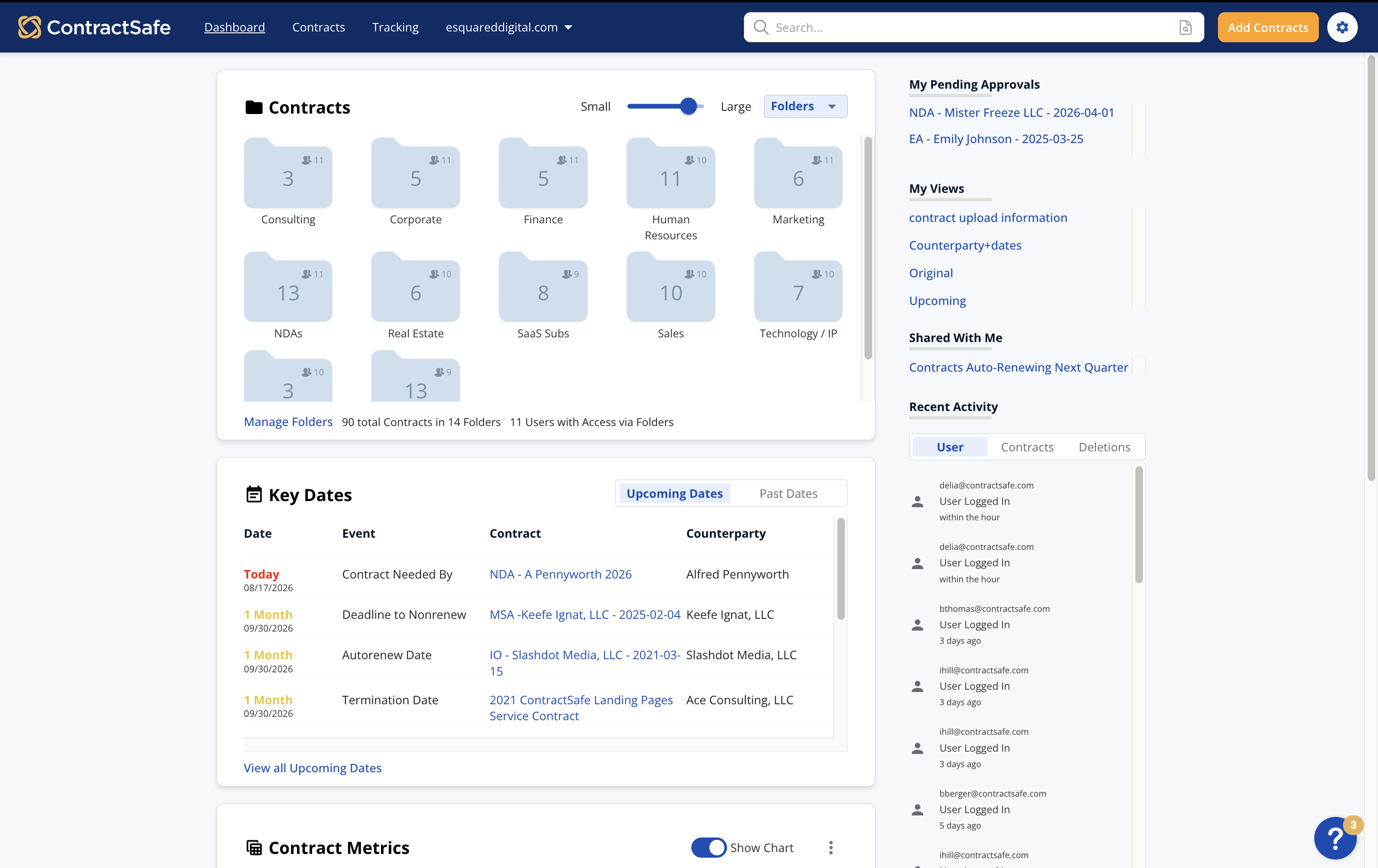
Keep every contract in one secure place, so anyone who needs an agreement know exactly where to look.
-
Know what's tied to any entity, location, or manager without building a spreadsheet to find out
- See the whole picture at once. Amendments, COIs, price sheets, and related agreements all live with the contract they belong to.
Everything on one page
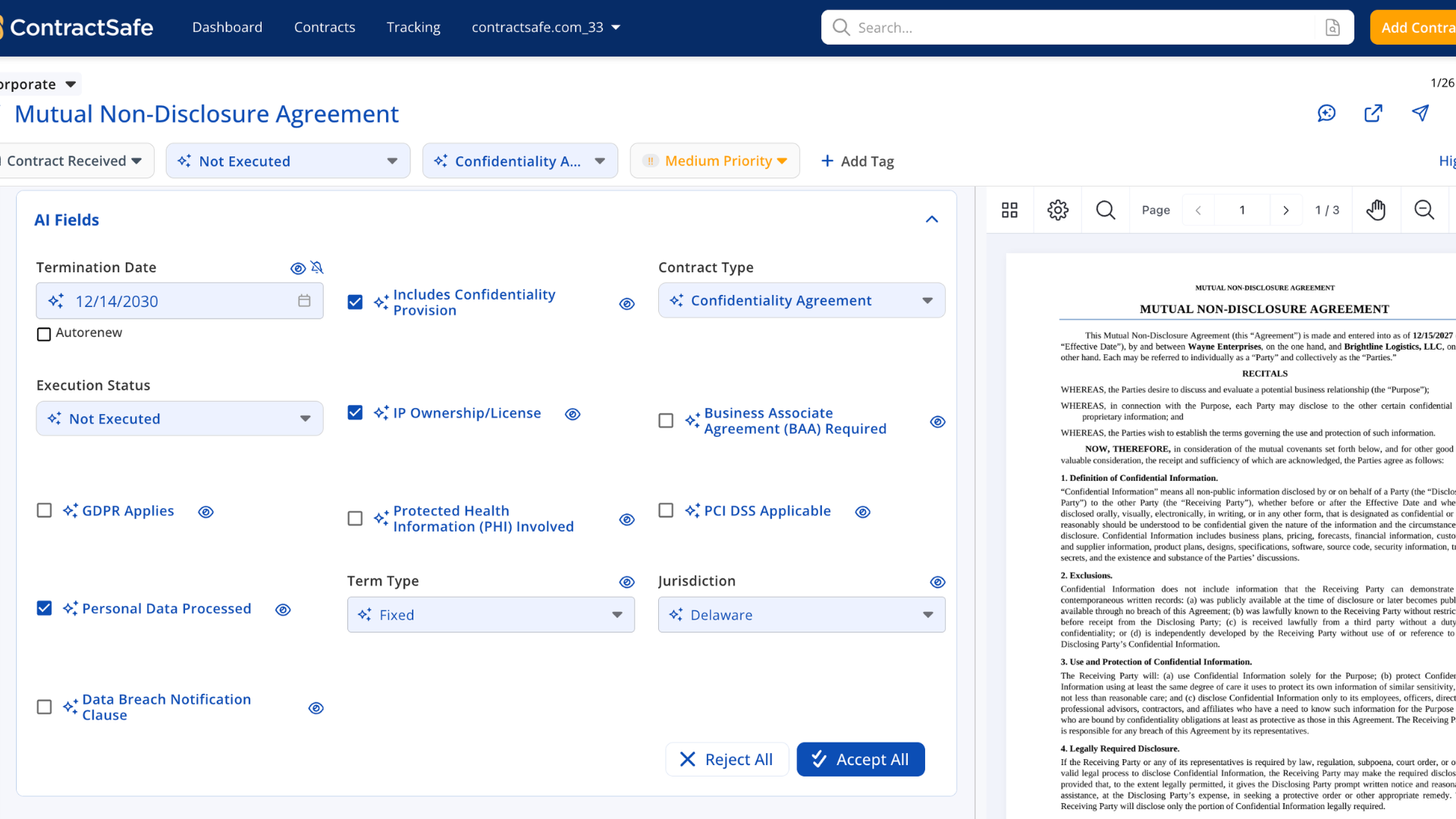

Everything about a contract, connected in one place
-
Skip the data entry. AI fills in the type, parties, dates, value and renewal terms on upload and nothing is final until a person confirms it
-
Get the whole story on one page: the contract itself, earlier drafts, supporting documents, and the key terms at a glance
-
Always know you're looking at the current version, with every earlier one a click away
- See only the fields that matter for the contract in front of you. Leaes show lease terms, NDAs show NDA terms
Find Anything Fast
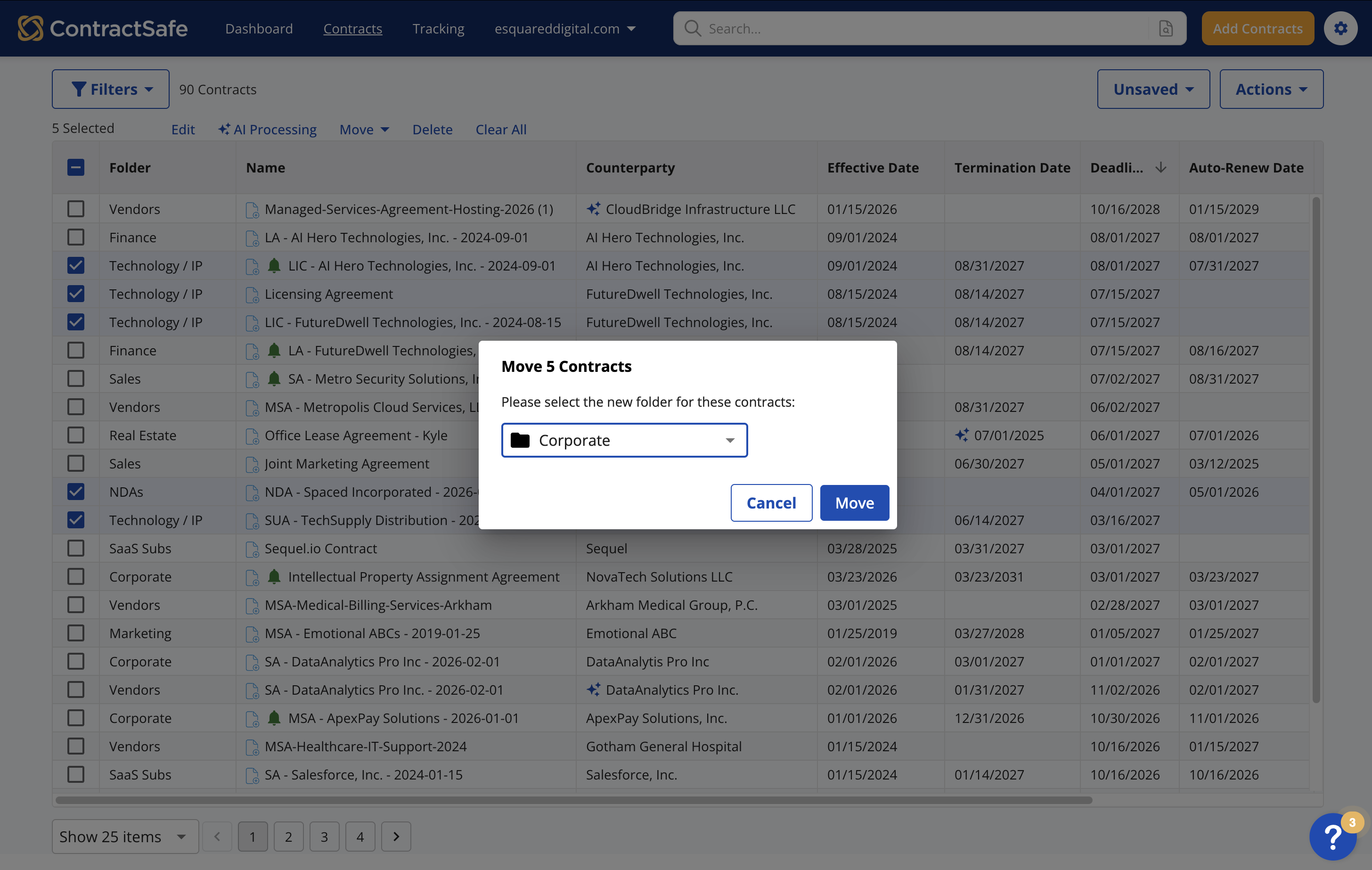
Find any contract or clause in seconds
-
Find the exact clause you need, even inside a scanned PDFs. Search reads the full text of every document and takes you to the right word
-
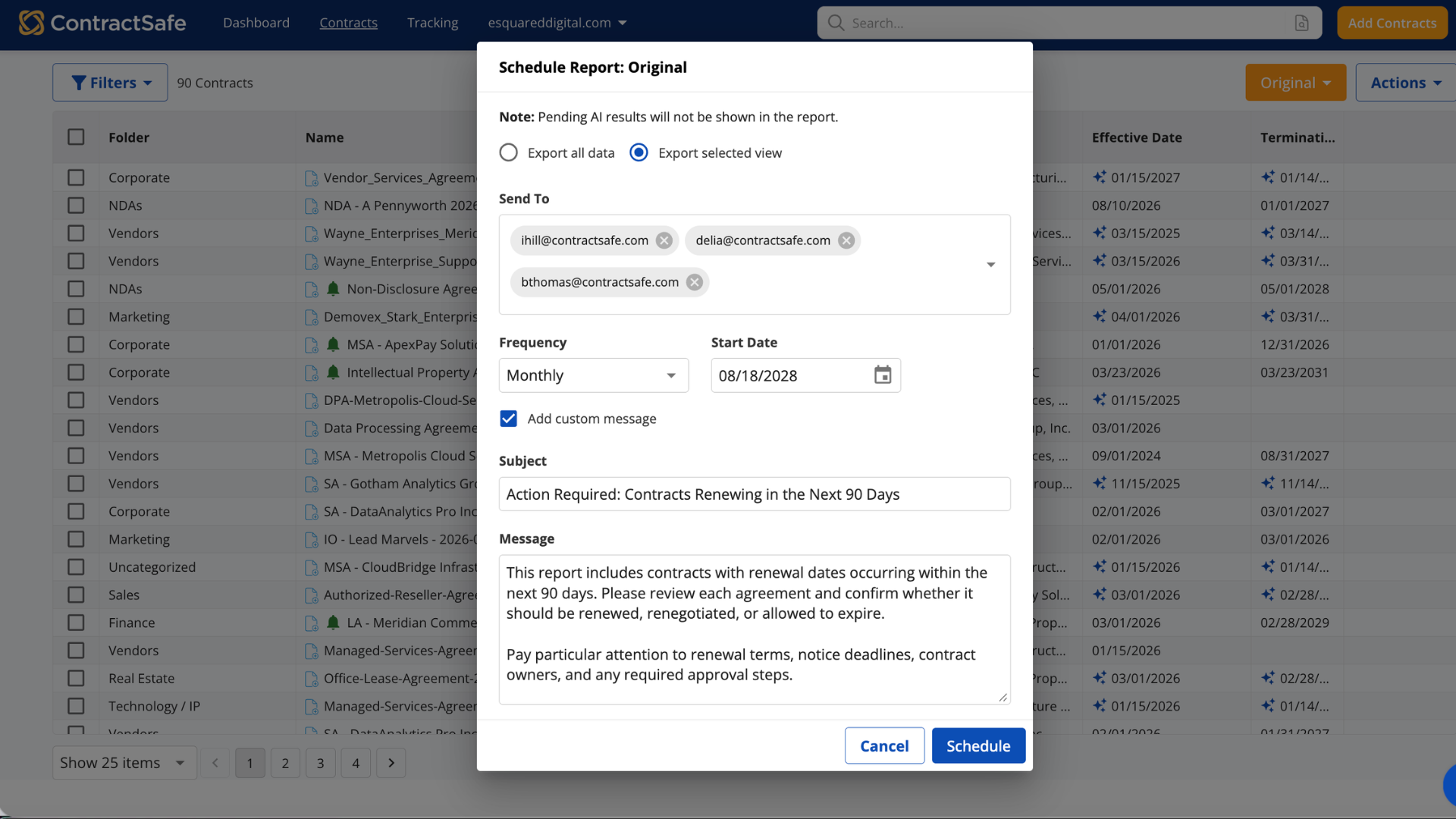
Get answers delivered without a hunt. Run reports by any field you are tracking
- Have results sent out on a schedule if you want
-
Ask a question about a contract in plain English, like "does this allow early termination?" an get a plain-English answer with the citation
Reports you reuse
Save the reports you'll use again
-
Build a report once and use it forever. Save as many as you want, keep them to yourself or share them with the team
- Open a saved report and it's already current, because it updates as contracts are added, changed or roll off
- Finance, procurement, and sales get what they need without asking you. Schedule any report to be sent to whoever needs it.
Access control & permissions
Control who sees what, and who can do what
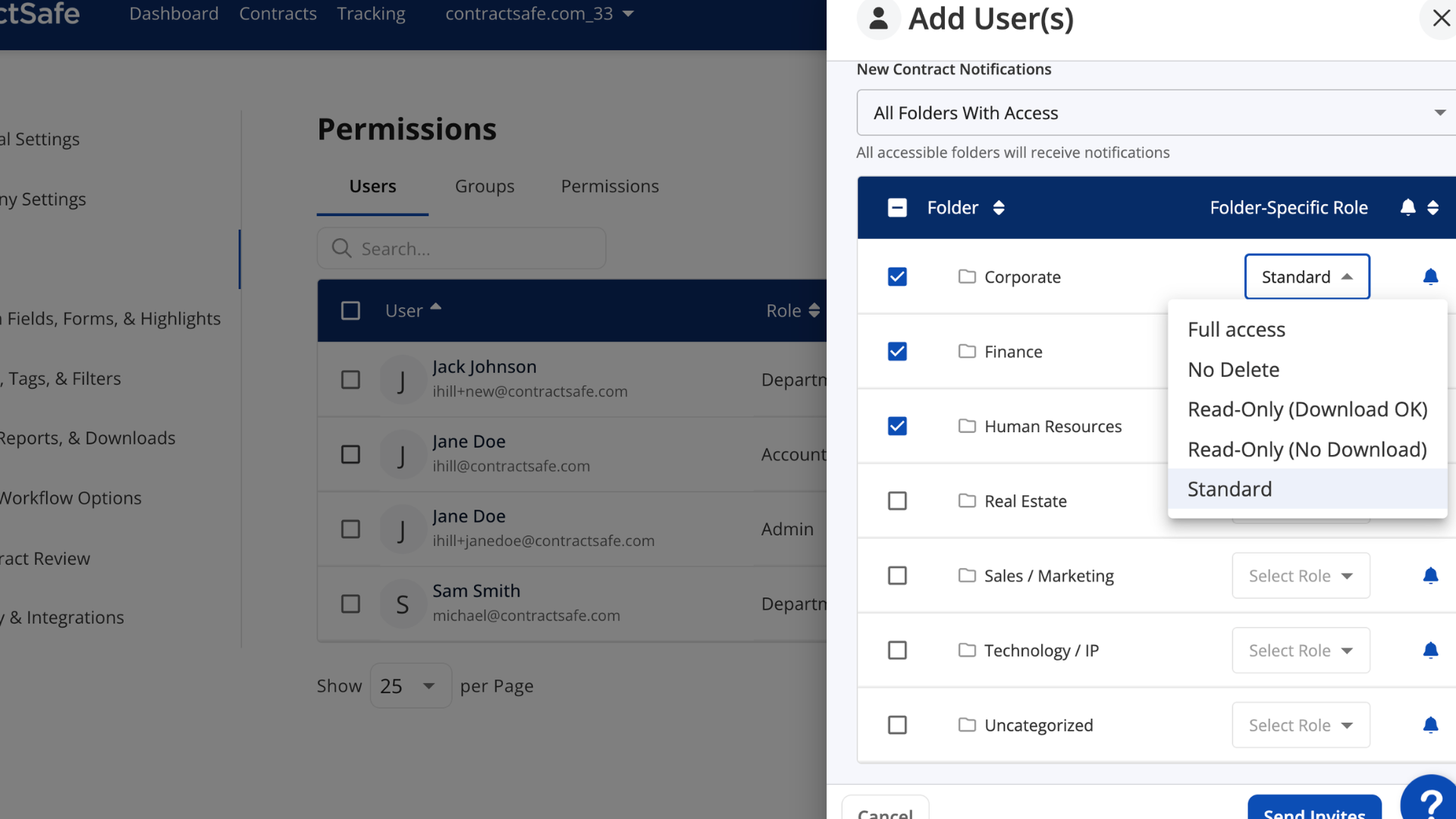
- Give each person access to only the contracts they should se. Unlimited users should never mean unlimited access.
- Decide what each person can do, not just what they can see. Some people edit, some view and download, some only view.
- Bring in an audit, a new hire, or your whole finance team without paying for another seat.

Whenever I get contract questions, I can usually look up an answer in less than a minute.


_FastestImplementation_Mid-Market_GoLiveTime.png)




_EasiestToDoBusinessWith_EaseOfDoingBusinessWith.png)