Find payment terms, contract value, compliance details, and more without digging through every agreement.
Important contract details are often buried in the middle of an agreement. Payment terms, contract value, privacy requirements, and notice periods are easy to miss when the only way to find them is to open each contract and read it.
The latest update adds 17 new AI fields, bringing the total to 29. These fields turn more of the information already inside your contracts into data your team can search, filter, report on, and review.
Find key contract details faster
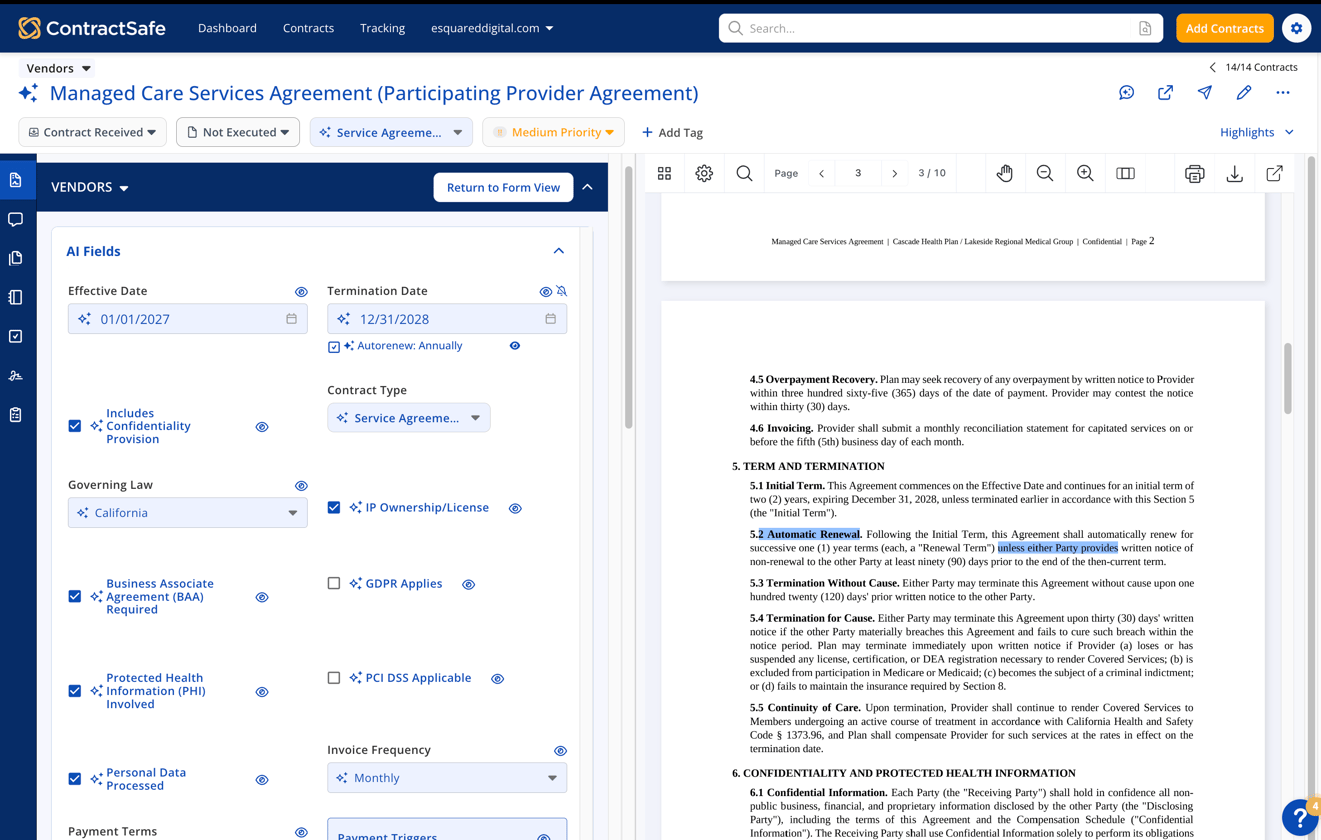
The new fields cover the details teams need to understand their contracts more quickly, including:
- Compliance and privacy requirements
- Total contract value and first-year value
- Governing law and jurisdiction
- Invoice frequency and payment terms
- Payment triggers and other payment details
- Signature dates and data breach notification requirements
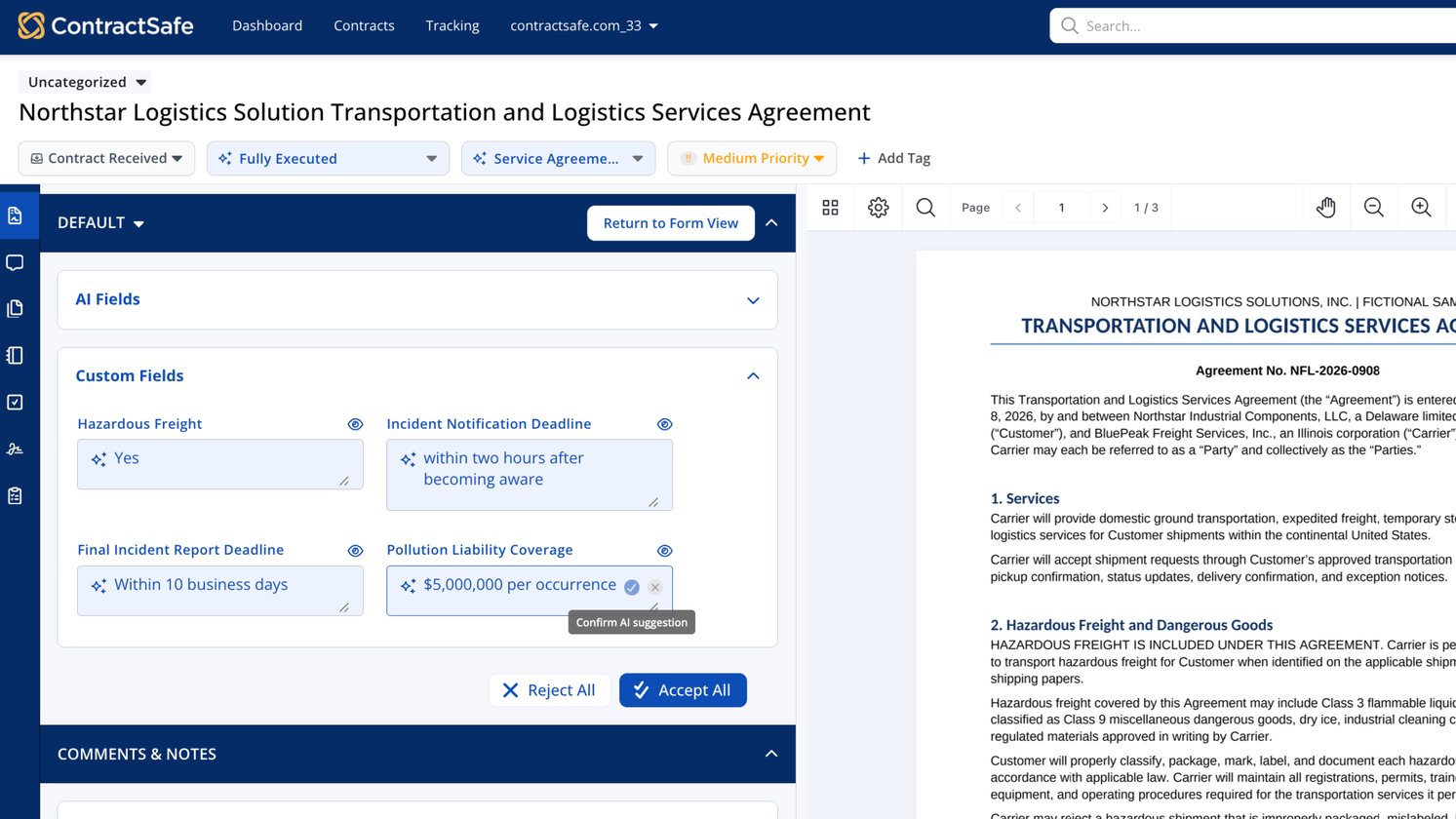
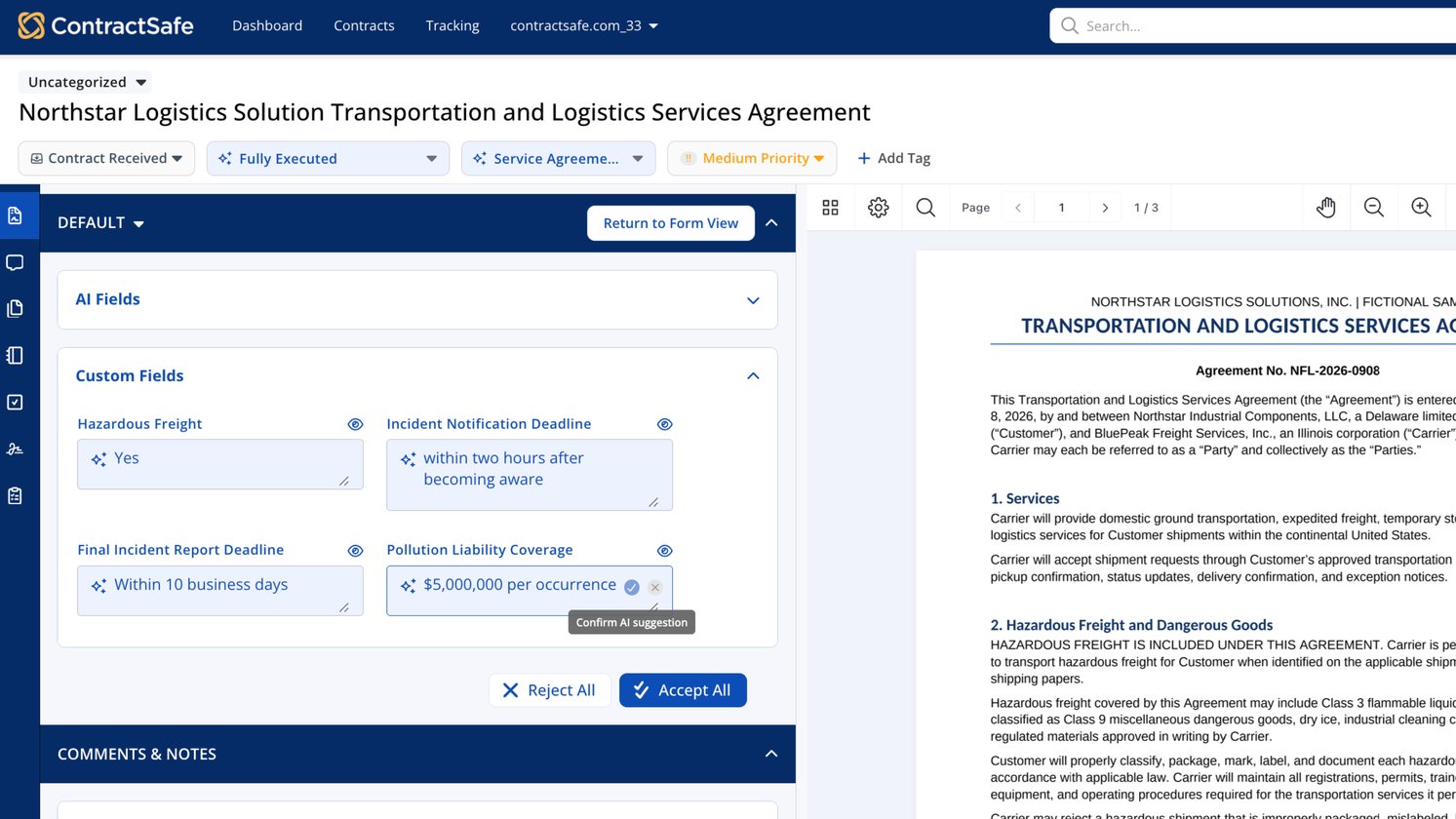
AI pulls these details from your contracts so they are easier to find and use across your repository.
Payment details finance teams can actually use
Finance teams need more than a contract’s total value. They need to know when invoices arrive, when payments are due, what triggers a payment, and whether the agreement includes terms that could change the amount.
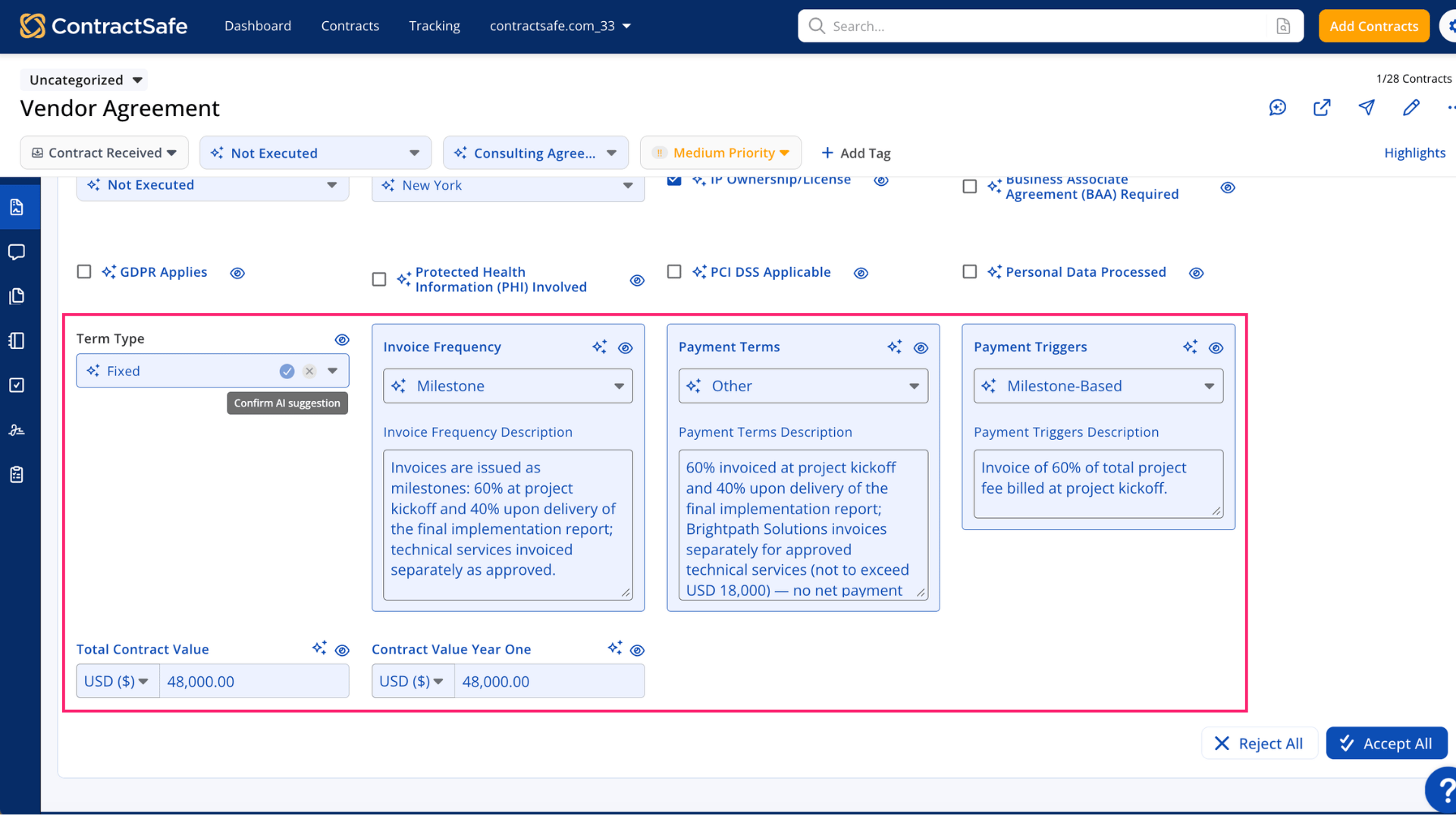 The new fields can help surface:
- Total Contract Value
- Contract Value Year One
- Invoice Frequency
- Payment Terms, such as Net 30 or Net 60
- Payment Triggers, such as delivery, milestones, or specific dates
- Other Payment Info, including late fees, discounts, or early payment incentives
Finance teams can find contracts above a certain value, compare commitments, review payment obligations, and build reports without opening every agreement one by one.
AI does the first pass, your team stays in charge
AI suggestions remain in your control, so your team can check the information before relying on it. Once a field is populated, whether by AI or manually, it can be used in contract views, search filters, and reports.
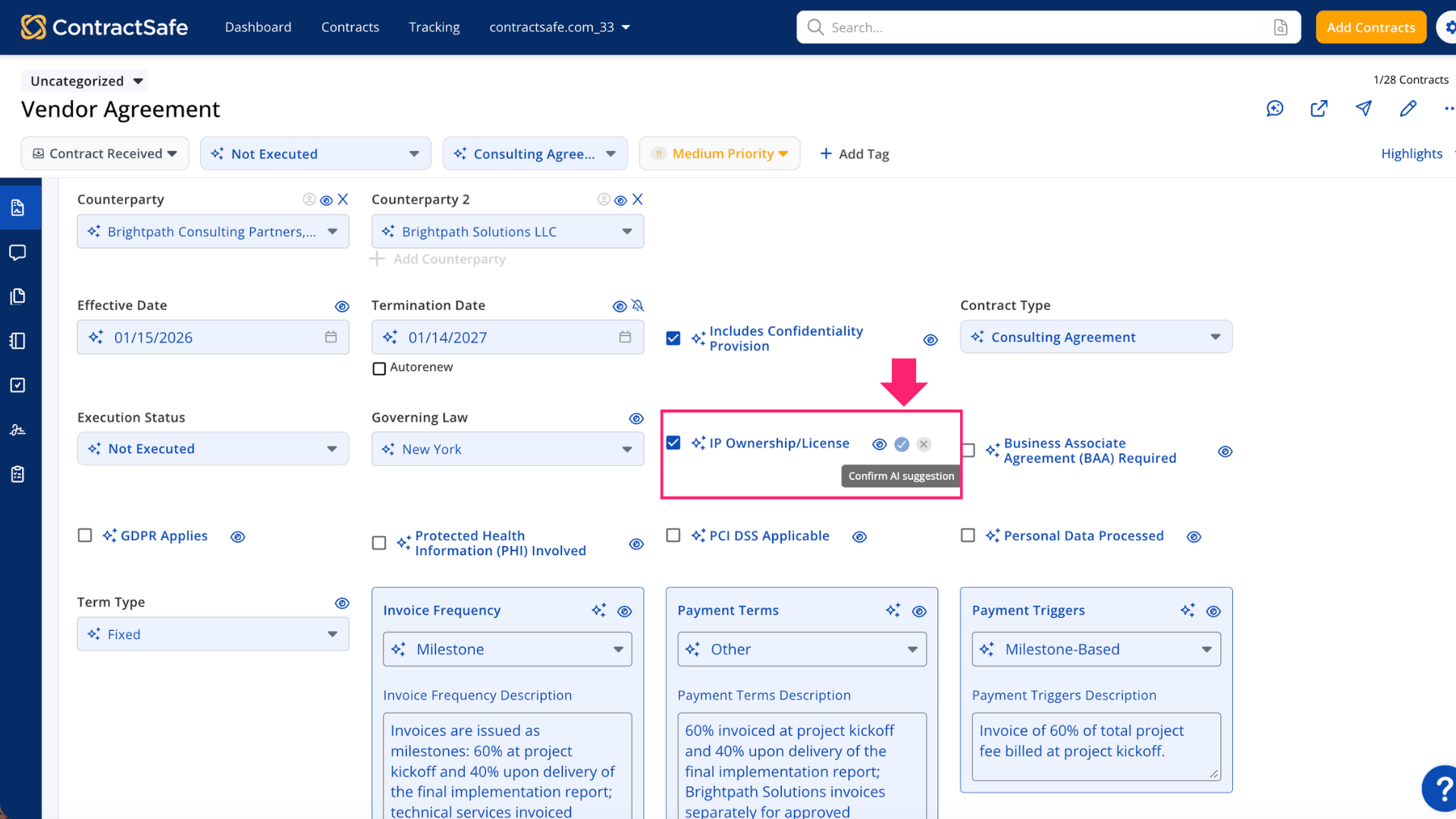 All 29 fields are available on every plan, with no upgrade required. Admins choose which fields AI should extract, and the new fields are turned off for AI extraction until they are enabled.
Getting started
An admin can enable the fields your team needs by going to Settings > AI and Workflow Options > Manage AI Fields.
Once enabled, AI will look for the selected fields in new uploads. You can also add the fields manually to existing contracts or re-upload a contract to run extraction again.
Related articles
- New AI-Enabled Fields: Compliance, Payment, and Contract Value
- The Complete Guide to AI Data Extraction
- Managing AI Fields