


Quick answer: A contract intake and approval process is the path a request takes from "someone needs a contract" to a signed, filed agreement: a form that captures value, counterparty, owner, contract type, and risk, then routing that picks the reviewers from those fields before signature. Done well, nothing gets re-typed on the way to the repository.
Think of intake like the front desk of a busy clinic. If the front desk collects your details, your history, and your insurance before you see the doctor, the visit moves fast and the chart is complete. If it waves everyone straight back to the exam room, the doctor spends the whole appointment chasing paperwork. The same appointment happens either way, but only one version leaves the room with a usable record. Most contract requests arrive the second way.
Choose your next step:
If you're building the request form, start with contract intake forms and the fields to require.
If you're fixing approvals, see how automated contract approvals set who reviews each contract and in what order, then read the routing model.
If you're comparing tools, run the intake test in a ContractSafe demo.
Key Takeaways
- A contract intake workflow is the request-to-review path: capture the request, check it for completeness, and route it before anyone drafts or signs.
- Most intake breaks before legal ever opens the document, because the request arrived without a value, a risk flag, or an owner.
- Finance, legal, and IT each need different fields from the same form, so build it around all three.
- Value and risk flags captured at intake should change the approval path before signature, not after.
- The handoff into a searchable repository should be automatic, so the metadata you capture up front follows the contract instead of being re-keyed.
Whether the front desk is your problem, though, depends on what happens after it. Some teams capture a clean request and then lose the contract the moment it's signed. Others have a solid repository and an intake path that's really just an email thread. The assessment below scores both ends, workflow and collaboration alongside storage, findability, key dates, and risk, so you'll know whether intake is your bottleneck or a symptom of something downstream before you work through the playbook.
What Is a Contract Intake Workflow?
A contract intake workflow is the set of steps that captures a contract request, checks it for completeness, and routes it to reviewers before any drafting or signing happens. Help-desk tickets, new-hire requests, and expense exceptions all follow the same shape: a request comes in, it's assessed, routed, worked, approved, and recorded. Intake is that shape applied to contracts, from a routine vendor request to a specialized lane like payer contract management, and a working intake process runs through five steps:
Request submission: someone files the ask through a form, not a hallway conversation or a forwarded email thread.
Triage: a person or a rule checks the value, the contract type, and any risk flags.
Routing: the request goes to the right reviewers in the right order, based on what triage found.
Working and approval: reviewers do their part, redline where needed, and sign off.
Recording: the request and its metadata land somewhere searchable, ready for signature and storage.
Skip step one and the whole thing wobbles. When requests come in as free text, every downstream step inherits the gaps, because a reviewer can only work with the details the requester bothered to include. That's why teams building scalable contract operations standardize the front door before they touch anything fancier: a form that enforces required fields does more for review speed than any amount of AI applied after the fact, and it's what lets the later contract lifecycle management stages run without someone standing at the switch.
Why Contract Intake Breaks Before Legal Review Starts
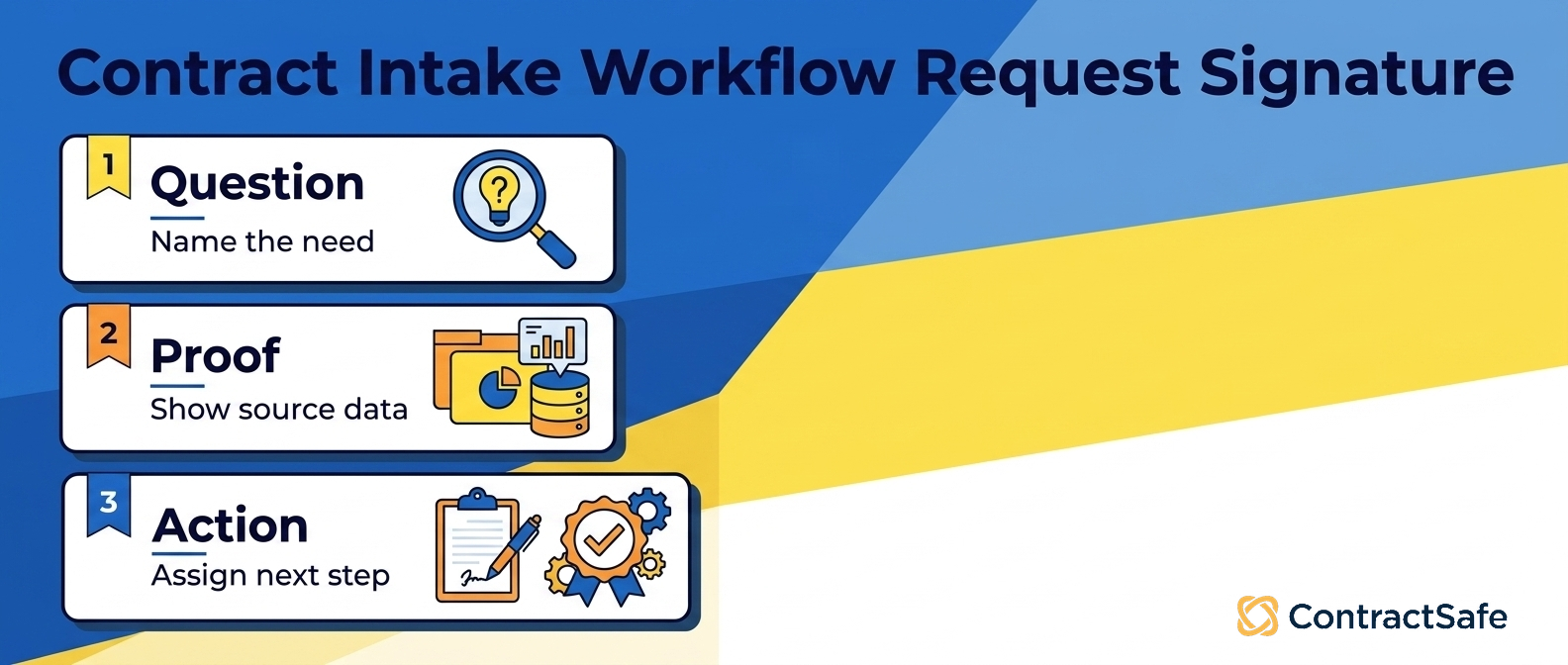
Intake breaks before a lawyer ever opens the document when the request shows up incomplete. Legal can't review what it can't see, so a request missing the counterparty, the dollar value, or the business reason turns the opening of review into an interview instead of an analysis, and the document that eventually lands on a reviewer's desk is only as good as the form that fed it. The incomplete request shows up four ways:
The mystery request. No value, no contract type, no owner. Legal reverse-engineers what's being asked before the real work can begin.
The wrong-door request. It came in through email, Slack, and a spreadsheet, so several people think they own it and nobody does.
The silent-risk request. An unusual clause or a new vendor slips through because nothing at intake flagged it, and the risk surfaces right before signature.
The re-key request. The same data gets typed into tool after tool, and each copy drifts a little further from the truth.
These aren't legal contract management problems so much as intake problems wearing a legal costume. Fixing the review stage won't help if the request arrives broken. The better move is an intake form that won't accept a request until it captures value, contract type, counterparty, owner, and risk flags.
How Approval Routing Should Work Before Signature
Approval routing decides who signs off on a contract, and in what order, before it reaches signature. The rule that matters most: a request flagged for value or risk should take a different path from a routine one, and routing is where that difference gets enforced.
Take a high-risk case: a $120,000 vendor agreement flagged during intake for an atypical IP clause. If your workflow sends that down the same lane as a routine software renewal, legal and finance find out about the unusual terms too late to negotiate calmly. The flag has to do real work, and the work it does is redirect the approval path so the right reviewers see it first. Intake data picks the row:
| Contract profile | Who reviews | Path before signature |
|---|---|---|
| Low value, standard template | Requester’s manager | Fast lane, single sign-off |
| Mid value, minor redlines | Legal plus budget owner | Two-step review |
| High value or unusual clause | Legal, finance, and IT or security | Full review, no skipping |
The point of the table isn't the exact tiers. It's that the fields decide the lane on their own. Three rules keep this honest:
Thresholds are set once, not argued each time. Write the dollar tiers and risk categories into the workflow, and change them on purpose, never to rush one deal through.
Risk flags can only add reviewers, never remove them. An IP or data-security flag pulls in the right owner every time.
Fast lanes stay fast. If low-risk deals crawl, people route around the system, and then you have no system.
If the routing can't read what intake wrote, it's decoration.
How Intake, Approval, Signature, and Storage Should Connect
Intake, approval, execution, and repository handoff should run inside one system, so a contract isn't re-keyed every time it changes hands. The metadata you capture at intake follows the agreement through approval and signature, then lands in searchable storage without a manual copy step. The pieces line up like this:
Intake and approvals run in the same place, so the value and risk fields that set the routing path are the same fields the reviewers see.
Execution happens through e-signature inside the same system, so signature isn't a detour into a separate tool.
Repository handoff is automatic, dropping the signed agreement and its metadata straight into the contract repository, where AI extraction pulls dates and key terms for human review.
Alerts carry forward from that same record, so renewal and milestone dates set at intake trigger reminders later instead of dying in a spreadsheet.
Notice what doesn't happen in that sequence: no one re-enters the counterparty for signature, no one re-types the renewal date into a calendar, and no one rebuilds the record when it lands in storage. The fields the requester filled in at the front desk are the same fields the reviewer approves, the signer signs against, and the repository indexes. Thomson Reuters describes the same thing from the storage end: secure storage in one place, controlled access, and a full audit trail are what separate a contract system that works from a folder.
What Finance, Legal, and IT Each Need From Intake
Finance, legal, and IT walk up to the same intake form wanting three different things, and a workflow that treats them as one audience serves none of them well. Finance wants the money answered, legal wants the risk flagged, and IT wants to know what the tool plugs into. Good intake asks each of them their own question up front, once, so nobody has to re-interview the requester.
Finance is reading for the number and what follows it: the dollar value, the budget line, the payment terms, and whether an auto-renewal is quietly committing next year's budget. A cheap browser plugin and a managed-services deal come through the same door, and they shouldn't get the same review. Miss the auto-renewal flag at intake and you find it the hard way, on an invoice.
Legal is reading for the thing that bites. Say a request gets tagged at intake as a data processing agreement with a new processor in a country the company hasn't contracted in before. That tag changes how the contract moves: it stops being a click-through and becomes a real review, and the sooner legal sees its shape, the sooner they can pull the right template.
IT and security are reading for exposure, and they're the team intake forgets most often. They need to know whether the vendor touches customer data, whether it needs single sign-on, and what it connects to on the inside. When security review shows up after signature instead of before it, you get the worst outcome: a signed contract your own security team can't approve. Intake fixes that by asking the data question at the front desk, not the loading dock.
The Intake Fields That Prevent Rework Later
The intake fields that prevent rework are the boring ones nobody wants to fill in: requester and owner, counterparty, contract type, dollar value, key dates, risk flags, and a desired signature date. Skip them at the start and you pay later, when someone has to stop, dig around, and answer the question that should've been settled up front. Make these required:
Requester and owner. Two different people. The requester asked for it; the owner lives with it after signing. Leave the owner blank and the renewal alert fires months later to nobody.
Counterparty legal name. The real entity, not "the Salesforce guys." Legal can't check for conflicts against a nickname.
Contract type. NDA, MSA, order form, DPA. Type drives the template and the route.
Dollar value and budget line. The number that decides whether this needs a single approver or a whole chain of them.
Start, end, and renewal dates. The dates that later become alerts instead of surprises.
Risk flags. A yes/no for non-standard terms, such as an unusual IP or indemnity clause, and a yes/no on whether the vendor touches sensitive data, so legal and security get pulled in before signature.
Desired signature date and priority. So urgent deals don't sit behind routine ones.
Required fields are also what make contract workflow automation work. Automation can only route on what it knows: feed it a clean dollar value and a risk flag and it branches on its own; feed it a blank form and a human has to read every request by hand, which is the exact bottleneck you were trying to remove.
Buyer Checklist for Contract Intake Workflow Software
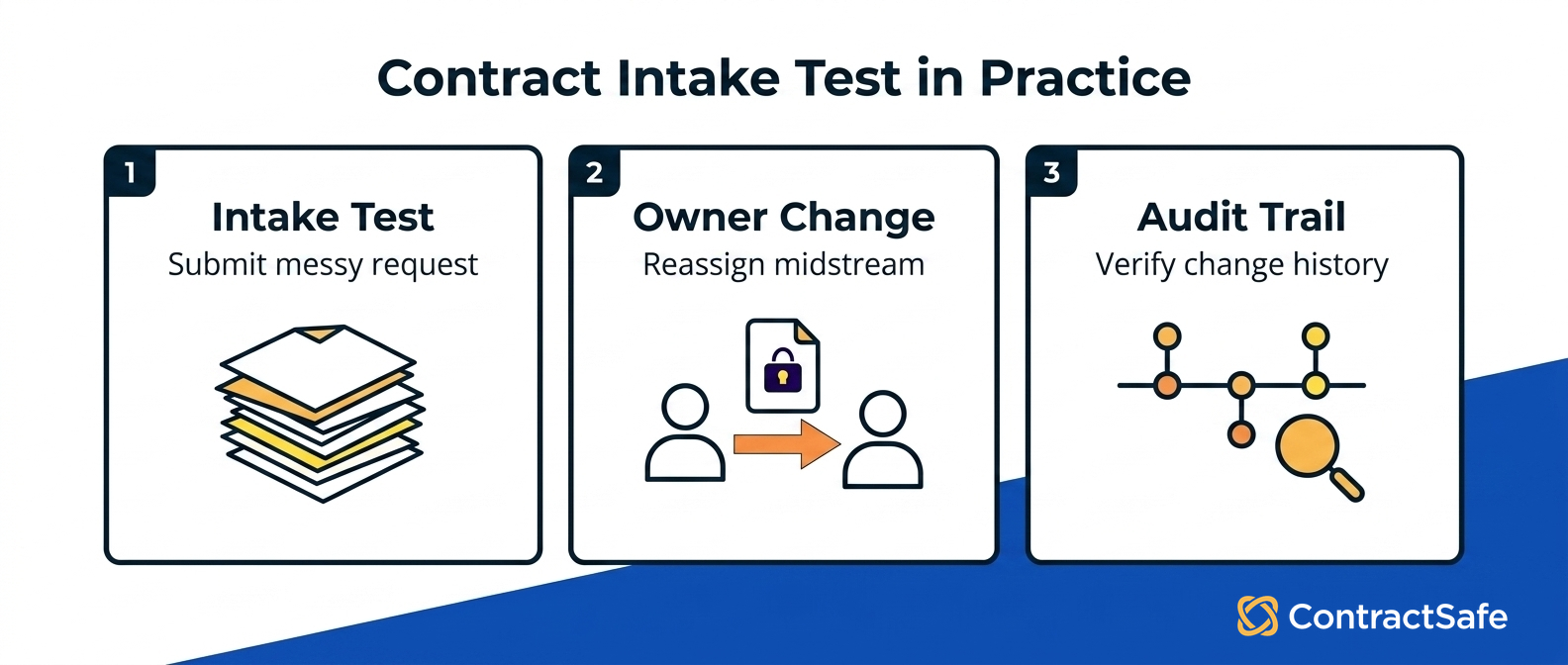
A buyer checklist for workflow software is really a test of one thing: can a request travel from "someone wants a contract" to "legal is reviewing the right version" without a person babysitting every handoff? The tools worth paying for pass that test on the messy contracts as well as the tidy ones, and they keep passing it after signature, because intake is only the first leg of the trip. In a demo, bring your own ugliest contract and run it from request all the way to renewal alert. Score it on these:
Does the form reject a submission with a missing required field, live? If sales can file a half-answered ask, legal does the asking.
Can a non-legal requester start a request without a training session? If sales needs a manual to ask for an NDA, they'll go back to email.
Does routing follow the value and risk fields the requester entered? The workflow should put the right reviewers in the sequence from those fields. You shouldn't be the router.
Can security or data review be required before signature? Not suggested. Required, as a gate the contract can't slip past when it's flagged sensitive.
Does signature happen in the tool, without exporting? Every hop out to another system is a version you'll have to reconcile later.
Does it hand off to a searchable repository once signed, without anyone retyping? The executed version should land somewhere findable, tied to its dates and its owner.
Do key dates become alerts you didn't type in by hand, and does a renewal report catch the contract 90 days out? If someone has to build the reminder, someone will forget to build the reminder.
Is the pricing published, with no per-seat charge? Seat-based pricing punishes the exact behavior you want, which is everyone routing requests through the form; if each person costs money, finance rations access and back-channel deals never touch intake at all.
Write those questions into your own requirements list before the first vendor call; the right-sized contract management software guide is a good place to anchor it. A workflow that only handles the clean requests isn't building scalable operations. It's building a nicer inbox, and the ugly contracts keep sneaking around it.
Related Reading
How ContractSafe Helps With Contract Intake and Approval Handoffs
ContractSafe is contract management software that treats intake as the first link in a chain running all the way to renewal, the same chain our contract management guide walks end to end. A request arrives with its owner, dollar value, and risk flag attached, and that same record carries those details forward through approval, signature, and the searchable repository it lives in. Because the fields are structured from the first click, reviewers see the value and risk flag the requester entered, and an approval sequence sets who signs off and in what order, so a flagged high-value deal reaches legal with the risk already named.
When intake marks a vendor as touching sensitive data, IT can sit in that contract's approval sequence before signature, so security gets its checkpoint on the record rather than as an after-the-fact scramble. From there, the signed copy files itself against the same record, and deadline alerts and AI extraction keep the dates, owners, and terms from going quiet once the ink dries.
Every plan includes unlimited users, so everyone in finance, legal, and IT can work from the same record without a seat count. Approval workflows and e-signature come with the Finalize plan, and intake forms and templates come with Maximize. ContractSafe pricing starts at $450/month on the Organize plan, billed annually ($540 month-to-month), which covers the searchable repository, deadline alerts, and AI extraction. Prices are published rather than hidden behind a quote, and implementation and migration support are included on every plan, so your existing contracts make it into the system.









.svg)







.svg)




