


A DocuSign CLM comparison is a simple side by side look at ContractSafe and DocuSign CLM to help buyers pick the right fit: ContractSafe is the practical, full lifecycle option, while DocuSign CLM is the heavier enterprise suite.
ContractSafe is usually the cleaner fit when legal wants searchable records, reminders, approvals, e-signature, AI extraction, reporting, and broad business access.
DocuSign CLM is usually the stronger fit when a large organization needs deep pre-signature workflow design and has the admin team to maintain it.
Think of it like choosing between a well-organized contract library and a custom-built traffic control room.
The library wins when the real pain is scattered files, missed dates, unclear owners, and people asking legal for the same contract answers again and again.
The traffic control room wins when the real pain is complex routing before signature and many approval paths.
For example, a company with separate sales, procurement, security, finance, and legal approvals may need one owner who keeps every route current.
That's the real question in this comparison. Not which brand is more familiar. Not which demo has the most buttons. Which system will your people keep using after the launch call is over?
Key Takeaways
- Choose ContractSafe if your main problem is post-signature control: finding signed agreements, trusting dates, routing approvals, reporting on renewals, and giving business users appropriate access.
- Choose DocuSign CLM if your organization needs a more complex enterprise workflow system and has the admin time, budget, and process discipline to run it.
- The biggest comparison point is adoption. A broad contract system only works if finance, procurement, sales, HR, operations, and legal can all get the answers they need.
- Pricing model matters because contracts touch more people than most teams expect. Unlimited users can keep access from turning into a seat-count fight.
- The best demo test is task-based: upload a messy contract, find a clause, confirm the renewal date, route approval, send for signature, and build a useful report.
Choose Your Next Step
If you're comparing ContractSafe and DocuSign CLM, start with the contract work that's failing right now. Naming the lifecycle stage where it fails makes the comparison concrete. The right next step depends on whether your pain is everyday access or enterprise process design.
Jump to repository search, workflow routing, or reporting and alerts before you compare the full feature list.
| If this is your problem | Start here | Why it matters |
|---|---|---|
| Signed contracts are hard to find | Test repository search with messy real documents. | A CLM that can't find the signed record quickly won't fix daily contract work. |
| Renewals and notice dates get missed | Build an alert and renewal report during the demo. | The report has to create follow-up work, not just look nice. |
| Approvals are inconsistent | Route one common contract from request to signature. | The workflow should be easy enough for business users to repeat. |
| You need complex pre-signature process design | Map every approval branch before choosing software. | Heavy workflow tools only pay off when the process is real and maintained. |
| Access is too limited | Price the system at the number of users who should actually log in. | Seat limits can recreate the same legal bottleneck the software was supposed to remove. |
What ContractSafe vs. DocuSign CLM Really Means
ContractSafe vs. DocuSign CLM comes down to whether your team needs practical contract control first or heavier workflow customization first.
Most buyers already know the DocuSign name because of e-signature. That familiarity can be helpful, but it can also pull the conversation toward signature before the team has answered the harder question: what happens to the contract after signature?
That distinction matters because DocuSign CLM did not start as the same product as DocuSign e-signature. The original SpringCM launched in 2005 and was acquired by DocuSign in 2018.
Buyers should test the CLM on its own merits instead of assuming the signing brand tells the whole story.
A signed agreement isn't useful just because it exists. It has to be searchable. It has to have the right owner. Its renewal and notice dates have to be trusted.
Sensitive files need permissions. Reports need fields that people believe.
When the business asks, "Can we renew this vendor?" or "What does this customer agreement say about termination?" the system should answer without a scavenger hunt.
That's where ContractSafe starts. It's built around the contract record and the everyday work that record has to support.
That work includes search, reminders, approvals, signing, reporting, AI-assisted extraction, permissions, and broad access. It isn't trying to make a lean legal team run a complicated software department.
DocuSign CLM is different. It can make sense for organizations that need deeper workflow design before signature.
If your process has many business units, contract types, intake forms, clause rules, and legal operations support, a heavier CLM can be worth considering.
The mistake is buying the heavier system because it sounds more complete, then watching normal users avoid it. A contract platform only works when people keep using it on Tuesday afternoon, not just during implementation.
Quick Fit Snapshot
The quickest way to compare ContractSafe and DocuSign CLM is to match each system to the buyer it was built for.
Use this table as a first pass, then test each point with real contract work.
A feature list can make two tools look closer than they are. A messy contract packet, a renewal report, and a business-user search test usually show the difference faster.
| Category | ContractSafe | DocuSign CLM |
|---|---|---|
| Best fit | Lean legal, finance, procurement, HR, sales, and operations teams that need quick contract control. | Large organizations with complex agreement workflows and dedicated administrators. |
| Primary strength | Searchable repository, alerts, reports, approvals, e-signature, AI extraction, and broad adoption. | Configurable CLM workflows for more complex pre-signature processes. |
| Implementation feel | Built for fast setup and adoption by people who aren't system admins. | More planning, configuration, and change management may be needed. |
| Pricing model | Published pricing with unlimited users on every plan. | Quote-based pricing. Ask for users, implementation, support, migration, and renewal terms in writing. |
| Main risk | May not be the right choice if the company needs highly customized enterprise workflow orchestration. | Can become more system than a lean team wants to configure, train on, and maintain. |
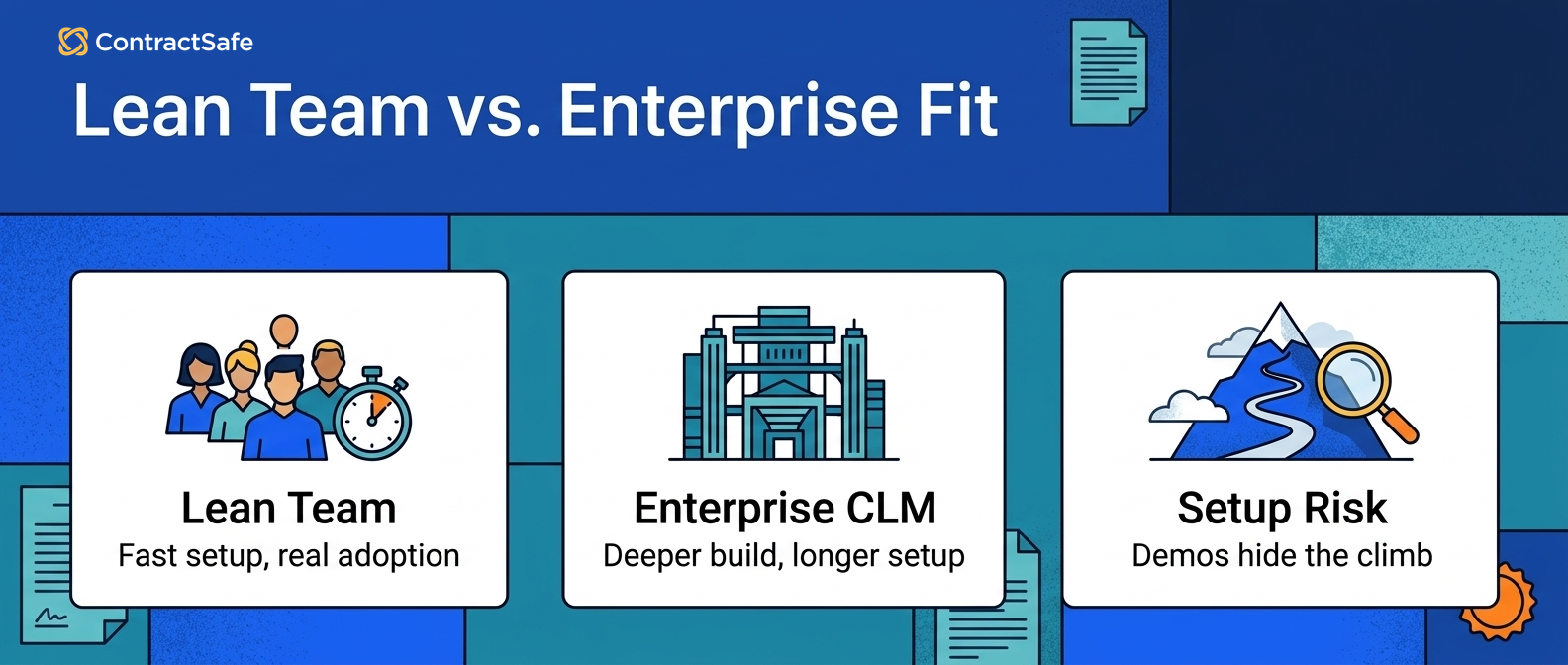
The line between the two tools isn't "simple versus good." It's "practical control versus heavier workflow depth." Those are different jobs.
1. Repository and Search
Repository search is the first place to test this comparison because every contract system eventually has to answer, "Where is the agreement?"
If the answer still depends on a file name, a folder path, or the one person who remembers where the PDF went, the CLM has not solved the basic problem. It has just moved the problem into a more expensive place.
ContractSafe is built around searchable contract records. Teams can upload signed agreements, use OCR and AI-assisted extraction, track metadata, set reminders, control access, and search across documents.
That matters when the archive isn't pristine. Most real archives include scans, old vendor files, amended agreements, redlines, bad file names, and contracts that arrived from five different departments.
DocuSign CLM can store contract records too, but buyers should test the repository experience directly instead of assuming it will feel like the signing product they already know.
For example, ask a finance user to find a vendor agreement by counterparty, clause, and renewal date.
Then ask that user to export a report someone can act on without spreadsheet cleanup.
If search is your first pain, read our guide to contract repository software before you choose a broader CLM. It will help you separate true repository requirements from nice-to-have workflow features.
A good search test should include:
- A scanned agreement with imperfect OCR.
- An amendment that changes a key term in the original contract.
- A vendor name that appears in more than one format.
- A clause search where the user doesn't know the exact wording.
- A renewal date that needs source proof before anyone acts on it.
If users can't pass that test, the rest of the platform may not matter yet. The house needs a front door before it needs a second floor.
That is not a theoretical concern. Some buyers report that tagging and search do not work the way they expected. Test search with your own messy archive before you buy.
Also test the post-signature handoff. If signed agreements have to be manually uploaded before they become searchable, the repository will always have gaps.
2. Workflow and Approval Routing
Workflow matters when it removes confusion about who needs to review, approve, sign, or act on a contract next.
For many teams, the approval problem is straightforward. A contract needs business review, legal review, maybe finance review, and then signature.
People need reminders. The signed record needs to land somewhere useful. That work shouldn't require a dedicated system architect.
ContractSafe supports practical approvals and routing so teams can move contracts without sending every update through email. The value isn't a massive workflow diagram.
The value is that the right people get the right contract, with the right context, and the final record stays tied to the agreement.
DocuSign CLM may fit if your approval process is truly more complicated. That can mean different intake forms, conditional approvals, multiple business units, escalation paths, clause review, and legal operations ownership.
But configurability isn't free. Someone has to design the workflow. Someone has to test it. Someone has to update it when policy changes.
If nobody owns that maintenance, a "powerful" workflow can become a maze.
Use a real route in the demo. Don't ask vendors to show their favorite workflow. Give them yours:
- A standard customer agreement that needs business and legal approval.
- A vendor agreement that needs finance review when spend crosses a threshold.
- An NDA that should move quickly without turning into a legal bottleneck.
- An exception request where the reviewer needs the source clause, not just a notification.
Then watch who can make the route work without a lot of explanation.
The reminder layer is worth testing too. Ask each vendor to show reminders when signing order matters, such as when one signer has to complete the step before another.
If intake forms and templates are part of the buying case, test a real scenario where one request needs more than one output document. A form that only supports one template can break common real-estate, procurement, or sales workflows.
3. E-Signature and Post-Signature Control
E-signature isn't the same thing as contract management because the hardest contract work often starts after everyone signs.
That's the trap in this comparison. DocuSign is a familiar e-signature name, so it's easy for buyers to carry that comfort into the CLM conversation.
But signing is one stop on the route. The signed contract still needs to be stored, searched, owned, reported on, amended, renewed, and eventually audited.
ContractSafe includes e-signature options and can also fit around teams that already use DocuSign for signing.
The important point is that the signature step shouldn't create a dead end. After signature, the agreement should become a usable contract record with dates, fields, permissions, reminders, and related documents.
Forrester has described CLM as a bridge between strategy and reality. For a buyer, the practical version is simpler.
The bridge breaks if a signed contract doesn't turn into usable work.
Ask this during the demo: after the contract is signed, where does it land? Who can find it? How are key dates reviewed?
Then ask what happens when an amendment changes the renewal term.
If the signing experience is smooth but the post-signature record is weak, legal will still become the help desk for the business.
ContractSafe includes unlimited e-signatures on every plan, with no caps or overage fees.
It also offers a two-way DocuSign eSignature integration for teams that want to keep DocuSign for signing while managing the contract lifecycle in ContractSafe.
For DocuSign CLM, ask whether the package includes envelope limits, higher-tier caps, or custom terms for signing volume. Signing limits can change the real cost of a CLM decision.
4. AI, Data Extraction, and Source Proof
AI is useful in contract management when it helps people turn contract text into trusted contract data.
That means extracting key dates, parties, obligations, terms, and clauses from the document, then letting a human confirm the important fields before the business relies on them.
AI should shorten the path from PDF to useful record. It shouldn't ask the team to trust a black box.
ContractSafe uses AI where it helps with everyday contract work: search, contract Q&A, data extraction, and review against playbooks.
For example, a user can ask a question, find the relevant agreement, check the source, and update the record without digging through a shared drive.
DocuSign CLM also has AI-related capabilities. Buyers should ask the same questions on both platforms.
Where does the extracted field come from? Can I see the source text? Who reviewed it? Can I correct it? Does the correction improve the record?
For AI-heavy buying questions, use ContractSafe's guide to AI contract management software as a companion checklist. The key isn't how much AI a vendor mentions. The key is whether AI helps the user make a safer decision faster.
During a demo, ask each vendor to:
- Extract the renewal term, notice deadline, governing law, and termination language from the same contract.
- Show exactly where each field came from in the source document.
- Correct one extracted value and show what happens to reports and reminders.
- Answer a plain-English question about the contract and show the source text.
- Explain what the system does when the document is scanned, messy, or amended.
If the AI answer looks impressive but can't be traced back to the contract, slow down. Legal teams need confidence, not magic tricks.
ContractSafe keeps the human in the loop for the fields that matter. For the operating model behind that, use the guide to AI contract data accuracy: AI can surface the information, but the team still owns final judgment.
5. Pricing, Access, and Adoption
Pricing isn't just a finance issue because the pricing model can decide who actually gets to use the contract system.
Contracts touch more people than the buying team often expects. Legal may own the system, but finance checks vendor terms and sales looks for customer obligations.
Procurement watches renewals, HR stores employment documents, and operations needs vendor records. If every new user changes the bill, access becomes a negotiation.
ContractSafe publishes its pricing and includes unlimited users on every plan. That matters because broad access is how a repository becomes a shared business system instead of another legal-only tool.
DocuSign CLM uses quote-based pricing. Quote-based pricing isn't bad by itself, but you need the real year-one number before you compare.
Ask for the platform fee, implementation, migration, support, user assumptions, AI modules, integrations, renewal caps, and any usage limits in writing.
Thomson Reuters describes strong contract management around access, control, and usable contract information. That's a useful pricing lens.
A lower-looking quote isn't cheaper if the team has to ration access or buy services later to make the system work.
| Cost question | What to ask | Why it matters |
|---|---|---|
| Users | What happens if we add finance, procurement, sales, HR, and auditors? | Seat friction can push people back to email and spreadsheets. |
| Implementation | What work is included, and what becomes a services project? | The platform fee may not be the real launch cost. |
| Support | Do we get a real success contact, and what is the support tier? | A stuck rollout can erase the value of a good demo. |
| Renewal | What annual increase cap is written into the contract? | The year-three bill can look different from the year-one quote. |
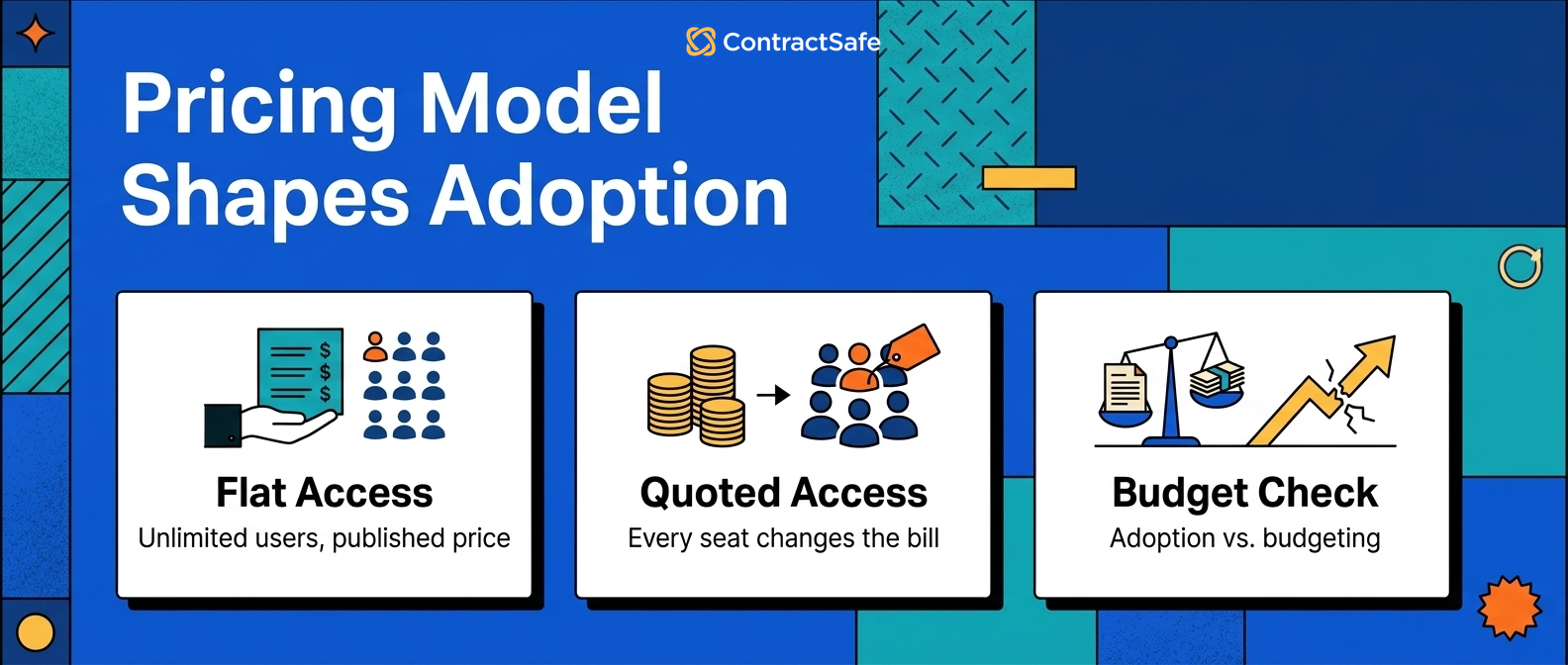
The pricing model is part of the product experience. If the system is supposed to reduce bottlenecks, the commercial model shouldn't create new ones.
ContractSafe starts at $450/month with published pricing and unlimited users. That makes the access model clear before finance asks what happens when procurement, sales, HR, or auditors need access.
DocuSign CLM does not publish standard CLM pricing. Ask for the per-user cost, implementation cost, support tier, and renewal cap before comparing it with ContractSafe’s published pricing.
6. Implementation and Admin Burden
Implementation risk is the gap between the system you bought and the system your team can actually run.
This is where buyers should be honest about their internal capacity. A sophisticated CLM can be a good choice for a team with legal operations support.
The same system can be the wrong choice for a lean team that needs contract control this quarter.
ContractSafe is designed for a faster path to value. The work still matters - contracts have to be uploaded, fields reviewed, permissions set, and reminders configured - but the goal is to make the system usable without a long consulting project.
DocuSign CLM may require more planning because the workflow layer can be more involved. That isn't automatically a weakness.
It's only a problem when the buyer underestimates the work. If a company truly needs complex intake, drafting, clause routing, and approval branching, the planning may be worth it.
The right question isn't "How long does implementation take?" The better question is: "What has to be true before the first useful report exists?"
- Which contracts need to be migrated before launch?
- Which fields have to be reviewed by a human?
- Who owns cleanup when the source documents are messy?
- Which teams need training before they can stop emailing legal?
- Who updates workflows when approval rules change?
If the vendor can't answer those questions plainly, the project plan is probably not real yet.
Within hours, a ContractSafe team can import contracts, organize folders, set custom fields and alerts, and have the repository live. There is no implementation project, coding requirement, or dependency on a third-party partner just to get started.
The buying test is simple: can a nontechnical team start using the repository on day one, or does value wait for a longer rollout?
7. Reporting, Alerts, and Renewal Control
Contract reports and alerts matter only when they change what someone does next.
A dashboard that shows contract activity but doesn't identify owners, deadlines, source fields, and next actions won't keep the business out of trouble.
The team needs reports that point to work: renewals to review, notice windows to act on, missing owners to fix, high-value agreements to check, and restricted records to protect.
ContractSafe focuses on practical reporting around the contract record. That includes renewal and expiration dates, custom fields, owners, permissions, and searchable contract data.
The goal isn't to make prettier charts. The goal is to give legal and the business a list they can act on.
DocuSign CLM can handle reporting too, especially inside a broader workflow system. Buyers should test whether the reports depend on clean data that the team won't maintain.
A report that looks good in demo data may fall apart when it meets old vendor files, missing owners, and inconsistent agreement names.
Ask each vendor to build these reports with your sample data:
- Upcoming contract renewals grouped by business owner.
- Agreements missing owner, value, notice date, or agreement type.
- Vendor contracts over a chosen spend threshold.
- Contracts with restricted access that still need finance access.
- Amendments where the controlling term changed after signature.
Then ask what each row tells someone to do. If the report still needs a spreadsheet and three emails, the workflow isn't finished.
- Upcoming renewals and expirations: contracts approaching notice periods or renewal dates.
- Vendor and counterparty reports: exposure and performance by vendor, customer, or partner.
- Active vs. inactive contracts: what is in force, expired, or no longer relevant.
For reporting, test whether the system can pull exact language from individual contracts using OCR and turn that into a report without manual cleanup.
DocuSign CLM can report on documents, workflow status, and user actions. Test whether your team can configure the reports without relying on an admin for every change.
8. Security, Permissions, and Audit Readiness
Security in contract management is about giving the right people access without letting sensitive records drift into side channels.
When access is too broad, legal gets nervous. When access is too narrow, the business starts asking for PDFs by email. Neither outcome is good. The contract system should support permissions that match how the company actually works.
ContractSafe is built for permissioned access across business teams. That matters because the safest system isn't always the one with the fewest users.
It's the one where users can see the records they are supposed to see without creating unofficial copies.
DocuSign CLM buyers should test permissions in the same practical way. Set up legal, finance, sales, and a general business user. Run the same search. Open the same contract. Export the same report. Check whether restricted documents, notes, and fields stay restricted.
Audit readiness is the same story. The system should help answer who owns the agreement, what the current version is, and which date was reviewed.
It should also show where the source text lives and who can access the record. If those answers are scattered across the CLM, email, and a spreadsheet, the audit trail isn't as strong as it looks.
9. Demo Scorecard: What to Test Before You Choose
The best way to compare ContractSafe and DocuSign CLM is to give both vendors the same work and watch where friction appears.
Don't accept a demo built only around clean sample contracts. Bring the real mess: scanned PDFs, amendments, vendor files, old customer agreements, missing owners, and inconsistent names.
That's what the system will have to handle after you buy it.
| Demo test | What to ask for | Pass condition |
|---|---|---|
| Search | Find a scanned agreement by party, phrase, date, and clause. | A normal user finds the right agreement without knowing the file name. |
| Data extraction | Extract renewal date, notice date, party, value, and termination language. | Each field can be reviewed against source text. |
| Workflow | Route a standard agreement through business, legal, finance, and signature. | The route is clear enough for users to repeat after training. |
| Reporting | Build a renewal report with owner, date, source proof, and next step. | The report creates action without spreadsheet cleanup. |
| Permissions | Run searches as legal, finance, sales, and a general user. | Each user sees the right records and nothing extra. |
| Commercial model | Price the system at the access level you actually want. | The buying model doesn't force the team to ration access. |
After the demo, ask one blunt question: which system made the work feel easier? If the answer is only obvious to the vendor's solutions engineer, it may not be obvious to your users.
When ContractSafe Is the Better Fit
ContractSafe is usually the better fit when the main goal is to make contract management easier for the whole business.
That includes lean legal teams, finance teams that need vendor access, procurement teams watching renewals, sales teams checking customer terms, and operations teams that need records without asking legal to search for them.
Choose ContractSafe when you want:
- A searchable contract repository that users can understand quickly.
- Renewal and notice reminders tied to reviewed contract dates.
- Practical approvals and e-signature connected to the record.
- AI-assisted extraction and search that point back to source documents.
- Published pricing and unlimited users, so the right people can log in.
- Reports that help teams act before renewals, expirations, and missing fields become problems.
ContractSafe may not be the right choice if your first priority is the deepest enterprise-grade workflow customization on the market. If your company needs a heavily engineered pre-signature system and has people ready to own it, a more complex CLM deserves a look.
For a broader view of the market, see our guide to the best contract management software.
When DocuSign CLM May Be the Better Fit
DocuSign CLM software may be the better fit when the organization needs a heavier enterprise CLM and is ready to support it.
That might be a company where sales intake, procurement review, security review, finance approval, and legal redlines all follow different paths.
If one legal ops owner maintains those paths after launch, the heavier CLM can make sense.
That kind of system can be useful. It can also be more than a smaller team wants to own.
The bad version is familiar: six months after launch, sales still emails PDFs to legal because the route takes too many clicks.
If DocuSign CLM stays on your shortlist, ask for a plain implementation map. Who configures each workflow? What does migration include?
Then ask how much admin time is expected after go-live and what training a business user needs before finding a signed agreement.
The brand name can get the tool into the conversation. The demo work should decide whether it stays there.
Related Reading
Use these guides to make the comparison more concrete before you buy:
- ContractSafe vs. DocuSign comparison for a direct vendor comparison page.
- Contract repository software if your first pain is search, records, reminders, and reporting.
- Centralized contract repository if your contracts are spread across drives, inboxes, and department folders.
- AI contract management software if AI extraction, contract Q&A, and source proof are part of the buying decision.
- ContractSafe repository features if you want to see how the repository side works.
How ContractSafe Helps You Choose
ContractSafe helps teams choose by making the day-to-day contract work easy to test.
You can upload real agreements, search scanned documents, review extracted fields, set reminders, route approvals, send for signature, control access, and build reports around the contracts your team already has.
That gives buyers a practical answer to the comparison: can this system make contract work easier for the people who actually need it?
If the answer is yes, ContractSafe is a strong fit. It's built for teams that want contract control without turning the rollout into a long enterprise software project.
Legal gets better records. Finance gets contract access. Procurement gets renewal control. Business users get appropriate access. Everyone spends less time asking where the agreement is.
If your team needs a larger, more customized workflow environment, DocuSign CLM may still belong in the evaluation. Just make the tool prove that the extra complexity will pay for itself.
See how ContractSafe handles search, alerts, approvals, reporting, e-signature, AI extraction, and unlimited-user access in one practical contract management system.
ContractSafe is the better fit when the team needs a repository, alerts, reporting, AI extraction, workflow, and signing to work together quickly, with transparent pricing and broad access from the start.







.svg)







.svg)




