


Quick answer: LinkSquares is quote-only, and third-party pricing estimates put reported deals at about $10,000 a year at the low end to $75,000 or more for enterprise scope. The real figure depends on contract volume, user count, which modules you turn on, implementation, and integrations, and it rarely matches the first number a sales rep quotes.
A LinkSquares quote works like a base airfare. The headline number gets you a seat, but the bags, the seat you actually want, and priority boarding all cost extra. So when finance asks a legal team that liked the demo what the platform costs, and the room answers with the quoted fee, the room has quoted the fare and forgotten the bags.
Before anyone treats that first quote as the budget, the pricing conversation should cover modules, users, implementation, migration, support, AI add-ons, integrations, and renewal terms, and what each one does to the total.
Choose your next step:
If you have a LinkSquares quote, start with the real cost range and module breakdown.
If you're comparing fit, read the ContractSafe vs. LinkSquares comparison.
If finance needs a broader cost model, use contract management software cost.
If you need a vendor shortlist after the budget model is clear, use best contract management software.
- LinkSquares doesn't publish pricing, so the real cost depends on volume, users, modules, implementation, and integrations.
- Reported deals run from about $10,000 a year at the low end to $75,000 or more for enterprise scope, per third-party pricing estimates.
- LinkSquares gates capability behind three modules, Finalize, Analyze, and Sign, so the quote changes with what you turn on.
- Implementation can be billed at up to 100% of first-year license fees, and add-ons commonly inflate the total another 20% to 40%.
- ContractSafe is the easier comparison when the team mainly needs searchable contracts, alerts, reporting, permissions, broad access, and included launch help at published, flat pricing.
What Is LinkSquares Pricing?
The LinkSquares pricing question worth asking is what the first-year and renewal total comes to, with every one of those items on its own line, so finance sees the bags as well as the seat before anyone signs the contract.
That question is different from "what does the license cost?" The license matters, but the launch work and the module choices matter just as much to finance.
LinkSquares is quote-only, so the company sets the figure based on your contract volume, your user count, the modules you select, and the onboarding plan. Two teams the same size can get very different quotes.
That's not unusual for enterprise software. The issue is whether you get enough detail to compare the offer before you approve it, the way you would compare the real out-the-door price of two cars rather than two sticker prices.
Use the ContractSafe vs. LinkSquares comparison to separate product fit from a polished demo before the pricing conversation gets too far.
What Public Pricing Does And Does Not Tell You
Public sources can't tell the full LinkSquares story because the cost depends on modules, volume, users, and onboarding that only appear in a custom quote.
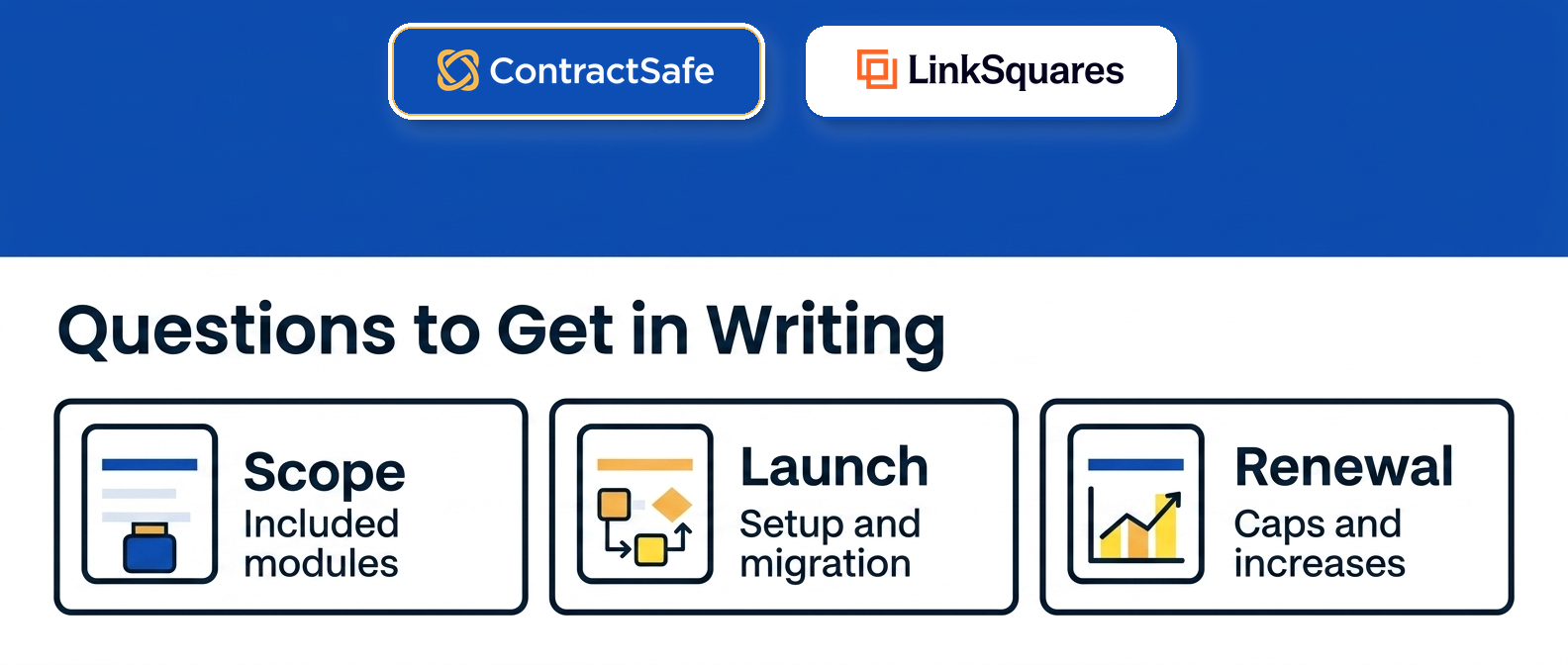
A useful quote should answer these questions in writing:
| Pricing area | Question to ask | Why it matters |
|---|---|---|
| Modules | Which of Finalize, Analyze, and Sign are included? | Capability is gated behind module selection |
| User access | Which users can view, edit, approve, and report? | Contract answers often need to leave legal |
| Implementation | What onboarding work is included before go-live? | Onboarding can match the first-year license |
| Migration | Who loads old agreements, fields, and duplicates? | Dirty migration data makes search and reporting unreliable |
| AI | Is advanced AI review included or a paid add-on? | AI can change both scope and price |
| Integrations | Which systems are native and which need services? | CRM, storage, and e-sign work can change the plan |
| Renewal terms | What rate cap or expansion terms apply? | Year two matters before the team depends on the tool |
The World Commerce & Contracting resources frame contract management as a business discipline, not a single legal task.
That matters for pricing because the quote has to support the operating work around contracts: records, owners, permissions, reporting, and follow-through after signature.
The Federal Acquisition Regulation on contract administration makes the same point from a public-sector angle. Contract value depends on what happens after the agreement is signed, not just the signed document.
1. What the Real LinkSquares Cost Range Looks Like
The real LinkSquares cost is wider than most first quotes suggest, and planning ranges help finance set expectations before the negotiation starts.
Third-party pricing research and analyst-cited estimates put LinkSquares deals starting near $10,000 a year, landing around $31,000 a year for a typical mid-market team, and reaching $75,000 or more for enterprise scope. Per-user figures are commonly estimated at $2,500 to $3,500 a year, well above the flat, per-account math on our published pricing.
Those are planning estimates, not a published rate card, because LinkSquares doesn't post pricing. Treat them as a starting range, then make the vendor confirm your number in writing.
Your actual number moves with a few specific drivers:
Contract volume and how many agreements you load.
How many users need access beyond legal.
Which of the three modules you license.
How much onboarding and migration the vendor runs.
Treat each as a line in the model, not a footnote.
The point isn't that LinkSquares is overpriced. The point is that a single quoted figure, like a base fare, can hide a much wider range once modules, users, and onboarding are added.
For finance, that range is the reason to build a first-year model before approving anything. The contract management software cost framework forces every cost driver into a clear line so the base fare and the add-ons sit side by side.
2. The Module Tax: Finalize, Analyze, and Sign
The module tax shows up when the demo spans all three LinkSquares modules but the quote only licenses one. Each module is sold separately, so the price tracks how many you enable.
Finalize handles drafting and workflow. Analyze handles post-signature data extraction and reporting. Sign handles e-signature. A team that wants drafting, analytics, and signature is buying three products, not one, and that's the single biggest reason two quotes for similar teams can look so different.
The trap is subtle because a good demo blends the modules into one smooth story. The rep moves from a draft, to an approval, to a signature, to a reporting dashboard, and the room assumes all of it sits in the base license. At contract time, the reporting and the advanced review can land in modules the first number never covered.
That structure is fine when you genuinely need every module in phase one. It's a problem when the team only needed a searchable, well-reported repository and ends up licensing drafting and signature workflows it won't touch for a year.
Ask which module each feature you liked actually lives in, and write the feature next to the module on the quote. If the answer moves a feature you assumed was included into a module you didn't price, the comparison changes, and so does the side-by-side cost picture.
decision check: if the team can't say which module solves the first problem in the next ninety days, slow down before approving the quote.
3. The AI Line: LinkAI and Advanced Review
The AI line is a common place for LinkSquares pricing to expand, because LinkAI is marketed as the AI layer while advanced AI review is often sold as a paid add-on rather than included capability.
AI demos are persuasive, so this is where scope can quietly grow. A team sees automated review in the demo, assumes it's part of the base, and finds it priced separately at contract time.
Ask which AI features are included in the quoted modules, which are add-ons, and what each add-on costs at your contract volume.
ContractSafe takes a different line here. AI extraction is tied to your contract data and reviewed fields, and the ContractSafe AI contract management page shows how that AI connects to source-linked records rather than a separate paid tier.
How LinkSquares prices AI matters as much as whether it's included. Ask whether LinkAI is billed inside a module, per seat, or per document processed, because those three models scale in very different directions once your contract volume grows. A per-document meter can look cheap in a demo and turn expensive the first time you run AI across your whole back catalog of agreements.
Pin down what advanced review actually covers, too. Some AI features just read and tag a contract; others compare it against a playbook or flag risky clauses, and that second tier is usually where the add-on price sits. Make the rep name the specific features you saw in the demo, then mark each one as included, limited, or extra right on the quote.
Test the AI on your own documents before you sign, not on the vendor's clean sample set. Scanned PDFs, odd formatting, and non-standard templates are where extraction accuracy drops, and accuracy you can't trust turns a paid AI line into a cost with no payoff. Ask whether the trial lets you run the AI on a batch of your real contracts, and whether re-running extraction later, after you fix fields or load new agreements, counts against any usage limit.
4. Implementation and Onboarding
Implementation is the line finance teams miss most often, because white-glove onboarding can be billed at up to 100% of first-year license and effectively double the real first-year number.
Price the launch project as its own line, separate from the license, and ask exactly what onboarding includes and who does the work:
Data migration for old agreements, fields, and duplicates.
Template and workflow configuration in Finalize.
Reporting and dashboard setup in Analyze.
Admin training and go-live support.
The named contact you call after go-live when something breaks.
If onboarding is quoted as a percentage of license rather than a fixed scope, treat that as a signal to pin down deliverables before you sign. ContractSafe includes implementation and migration support, which the pricing page reflects.
5. The Add-Ons That Inflate the Quote
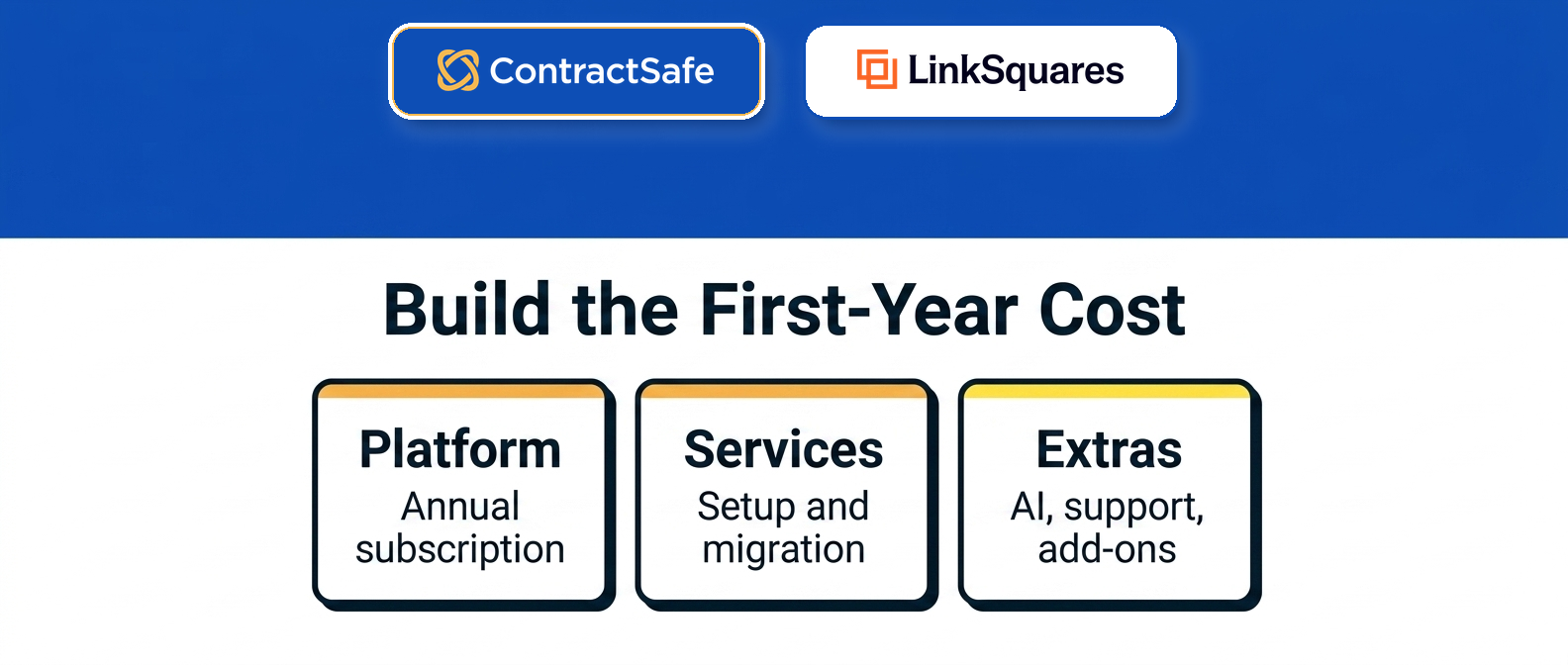
Add-ons are the second place the base fare grows. Industry estimates put them at another 20% to 40% on top of the initial quote, per third-party pricing research.
Watch for these line items, since each can sit outside the first number:
Extra integrations beyond the ones bundled in your modules.
API access for connecting LinkSquares to internal systems.
Advanced AI review on top of the base LinkAI features.
Additional seats as access spreads past legal.
Higher contract-volume or storage tiers.
LinkSquares supports roughly 11 integrations, so confirm which are included and which need a paid services engagement, as the integrations overview explains. It also rates around 4.7 out of 5 on G2 across more than 400 reviews and roughly 4.2 out of 5 on Capterra, but strong reviews don't change the budgeting math the comparison page lays out.
6. What a LinkSquares Renewal Can Add
A LinkSquares renewal can add cost even when nothing about your team changed, because quote-only pricing leaves room for year-two increases that the first proposal rarely caps.
Watch three drivers at renewal:
A rate increase on the base license, which is easier to apply when there's no published price to anchor against.
Module or seat expansion that crept in during year one, since teams that adopt Analyze reporting or add e-signature often formalize that scope at renewal.
Usage growth, where higher contract volume or storage moves you into a larger tier.
The practical defense is to negotiate the renewal terms in the first contract, not the second. Ask for a written rate cap, a fixed per-seat rate for added users, and clear thresholds for any volume tier. If the vendor won't put those in writing up front, treat year two as an open cost and budget a buffer.
This is also where a flat, published model changes the conversation. With unlimited users and posted pricing, the renewal math on ContractSafe is the same math you saw on day one, so finance isn't re-running a quote every year. You can see how that plays out on the pricing page and the ContractSafe vs. LinkSquares comparison.
Bring the renewal question into the first negotiation, not the renewal call. It's far easier to cap a rate before you've moved your whole contract library onto a platform than after.
How To Pressure-Test A LinkSquares Quote
Pressure-testing a LinkSquares quote means running real contract scenarios through the proposed scope so you can see which costs appear only when the work gets specific.
Bring these examples into the final vendor call:
A scanned vendor agreement with a renewal date and an amendment.
A customer contract that finance needs to check quickly.
An agreement with restricted access for a sensitive deal.
A quarterly report leadership asks for every quarter.
A contract owner who sits outside legal, in finance or procurement.
A workflow legal wants to approve before signature.
Ask the vendor to show how each example works inside the quoted modules. If the answer requires a different module, a different user tier, a services plan, or a future integration, the price comparison changes on the spot.
This is the moment to compare against a repository-first path. If most of your examples are about finding, tracking, and reporting on signed agreements, a lighter system may solve them without the module tax, which is the case the ContractSafe vs. LinkSquares comparison walks through.
Questions To Ask Before You Sign
Before signing a LinkSquares agreement, ask questions that connect the quote to actual contract work rather than to the demo.
Use this list in writing:
Which modules, Finalize, Analyze, or Sign, are included in this quote?
Which capabilities from the demo aren't in the quoted modules?
How many users are included, and what roles do they have?
What happens to the price when finance, procurement, or auditors need access?
What onboarding work is included before go-live, and what does it cost?
Who handles migration for old contracts, fields, and duplicates?
Which AI features are included, and which are paid add-ons?
Which integrations are included, and which need separate services?
What rate cap or expansion terms apply at renewal?
What is the simplest phase-one rollout that would still solve the business problem?
That last question keeps the project from ballooning before it's even live. You don't need every module on day one, you need the first project to actually work, and everything else can wait until it does.
What To Send Back After The First Quote
When you follow up on a LinkSquares quote, push to turn the proposal into something finance can actually budget from, not a vague note asking the rep to clarify pricing.
Ask for this information in writing:
Which modules are included, and which capabilities sit outside them?
Which demoed features aren't in the quoted scope?
How many users are included by role, and what does each added role cost?
What does implementation include before go-live, and how is it billed?
What migration help is included for old agreements and amendments?
Which AI capabilities are included, limited, or sold as add-ons?
Which integrations come standard, and which require a paid services engagement?
What rate cap, expansion terms, or usage limits apply at renewal?
The answers should be plain enough for finance to read without another sales call. If the reply uses vague language, don't fill in the blank for the vendor. Mark the item as unknown and treat it as a buying risk.
Unknown doesn't mean the vendor is bad. It means you haven't received enough information to compare the offer fairly against a flat, published alternative.
How To Present The LinkSquares Decision Internally
Present the LinkSquares decision as a scope choice, not a brand preference. Show the room exactly which contract work you need in phase one, then tie each piece to a cost driver, so the team is signing off on the job in front of them rather than on a familiar logo.
Separate three questions: how broad a workflow you need, how many people need access, and how messy your current records are. Then map each to a cost driver.
| Question | If the answer is yes | If the answer is no |
|---|---|---|
| Do we need drafting and workflow in phase one? | Price the Finalize module deliberately | Don't let workflow features drive the quote |
| Do we need broad access outside legal? | Price realistic user counts now | Don't compare against a legal-only seat count |
| Do we have messy old records to migrate? | Price migration and onboarding | Don't expect clean search until records are loaded |
| Do we need advanced AI review in phase one? | Confirm whether it's an add-on | Keep AI out of the approval model for now |
| Do we already know the first report leadership wants? | Make the vendor build toward it | Pause until that report is named |
The goal isn't to make LinkSquares win or lose before the demo. The goal is to keep a familiar, well-reviewed product from doing work the quote hasn't priced yet. If the answers point to a deep module build, price it. If they point to repository control, compare a lighter path first.
ContractSafe Pricing Contrast
ContractSafe is the clearer pricing contrast when the buyer needs practical contract control without a quote-only, module-gated rollout.
Start with the actual problem:
Contracts are scattered across folders, inboxes, and local drives.
People can't find the current agreement without asking legal.
Renewal dates and notice windows aren't trusted.
Finance and procurement need contract answers but don't need to run legal workflows.
Reports take spreadsheet cleanup.
Those are repository-first problems, and they don't require module-gated pricing to solve.
The ContractSafe pricing page gives the buyer a visible, flat starting point with unlimited users, which removes the per-seat math entirely. The ContractSafe repository page explains the signed-contract control job, ContractSafe alerts connect the price to renewal and deadline work, and ContractSafe integrations show where the system connects without turning the first project into a custom build.
The cost drivers line up like this, with the full breakdown on the ContractSafe vs. LinkSquares comparison:
| What you're pricing | LinkSquares | ContractSafe |
|---|---|---|
| Pricing model | Quote-only, varies by module and volume | Published, flat pricing |
| Users | Priced per seat, estimated $2,500 to $3,500 a year | Unlimited users on every plan |
| Capability gating | Gated across Finalize, Analyze, Sign | Repository, search, alerts, reporting included |
| Implementation | Up to 100% of first-year license | Included onboarding and migration support |
| AI | Advanced review often a paid add-on | AI extraction included, tied to your records |
If the buyer needs a deep, module-by-module build, LinkSquares may deserve a serious look. If the buyer needs a searchable repository, broad access, alerts, reporting, AI extraction, and practical launch support, ContractSafe is usually the cleaner first move.
Related Reading
Contract management software cost: Use this to normalize the first-year number before finance approves a quote.
ContractSafe vs. LinkSquares comparison: Use this when the question is product fit, not only price.
Best contract management software: Use this when the buying team needs a broader shortlist.
How ContractSafe Helps With LinkSquares Pricing Decisions
ContractSafe helps buyers separate a polished demo from the all-in cost before they accept a LinkSquares quote, the same way a smart traveler checks the out-the-door fare instead of the base one.
If LinkSquares is on the shortlist, it's reasonable to keep it in the comparison. The mistake is letting a single quoted figure stand in for a module-gated, add-on-heavy total you haven't priced yet.
ContractSafe gives the buying team a practical alternative to test: what if the first job isn't a full module build, but a cleaner contract repository with search, alerts, reporting, permissions, AI extraction, and broad access at flat, published pricing?
Bring that question into the ContractSafe demo. Use your own contract examples, your own access model, and the reports leadership asks for.
Then compare the LinkSquares quote and the ContractSafe path against the same first-year cost model. The right answer is the system that fits the work you actually need done.







.svg)







.svg)




