Contract pages can get crowded fast. Details, comments, attachments, signatures, and AI suggestions can all compete for attention.
The new Contract Page organizes each part of the work into its own Workspace and lets you personalize what appears front and center. Go straight to the information or action you need instead of hunting through one long page. Your contracts, fields, attachments, and history carry over as they are.
A Workspace for each part of the work
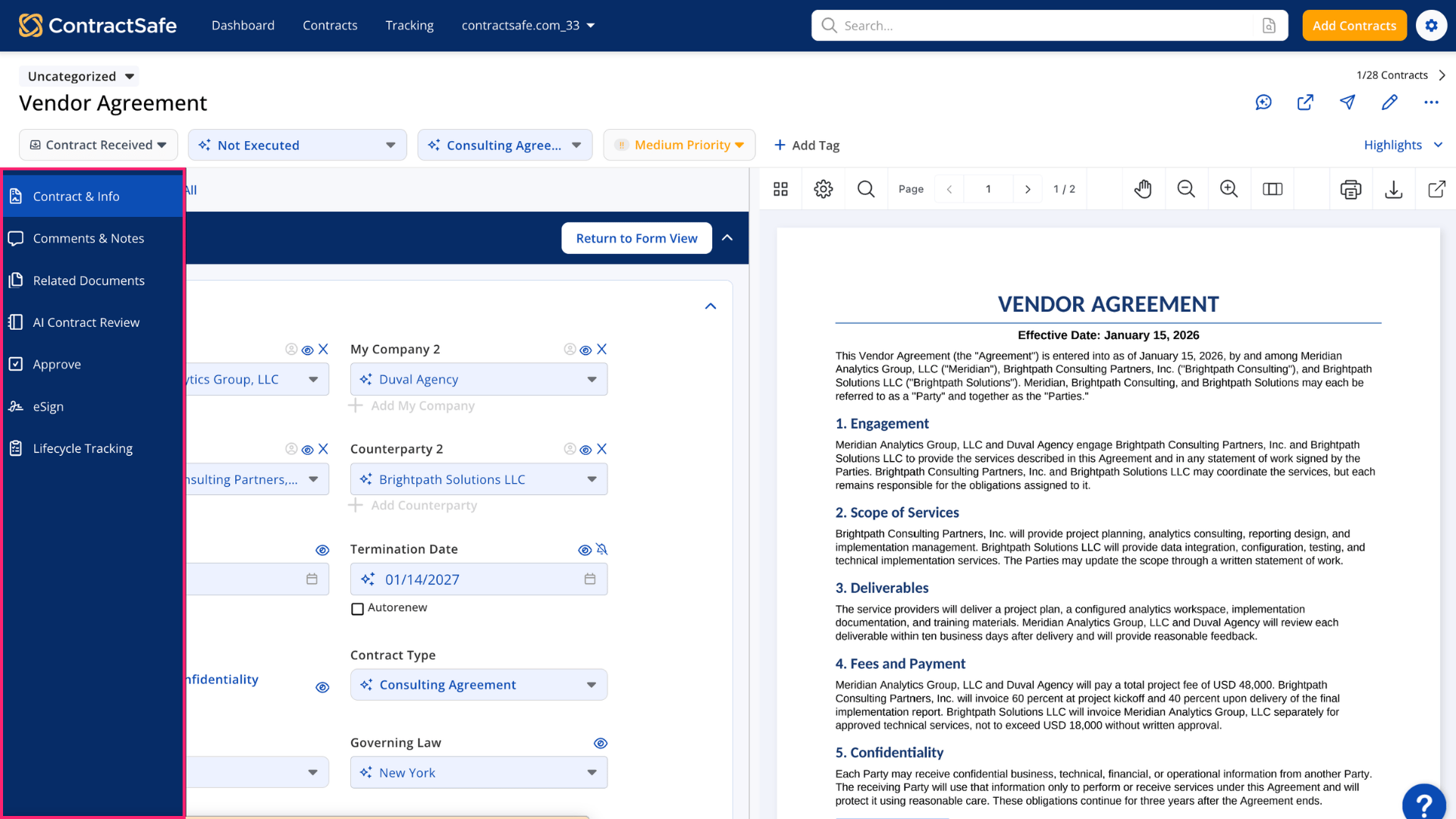 Workspaces give each task its own place on the contract page:
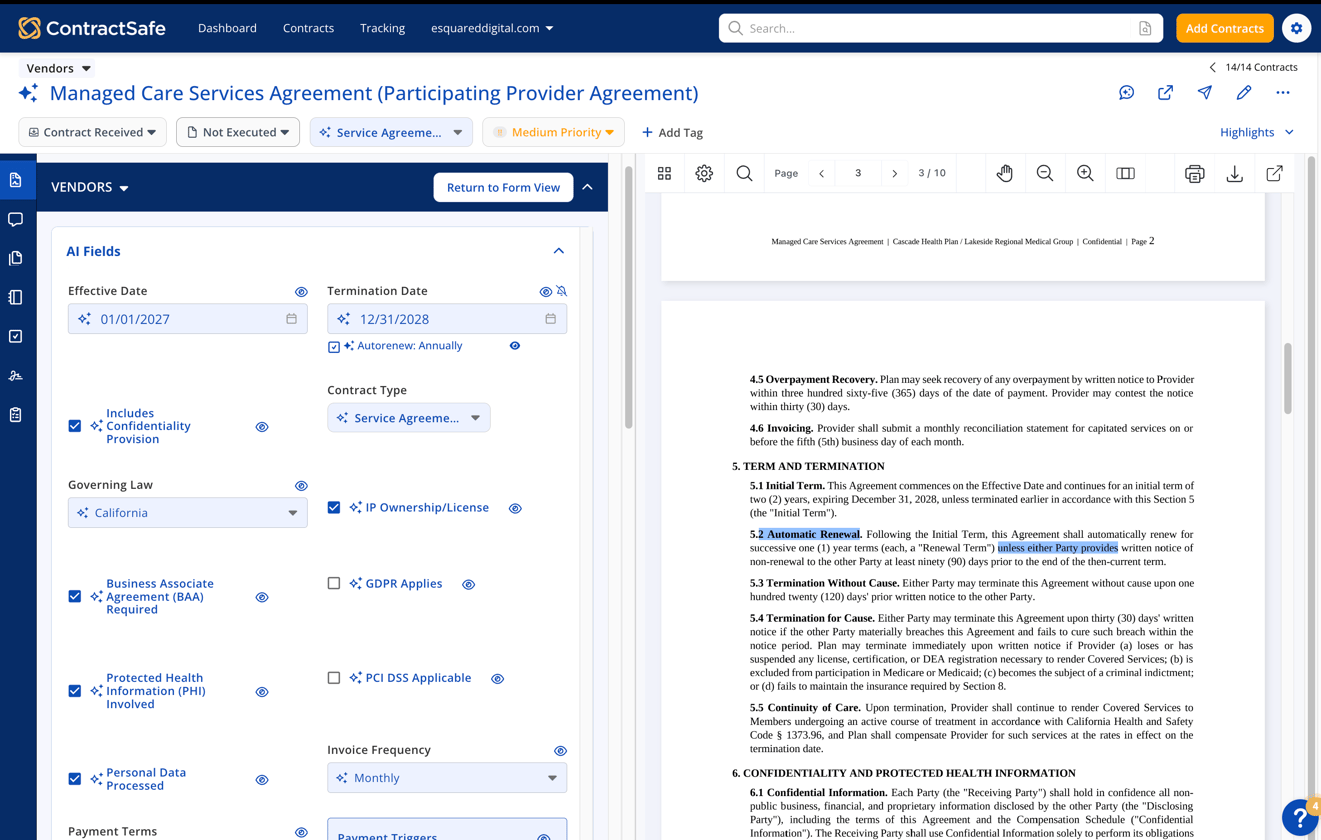
- Contract & Info for seeing key details and AI suggestions in one place
- Comments & Notes for keeping discussion with the agreement
- Related Documents for finding attachments, amendments, and linked files
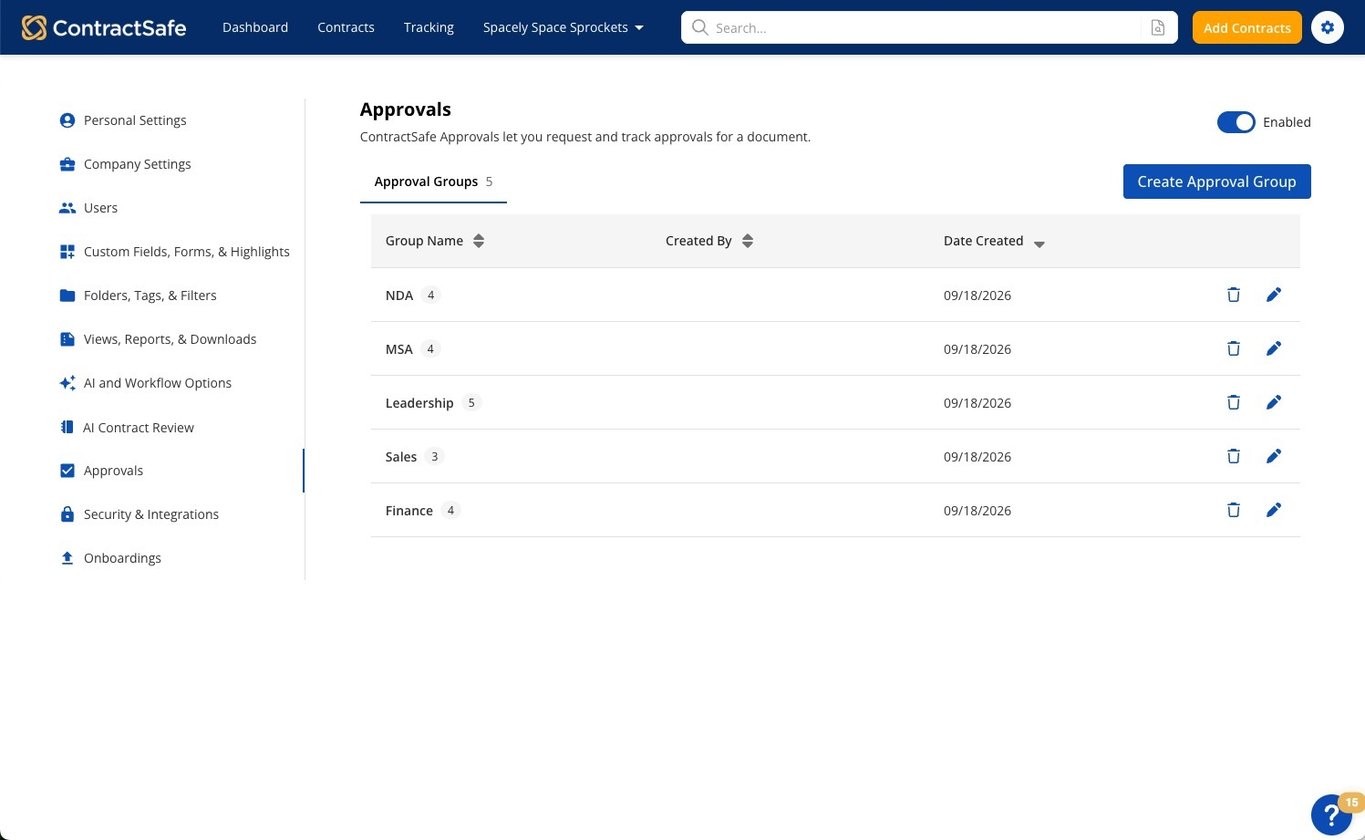
- Approve and eSign for moving contracts through review and signature
- AI Contract Review for spotting key terms and potential risks
- Lifecycle Tracking for seeing where each contract stands and what's next
The Workspaces available to you depend on your plan and access, but the goal is the same: make it easier to find what you need, take action, and keep moving.
Personalize your Contract Page
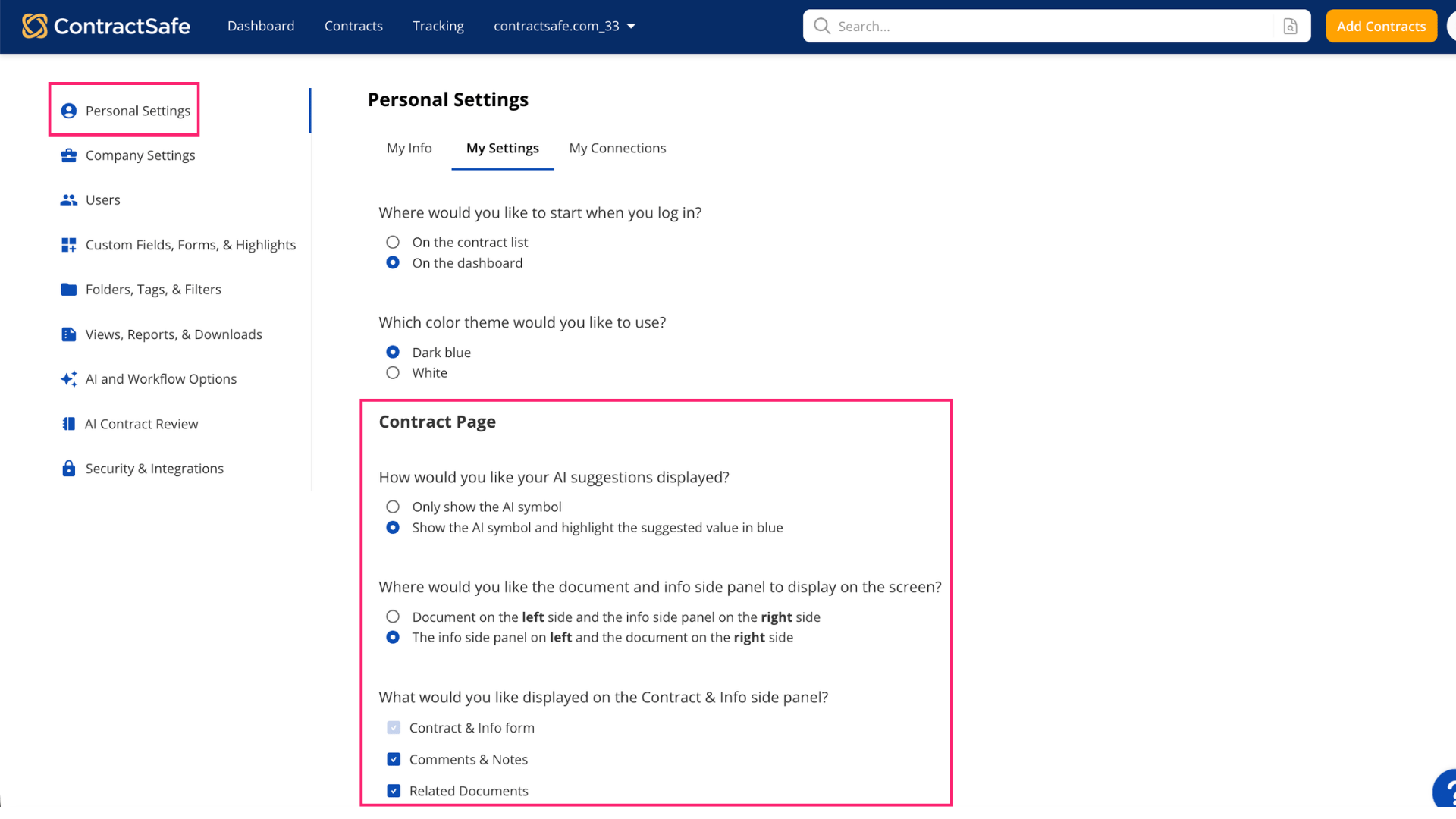
Your team does not work from the same contract details every day. Choose which information appears front and center in Highlights, then arrange it around the way you review contracts.
You can also choose whether Comments & Notes and Related Documents appear beside the contract, so the page shows the information and tools your team uses most.
 Get more out of eSign
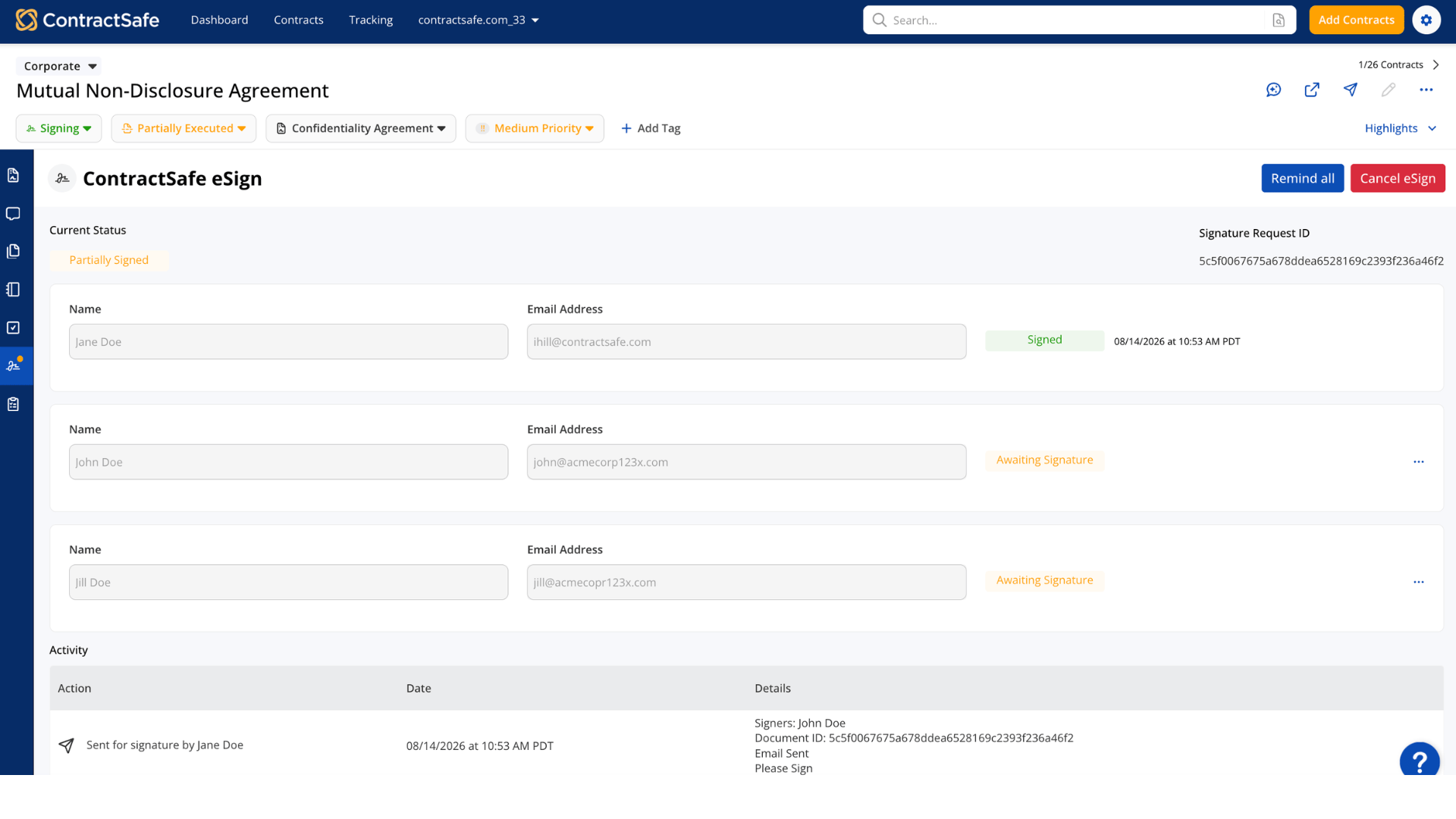
eSign is now easier to manage directly from the contract page. You can:
- Send signature requests from your ContractSafe email address
- Swap in a different signer without starting over
- Send a reminder with one click
- Sign a document yourself with Sign Now
Everything stays connected to the contract, so there is less back and forth when a signer changes or someone needs a reminder.
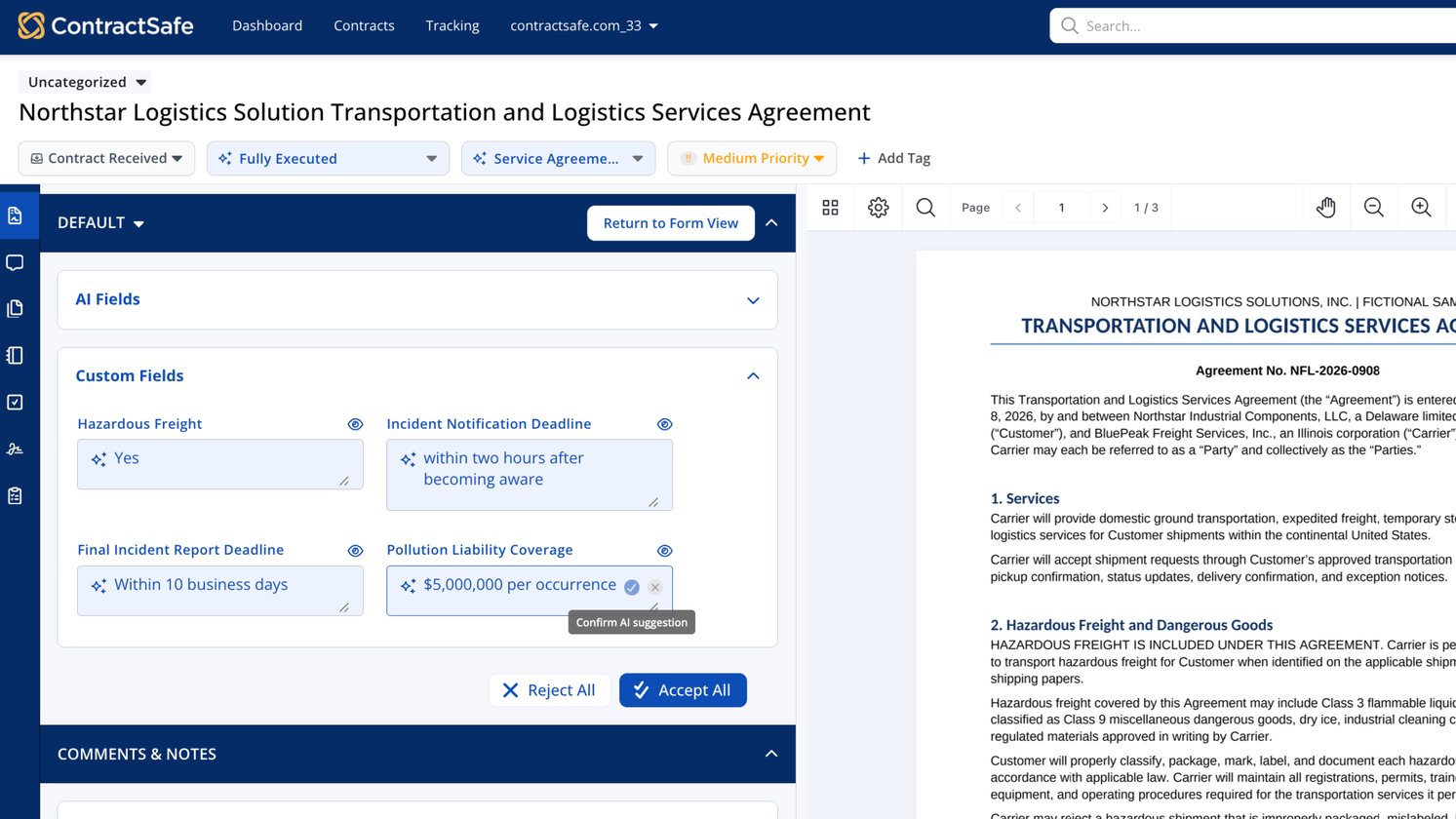
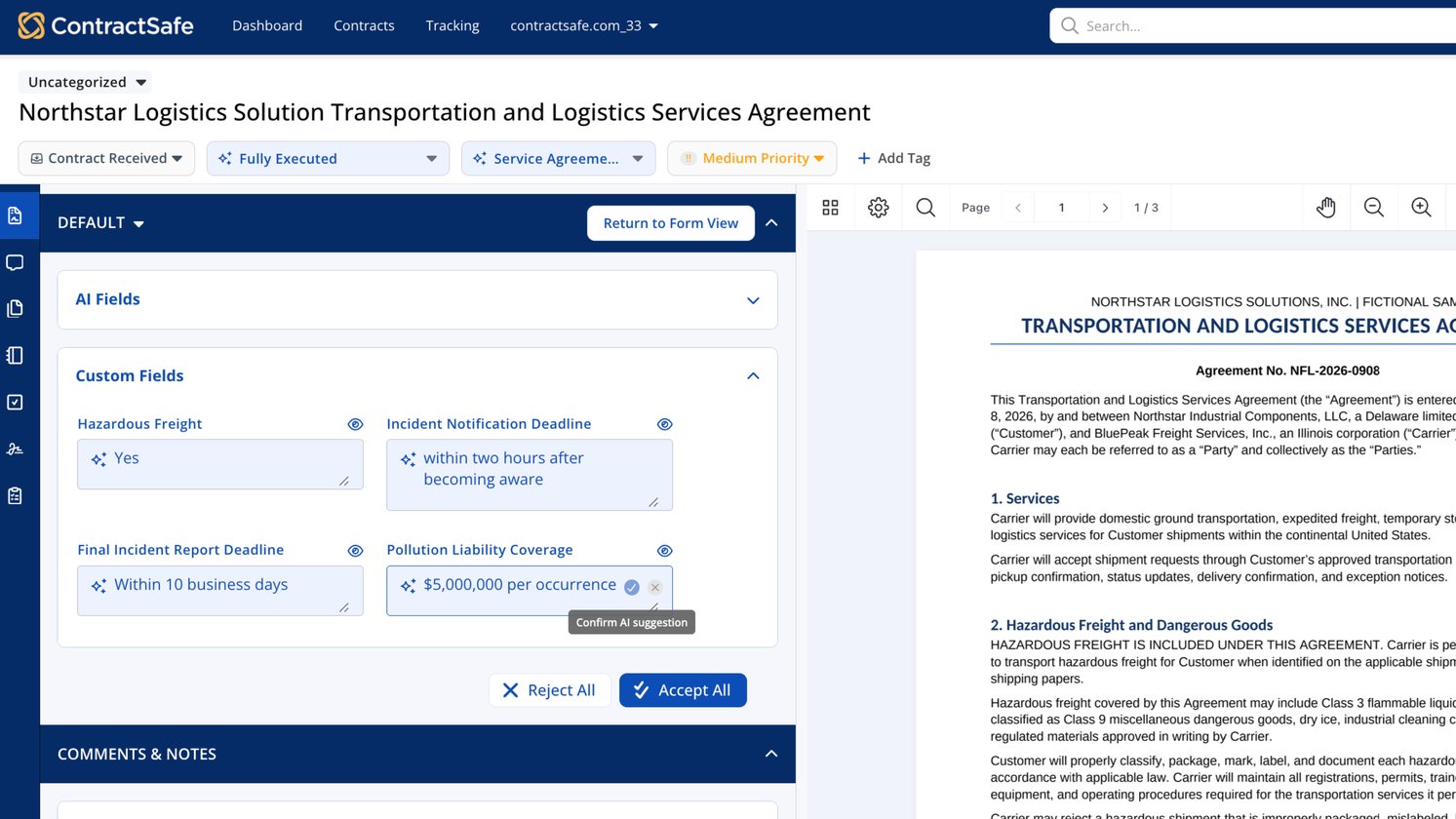
 Keep AI suggestions in context
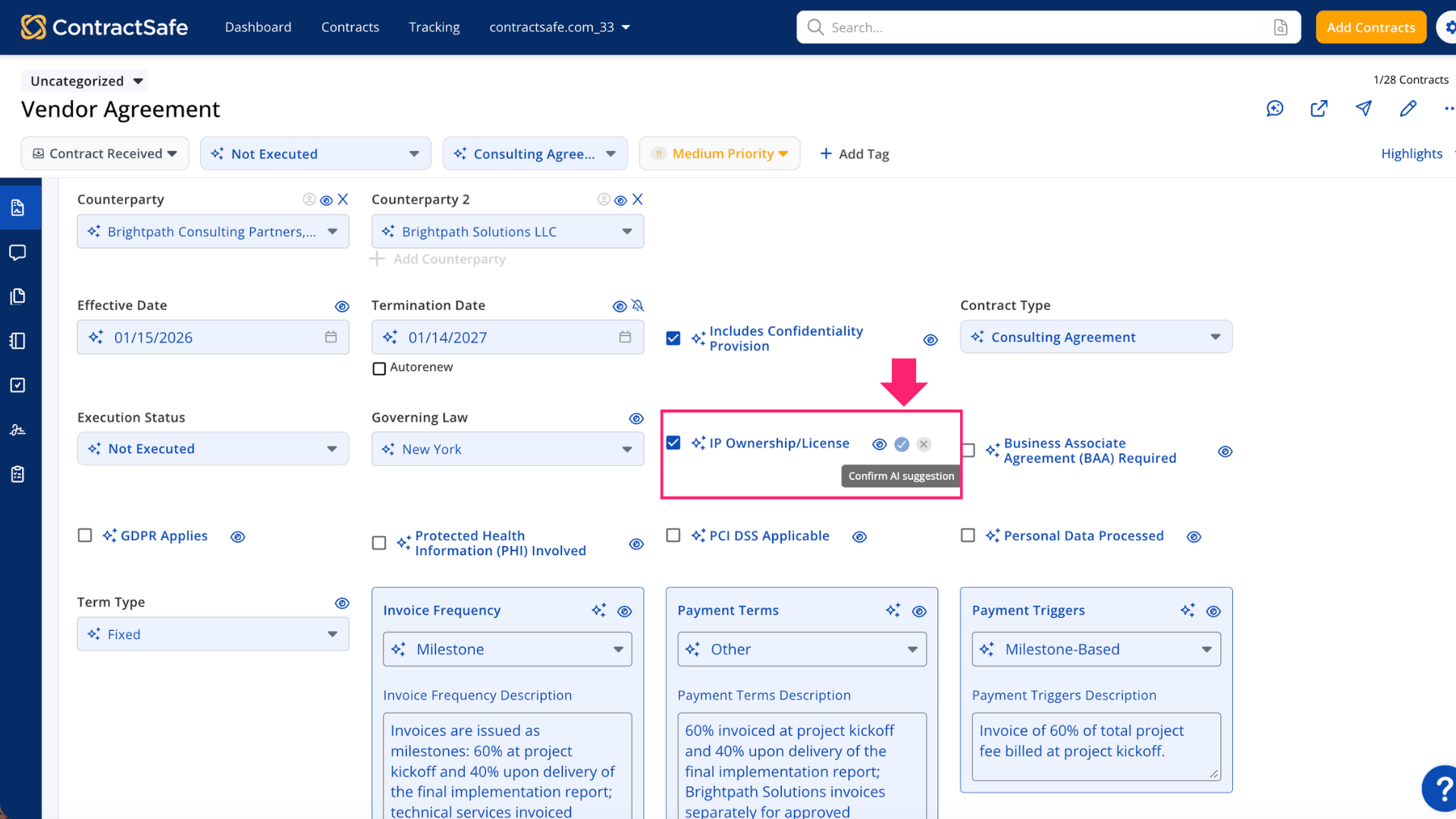
AI suggestions appear alongside the contract details they relate to, with links back to the source text when you want to check where a suggestion came from.
AI helps with the first pass, while your team stays in charge of what gets saved.
 The new Contract Page brings contract details, conversations, documents, and signatures together in a way that fits your team, so you can spend less time searching and more time moving contracts forward.