


AI contract management tools are software capabilities that help legal teams search signed agreements, extract contract data, track dates, control access, answer contract questions, and turn contract records into decisions.
They are different from general AI chat tools because they need to work inside the contract system of record.
Think of AI like a very fast contract assistant with one rule: it has to show its work.
It can find the shelf, pull the file, read the clause, and suggest the next field. Legal still decides whether the answer is right, who can see it, and what happens next.
That's the difference between useful AI and demo AI.
Key Takeaways
- AI contract management tools are useful when they connect AI answers to signed contract records, permissions, metadata, alerts, reports, and source links.
- The best shortlist should cover search, OCR, metadata extraction, renewal tracking, obligations, permissions, summaries, reporting, amendments, workflow routing, risk triage, and audit history.
- Legal should test AI with messy real contracts, not vendor sample files.
- Every important AI answer needs a source link, permission control, review status, and a way to correct the record.
- ContractSafe connects AI to repository work legal teams already need: search, key terms, renewals, permissions, reports, and contract records people can trust.
Choose Your Next Step
Choose your next step by matching the article to the decision in front of you: what AI contract management means, which capabilities belong on the shortlist, or how to test a vendor before the demo gets too polished.
-
If you need the category definition first, start with what AI contract management tools need to do.
-
If you're building a shortlist, jump to the 12 capabilities to test.
-
If you're already scheduling vendor demos, use the quick gut check.
What AI Contract Management Tools Need to Do
AI contract management tools should make signed agreements easier to find, trust, manage, and act on after signature.
That sounds obvious until the vendor demo starts.
Many AI demos show a clean prompt, a clean sample contract, and a clean answer. Legal work isn't that clean.
Your team has scanned PDFs, old amendments, missing owners, inconsistent file names, restricted contracts, renewal windows, and business users who need answers without seeing everything.
That's why the job matters more than the prompt.
| Legal job | Useful AI behavior | What legal still controls |
|---|---|---|
| Find contracts | Searches text, fields, and scanned PDFs | Which records users may access |
| Extract metadata | Drafts dates, parties, values, and terms | Review and approval of important fields |
| Track renewals | Finds dates and notice windows | Decision owner and escalation path |
| Summarize terms | Creates plain-English summaries | Source checks and sharing rules |
| Report risk | Surfaces missing fields and deadline queues | What counts as risk |
The NIST AI Risk Management Framework is useful background here because it focuses on trustworthy AI systems, not just exciting outputs.
The same rule applies here. AI should help legal do contract work inside a controlled system.

Shortlisting the Best AI Contract Management Tools: 12 Capabilities to Test
The best AI contract management tools shortlist should be built around contract jobs legal actually repeats, not around the flashiest AI prompt in a demo.
1. Repository Search
Repository search is usually the first practical win.
Legal teams often know the question before they know the file name. You may need assignment rights, price increase language, a renewal notice period, a data processing addendum, or a contract connected to a department.
A useful AI search tool should understand plain-English questions and still show where the answer came from.
If the answer can't be traced back to contract text, legal can't treat it as a business record.
For example, ask the system which customer agreements allow assignment without consent. A good result should show the agreement, the clause, and the language behind the answer.
Buyer checklist: before you trust any AI contract management tool, run it against your own contracts, not the clean sample the vendor brings. Pull five or six of your worst agreements: a scanned NDA, a contract with three amendments, one with a missing owner, one with an odd file name, and one restricted deal only a few people should see. Then work the tool through the same jobs your team repeats every week, and watch whether each answer points back to real contract text you can check.
- Search your way, not the demo way: ask a plain-English question you already know the answer to, like which agreements allow assignment without consent, and confirm the tool shows the agreement, the clause, and the exact language behind it.
- Feed it a scanned file: upload an old scanned NDA and ask for the term, notice address, and confidentiality carveouts, then check that the result becomes a searchable record later, not a one-time answer you copy somewhere else.
- Check extracted fields: let the tool draft counterparty, effective date, expiration date, notice deadline, and auto-renewal language, then confirm you can see review status and fix a wrong field before it drives an alert or report.
- Run a renewal end to end: pick a contract with a real notice window and confirm the tool names the expiration date, notice deadline, owner, and next step, and drops it into a queue someone reviews before the deadline turns urgent.
- Test permissions with two users: give one user the full agreement and one only ordinary vendor metadata, ask both the same question, and make sure the restricted user cannot pull the sensitive answer through AI.
- Chase the source: ask for a summary of a clause that has exceptions and cross-references, then confirm the answer links back to the source language, including the buried part that changes the answer.
- Break something on purpose: enter a wrong value, correct it, and check whether the tool records who fixed it and when.
Score each line as a clear pass or fail, and write down exactly what broke and on which contract, so the notes travel back to your team instead of living in your head. A tool that passes on the vendor sample but fails on your messy files is not ready for your repository. Bring your failed items back to the vendor and ask them to fix the record, not just the wording, so the next legal question starts from a contract you can actually trust.
2. OCR for Scanned PDFs
OCR matters because many contract repositories are full of scanned PDFs, old signatures, and legacy files.
AI isn't very useful if it only works on clean digital documents.
For example, upload an older scanned NDA and ask for the term, notice address, and confidentiality carveouts. That's the kind of ordinary document that exposes weak OCR fast.
Test the tool with a scanned agreement from your own archive. Search for the counterparty, an expiration date, a notice clause, and a defined term.
If the system misses ordinary language in a common scan, the AI layer is only helping with the easiest records.
Also test whether the OCR result becomes part of the searchable contract record, not just a temporary demo output.
If legal has to copy the answer into another tracker, the tool didn't finish the job.
The pass/fail question is whether scanned agreements become usable records in the repository. If OCR only helps one prompt, it's too shallow for contract management.
This is where repository import matters. A scanned agreement should land in the same controlled record as the metadata, owner, renewal alert, and access rules.
Ask whether the OCR result is searchable later through the contract repository, not only during the upload demo.
3. Metadata Extraction
Metadata extraction helps when AI drafts fields from the source agreement and keeps those fields tied to the contract text.
The useful fields are practical: counterparty, contract type, status, effective date, expiration date, notice deadline, auto-renewal language, governing law, value, owner, and restricted-access flag.
But extracted data isn't the same as approved data.
Legal needs review status, edit history, and a clear way to correct fields before they drive alerts or reports. That's why contract metadata is more than cleanup work.
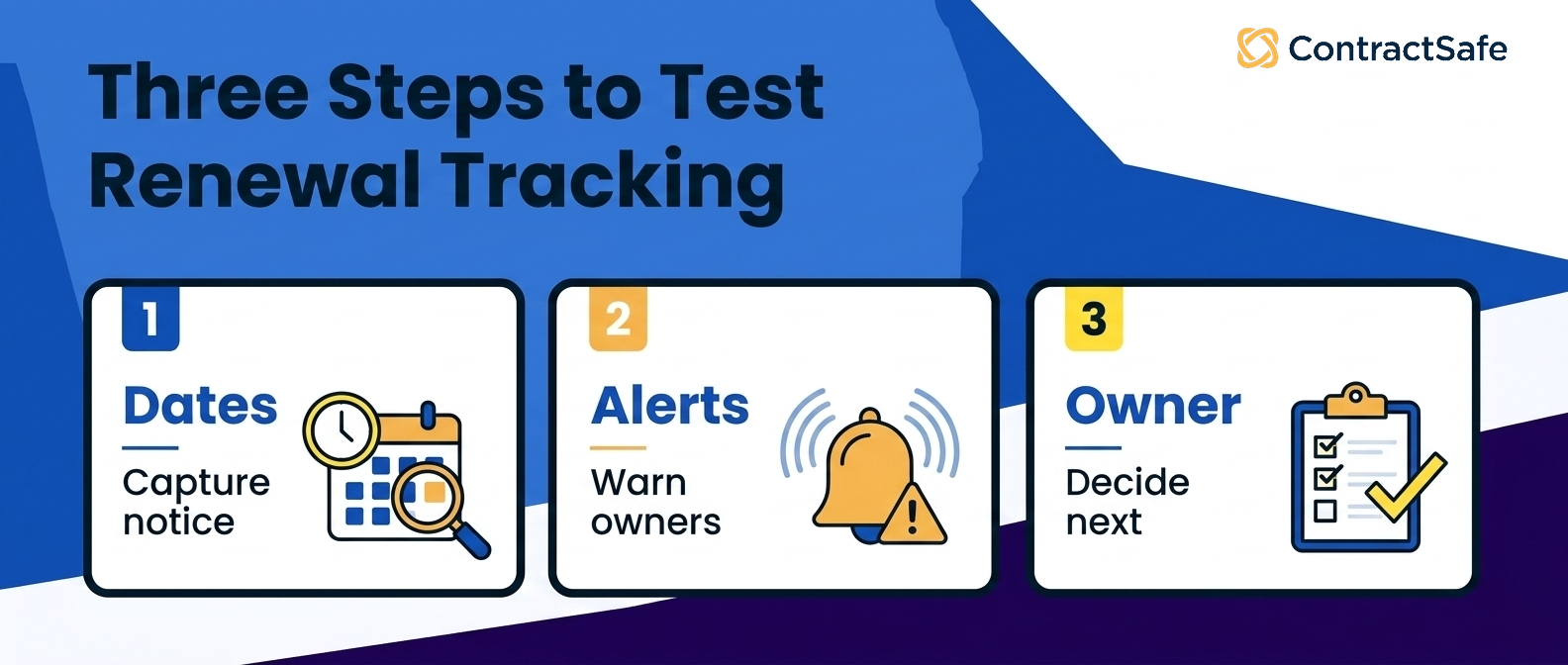
4. Renewal and Notice Tracking
Renewal tracking is the test case because it forces AI to connect extraction, workflow, and accountability.
A vendor can summarize a renewal clause and still fail the actual job.
The system needs to identify the expiration date, notice deadline, renewal type, owner, alert recipient, decision status, and next step.
Then it needs to show that information in a queue someone reviews before the deadline becomes urgent. ContractSafe Alerts are built for this kind of deadline workflow.
5. Obligation and Clause Review
Obligation review is where AI can help legal spot work hiding inside signed contracts.
For example, a service agreement may include reporting duties, insurance requirements, security commitments, or customer notice obligations that matter after signature.
The tool should surface the relevant language, show the source clause, and let legal decide whether the item becomes a tracked obligation.
Don't let the demo stop at a summary. Ask what happens after the obligation is found.
6. Permission-Aware Q&A
Permission-aware Q&A matters because AI can surface sensitive information faster than a folder search ever could.
Finance may need payment terms and renewal timing. Procurement may need vendor commitments. Sales may need current customer contract status.
Those users don't automatically need privileged notes, HR agreements, settlement language, or board materials.
The tool should respect permissions across documents, metadata, summaries, exports, reports, and AI answers.
Run this test with two users. Give one user access to the full agreement and another user access only to ordinary vendor metadata.
Then ask both users the same AI question. If the restricted user can get the sensitive answer through AI, the permission model failed.
ContractSafe's permission model is useful here because AI sits inside the repository, where access rules already matter.
7. Source-Linked Summaries
Source-linked summaries help legal move faster without turning AI into a black box.
A summary of termination rights, assignment language, or payment terms should point back to the exact contract language that supports it.
That source link isn't decoration. It's how legal checks whether the answer is complete, current, and safe to share.
If the vendor can't show the source behind the summary, the tool isn't ready for contract decisions.
Ask the vendor to summarize one clause that has exceptions and cross-references.
A good answer should show the summary, the source clause, and the related language that changes the answer.
If the summary is clean but the source path is missing, legal still has to start over.
Use a contract with a definition section and an exception buried later in the agreement.
That test shows whether the summary is reading the contract or just producing a tidy paragraph.
ContractSafe's AI contract management feature is useful here because the answer lives next to the agreement instead of floating in a separate chat.
Ask the vendor to preserve the source path when the summary is shared, exported, or added to a report.
8. Portfolio Reporting
Portfolio reporting turns AI from a one-off answer tool into a management tool.
Legal should be able to see contracts missing owners, contracts with upcoming renewal windows, high-value agreements with incomplete fields, restricted records, and agreements that need business review.
That's the difference between asking AI a question and using AI to improve the contract record.
For more on the underlying reporting problem, see our guide to contract tracking.
9. Amendment and Version Matching
Amendment matching matters because AI can only answer from the right record if the system knows which documents belong together.
A master agreement, amendment, statement of work, pricing exhibit, and renewal notice may all affect the answer.
Ask the vendor to connect related documents in a test set. Then ask a question that depends on the amendment, not just the original agreement.
If the answer ignores the later document, legal still has to rebuild the story manually.
For example, ask whether a contract renews automatically after uploading both the original agreement and a later amendment.
The right answer should explain which document controls and where the changed language appears.
10. Workflow Handoff and Owner Routing
Workflow handoff is where AI has to stop being a clever answer box.
If AI finds a renewal window, missing owner, restricted record, or non-standard clause, the system should help route the next action to the right person.
That might mean assigning an owner, triggering a review, adding a note, setting an alert, or flagging a report.
AI that finds work but can't hand it off just creates a new queue for legal to babysit.
11. Risk Triage
Risk triage helps legal decide what deserves attention first.
For example, a contract with a nearby renewal window, no owner, high value, and non-standard termination language should probably move ahead of a low-value agreement with complete fields.
The tool should explain why it surfaced the record and what data supports the recommendation.
If the system can't explain the flag, legal can't defend the priority later.
12. Audit History and Correction
Audit history is the boring feature that keeps AI useful after the demo.
Legal needs to know which fields AI suggested, who reviewed them, who changed them, and what the record looked like before the change.
That matters when a date, owner, or obligation drives an alert or report.
A good AI contract management tool should make correction normal. Bad AI tools treat corrections like exceptions.
Ask the vendor to intentionally correct a wrong AI-extracted date during the demo.
The system should show the old value, the new value, who changed it, and whether the correction updates alerts or reports.
ContractSafe matters here because AI suggestions sit inside the same record legal uses for search, alerts, permissions, and reporting.
AI Contract Review and AI Contract Management Are Different
AI contract review focuses on language. AI contract management focuses on signed agreement records and the work that happens after signature.
Both can matter. They aren't the same buying decision.
| Tool type | Main question | Better fit |
|---|---|---|
| AI contract review | Is this language acceptable? | Drafting, redlining, clause review |
| AI contract repository | Can we find and trust the record? | Signed agreement storage and search |
| AI contract management | What action should happen next? | Renewals, owners, reports, alerts, permissions |
If signed contracts are scattered across folders, start with repository and management use cases.
Advanced review AI works better when the contract record is already under control.
Why Bad AI Contract Answers Create Legal Consequences
Bad AI contract answers matter because contract data drives decisions with real consequences, remedies, penalties, and damages.
This is the part demos tend to rush past.
If AI gets a lunch recommendation wrong, someone eats a boring sandwich. If AI gets a renewal date wrong, the company may miss a cancellation window. If it misses an indemnity obligation, legal may not catch a risk before the business acts.
That doesn't mean legal should avoid AI.
It means the tool has to keep the answer connected to the contract, the source clause, the permission model, and the human review status.
For example, an AI answer about an NDA should make it easy to check the confidentiality period, exclusions, permitted disclosures, remedies, and any notice requirements.
If the system summarizes the clause but can't show the exact language, legal still has to do the work manually.
The FTC guidance on protecting personal information is a useful reminder that access control still matters when AI makes answers easier to surface.
The buyer question isn't whether the AI sounds confident.
The buyer question is whether legal can prove why it trusted the answer.
What Legal Should Report After an AI Pilot
After an AI contract management pilot, legal should report what the tool made safer or faster, not how many prompts the team ran.
Prompt count is a vanity metric. It tells leadership that people tried the tool. It doesn't prove the tool improved contract operations.
A useful pilot report should show concrete contract work:
-
Contracts searched successfully across clean PDFs and scanned PDFs.
-
Extracted fields reviewed, corrected, and approved.
-
Renewal dates found with source links and assigned owners.
-
Restricted records tested against ordinary-user permissions.
-
Reports created for missing owners, missing dates, and upcoming deadlines.
-
AI answers rejected because the source was missing, stale, or incomplete.
That last category matters.
A tool that makes it easy to reject weak answers is usually safer than a tool that makes every answer look equally polished.
The National Archives records management policy is useful context because it keeps the focus on ownership, records, and follow-through. AI should strengthen those habits, not hide them behind a clean response.
Also report the work the team chose not to automate yet.
For many legal teams, that list is just as important as the wins. It tells leadership where human review still matters and where the source data needs cleanup before AI can help.
That makes the pilot useful even if the team decides to slow down. A good pilot should show where AI is ready now, where the repository needs cleanup, and where legal judgment still has to stay in the loop.
Quick Gut Check Before You Buy AI Contract Management Tools
Don't take the sales pitch on faith. In the demo, hand the tool your own contracts and watch what it actually does with them. Run these quick tests before you trust any of it.
-
Upload a scanned vendor agreement and search inside it.
-
Ask a renewal question and click back to the source clause.
-
Correct an extracted date and check the history.
-
Restrict a contract and confirm the AI answer respects that permission.
-
Build a report of contracts missing owners, dates, or values.
-
Ask the system what action should happen next and who owns it.
Score each task as shown, partly shown, not shown, or failed.
If a vendor claims a capability but won't show it with your contracts, mark it as not shown.
That may feel strict. Good. Legal has to defend the answer when it matters.
What a Good Demo Result Looks Like
A good AI contract management demo should end with evidence you can use after the meeting, not just a positive impression.
Save the results while the details are fresh.
| Demo result | Why it matters |
|---|---|
| Search result with source clause | Legal can verify the answer instead of trusting a summary |
| Extracted date with review status | Alerts and reports don't depend on unreviewed data |
| Permission test with two users | AI respects the same access rules as the repository |
| Correction history | Legal can see what changed after AI made a suggestion |
If the vendor can't leave you with that evidence, the demo didn't prove enough.
A good follow-up note should say exactly which jobs passed, which failed, and which require another test.
That record should survive the demo.
It should also name the first rollout path.
For most lean legal teams, the first path is search, metadata review, renewal alerts, and permission-aware reporting. That sequence creates useful records before legal asks AI to do more judgment-heavy work.
Related Reading
-
AI Contract Management Software: A Practical Evaluation Framework
-
Why AI Contract Repository Software Depends on Repository Quality
How ContractSafe Helps Legal Teams Use AI Contract Management Tools
ContractSafe helps legal teams use AI inside the contract repository, not beside it.
That matters because AI only helps when the record is trustworthy. The contract needs to be searchable. Dates and fields need review. Permissions need to hold. Reports need to point back to real agreements.
ContractSafe's AI contract management features help teams extract key terms, improve search, surface renewal information, and ask contract questions inside the same system that stores the signed agreements.
The repository gives legal the controlled record. Alerts help the team act before deadlines. Permissions keep access practical without opening everything to everyone.
The FAQ below covers the usual AI contract management questions legal teams ask before they buy.
If your team is comparing AI contract management tools, request a ContractSafe demo and test it with real contracts, real renewal dates, and real permissions.







.svg)







.svg)




