


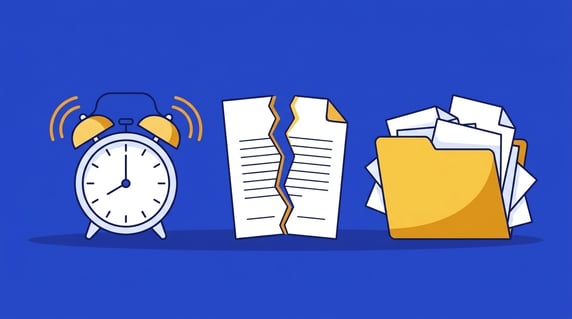
Contract management is a lot like flossing. You know you should do it more often, and you know you could do it better. There’s always something more urgent in the way.
Your dentist has probably warned you that skipping flossing now means bigger problems later. The same rule applies to contracts. Ignoring them won’t hurt your physical health (unless you count the stress), but it can do real damage to your company’s financial health.
If you recognize your team in any of the six contract management mistakes below, it’s time to fix the process, or at least to look at a contract management system that fixes it for you.
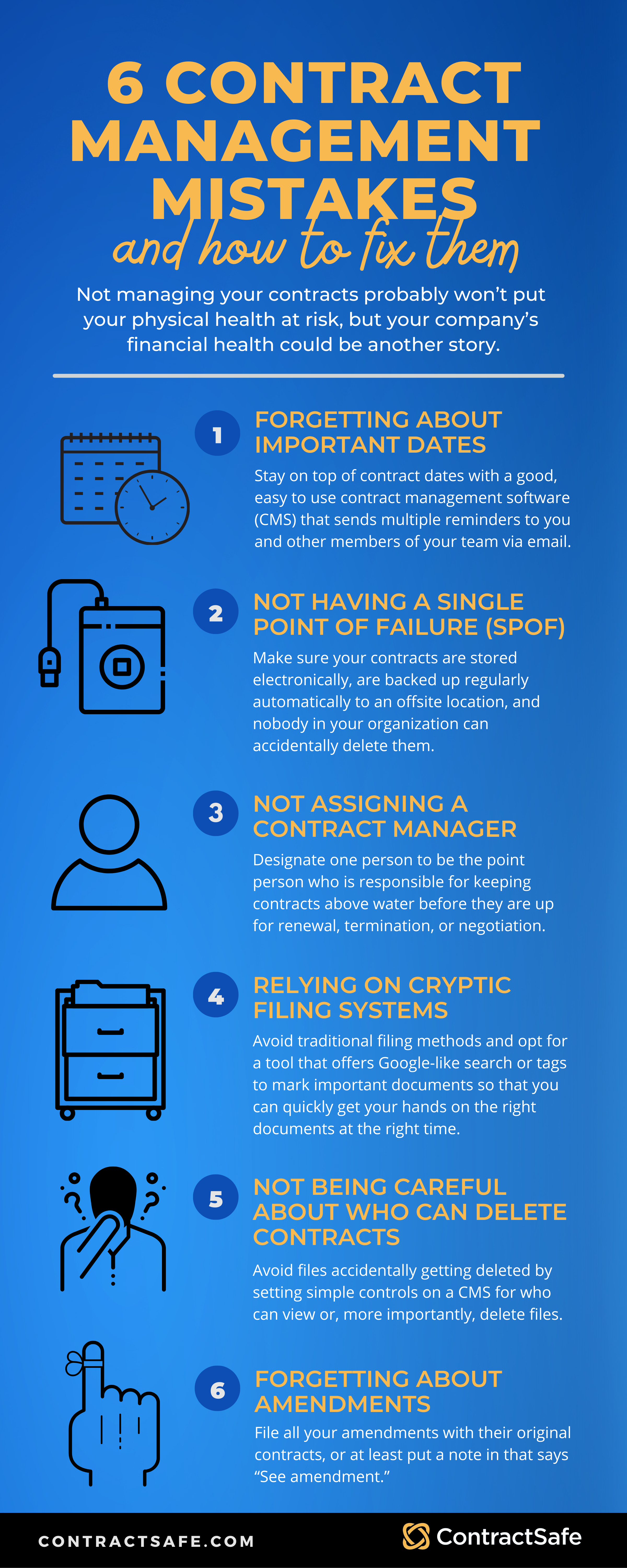
1. Forgetting About Important Dates
It sounds simple. It isn’t. Plenty of companies have learned this the hard way, and Park City Mountain Resort is the textbook case.
The resort’s operator, Powdr Corp., missed a March 2011 deadline to send a letter renewing its lease for another 20 years. That let a lease dating back to the 1970s lapse. When Powdr sued the landlord, a Utah court sided with the landlord, as Law360 reported, and the resort lost its rights to much of the land under its ski runs. The landlord was free to find a new tenant.
Forgetting to renew the copier contract is one thing. Forgetting the lease on your ski resort is another.
Contract dates are hard to track. Without a real system, they end up on someone’s calendar or in a spreadsheet. People leave, get sick, and skip the calendar on busy days. Calendars weren’t built to track renewal and termination dates, and they don’t chase anyone when a date is coming up.
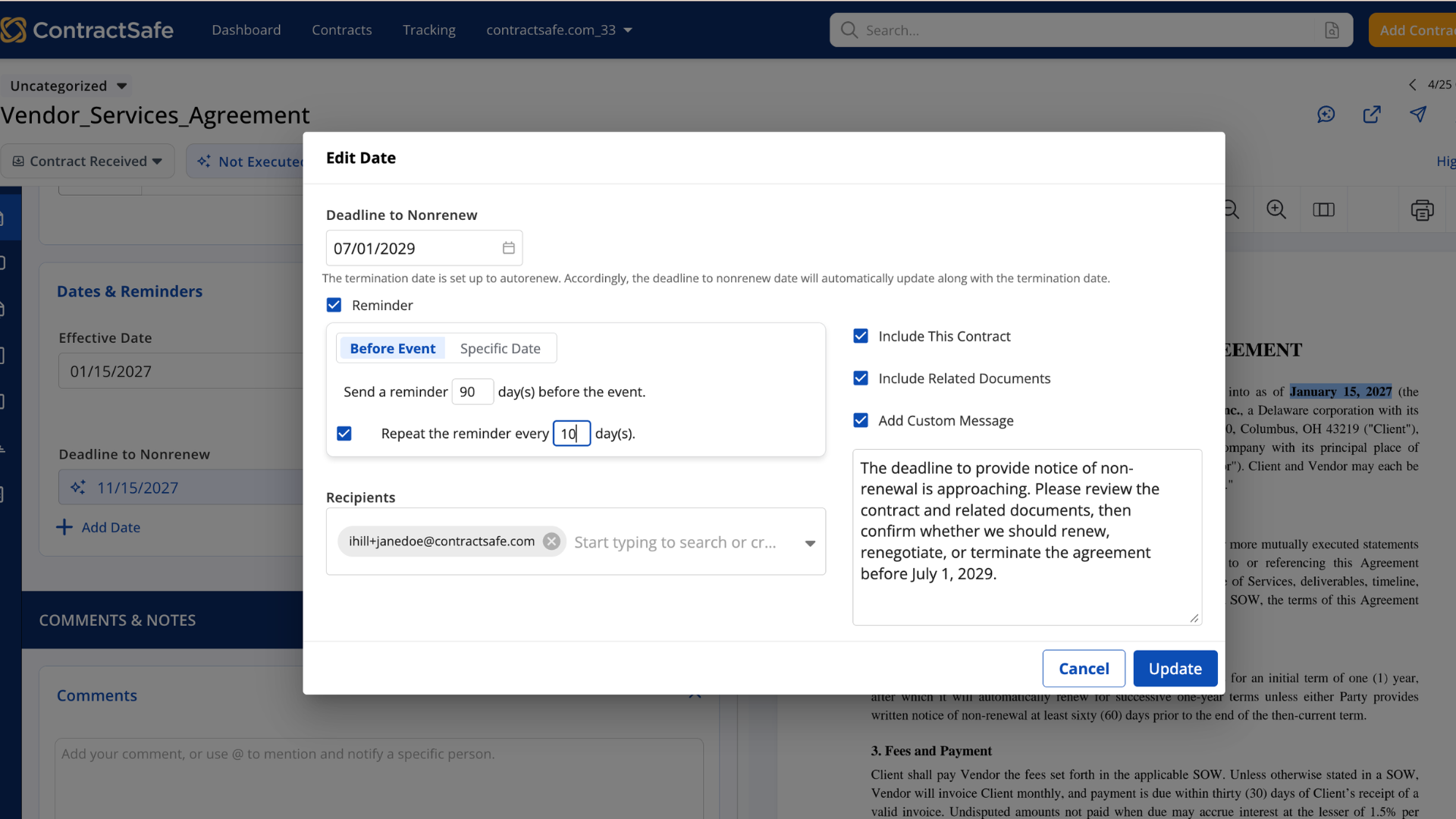
Solution: Use easy-to-use contract management software that tracks every key date and sends reminders to you and the rest of your team by email, well before the deadline, and keeps sending them until someone acts.
2. Having a Single Point of Failure
Remember the Death Star? It’s probably the most famous single point of failure in film. One exhaust port, one shot from Luke, and the whole thing is gone. Don’t let that happen to your contracts.
Your contracts are a Death Star if any of these is true:
- All of your important contracts live on a local hard drive that isn’t backed up.
- They live on a shared drive that’s backed up to another drive in the same building.
- They live in a filing cabinet. (Really?)
- One person is responsible for tracking contracts and dates, with no backup.
Solution: Make sure your contracts are stored electronically, backed up automatically to an offsite location, and protected so nobody can delete them by accident (or on purpose).
3. Not Assigning a Contract Manager
Ever been to a potluck where the host didn’t assign dishes? Everyone guesses what everyone else is bringing, and you end up with three salads, several bags of chips, and a truly unreasonable amount of cheese. Not assigning a contract manager works the same way. Everyone assumes someone else has it covered, and nobody brings the entrée.
Solution: Name one person as the point of contact who’s responsible for keeping contracts above water ahead of renewal, termination, or renegotiation. That person can own many contracts. Just record who owns what in whatever system you use, whether that’s a spreadsheet, a shared document library, or contract management software.
4. Relying on Cryptic Filing Systems
Filing systems work when one person owns the whole thing, or when everyone who uses it is well trained. Neither happens often. Someone sets up a structure that makes sense to them, and then the whole company “uses” it.
That’s when the fun starts. Documents land in the wrong folders. Managers can’t find the contract they need. Files get named something unhelpful, so search doesn’t work. Someone stores a slide deck next to the contracts. What’s the marketing poster doing in the utilities folder? Before long, nobody can find anything.
Solution: Skip the folder maze and use a tool with Google-like search and tags, so the right document is a few keystrokes away. Or commit to training everyone on the system and policing it regularly. Either way, a few file naming rules help:
- Name files consistently.
- Keep names short but descriptive, ideally under 25 characters.
- Avoid special characters and spaces.
- Use capitals and underscores instead of periods, spaces, or slashes.
- Write dates in ISO 8601 format: YYYYMMDD.
- Include a version number.
- Write the naming convention down in your data management plan.
5. Not Being Careful About Who Can Delete Contracts
The usual worry is who can see contracts, and managing that access matters. The part people overlook, especially with shared folders and drives, is who has the right to delete.
You may remember the story The Independent ran about a hosting company owner who wiped every server he had with one bad line of code. The paper later updated the story after the owner admitted it was a marketing stunt, which is almost a relief. The version that happens for real is quieter and more common.
The real risks look like this:
- Critical files sit together in one place, so an accidental deletion takes out more than one contract.
- Employees on their way out the door still have access, and the ability to do damage with it.
Solution: Stop these dumpster fires before they start. Manage user access with simple controls over who can view and, more importantly, who can delete files. Bonus points if your system lets you restore deleted files. (If you’re the company owner, you might want to revoke your own delete rights while you’re at it.)
6. Forgetting About Amendments
There’s nothing worse than preparing to renegotiate a contract, only to have a teammate wander in at the last minute with, “Oh yeah, we signed an amendment that changed all that two years ago.”
Actually, there is something worse: hearing it from the other side in the middle of a negotiation. Either way, you don’t want it to happen.
Solution: File every amendment with its original contract, or at minimum add a “See amendment” note. That works if you’re diligent with paper files or shared drives. An online system works better, because it links the amendment to the master contract in both directions. Open the amendment and you see the master. Open the master and you see every signed amendment.
Let’s recap.
We know you’ve made a few contract mistakes in your day. Everyone has. The question is whether the same mistake can happen twice, and the answer depends on the system you put around it.






.svg)







.svg)




