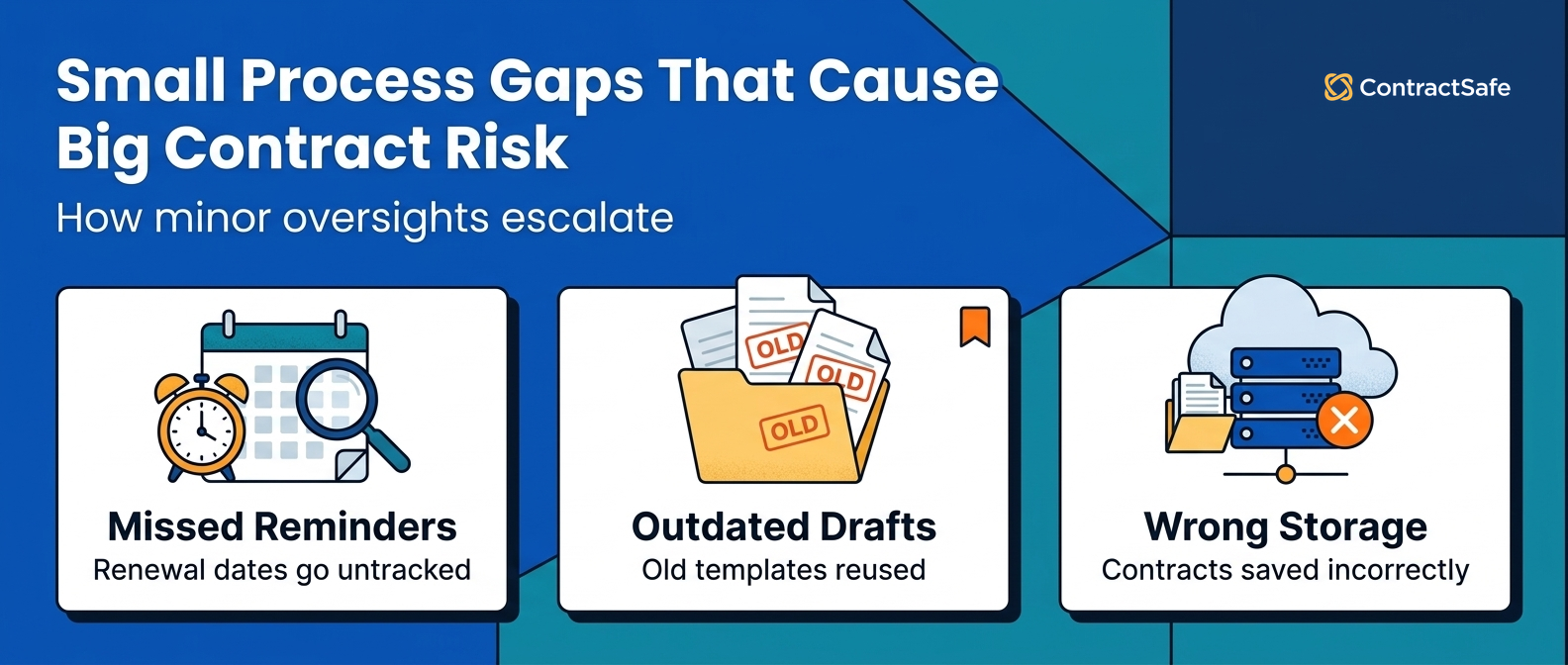
Quick answer: The eight most common contract management mistakes are paper files, copies spread across drives, software too big for the team, missed renewal dates, grant awards handled like vendor contracts, unclear owners, status tracked in email, and legal-only access. Most of them come from one gap: nobody can see what a contract commits you to or who owns it. ContractSafe's AI reads each contract on upload and pulls out key dates such as renewals and notice periods, and a person confirms each one.
Here's how it usually goes. A SaaS agreement renews for another year because the notice deadline sat on page nine of a PDF nobody opened. Finance finds out when the invoice arrives. Nobody did anything wrong. The date just never had an owner or a reminder.
Fixing that starts with a plain question most teams can't answer quickly: where do your contracts actually live right now?
Key Takeaways
Most contract management mistakes start as small gaps in who can see what, and they compound over time.
Paper files and scattered drives create access and version risk.
Software sized past your team's needs goes unused, and people drift back to email and spreadsheets.
Renewal and grant dates belong in tracked fields, not inside PDFs.
Federal grant awards come with Uniform Guidance duties for records, audits and overhead that ordinary vendor contracts don't carry.
Named owners and shared access cut the back-and-forth.
Choose your next step:
For teams whose renewals keep slipping: Start with contract tracking and reminders that put every notice date in front of its owner.
For nonprofits and small teams on a tight budget: Price every tool you compare for everyone who'd need access, whether or not they own the contract.
For teams comparing tools: Read our guide to the best contract management software before you sit through vendor demos.
Relying on Paper Contracts
Paper contracts may feel familiar, but they make contracts hard to find and see when organizations manage more than a handful of agreements.
When contracts live in filing cabinets or physical archives, employees must rely on manual retrieval. This slows down decision-making and creates unnecessary dependencies between departments.
For example:
-
A salesperson preparing for a renewal call needs to review past terms.
-
A production team wants to confirm specifications.
-
Finance needs to check payment terms before issuing an invoice.
If those contracts exist only in paper form, someone must physically locate them. That process introduces delays, interrupts other teams, and increases the chance of working from outdated information. It also makes audits, renewals, and compliance reviews far more time-consuming than they need to be.
With a centralized digital repository, contracts can be:
-
Accessed from anywhere with proper permissions
-
Searched instantly using OCR or metadata
-
Shared securely without emailing attachments
-
Restricted with read-only or no-download controls
Storing Contracts Across Multiple Drives
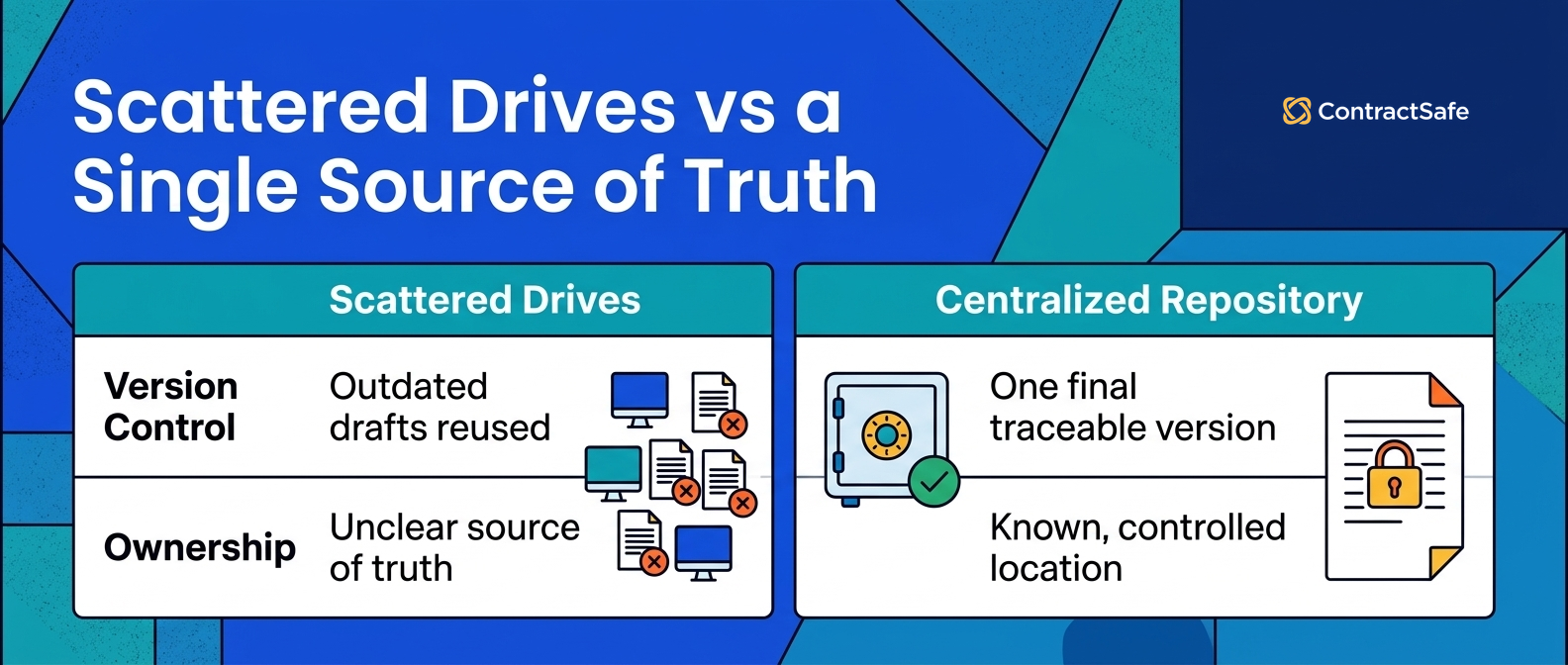
Paper slows you down because someone has to go find the file. Scattered digital storage fails differently: you find a file quickly, but you can't be sure it's the final one. Keep each signed agreement in one controlled location, with its amendments alongside it, and everyone works from the same version.
When contracts are stored across:
-
Personal desktops
-
Email attachments
-
Shared drives
-
Department-specific folders
…teams lose track of which version is final. It usually surfaces during a renewal or a dispute, when two departments discover they've been quoting different versions of the same agreement.
Over time, this leads to:
-
Outdated drafts being reused as templates
-
Missing amendments or addenda
-
Duplicate or conflicting copies
-
Unclear ownership of the “source of truth”
Move the old copies over one contract at a time, beginning with whatever renews or gets renegotiated next, because that's where a wrong version costs most. Central storage still lets people work on contracts together, and earlier versions stay traceable, so clearing out the old drives doesn't lose you any history.
Paying for Overly Complex Contract Software
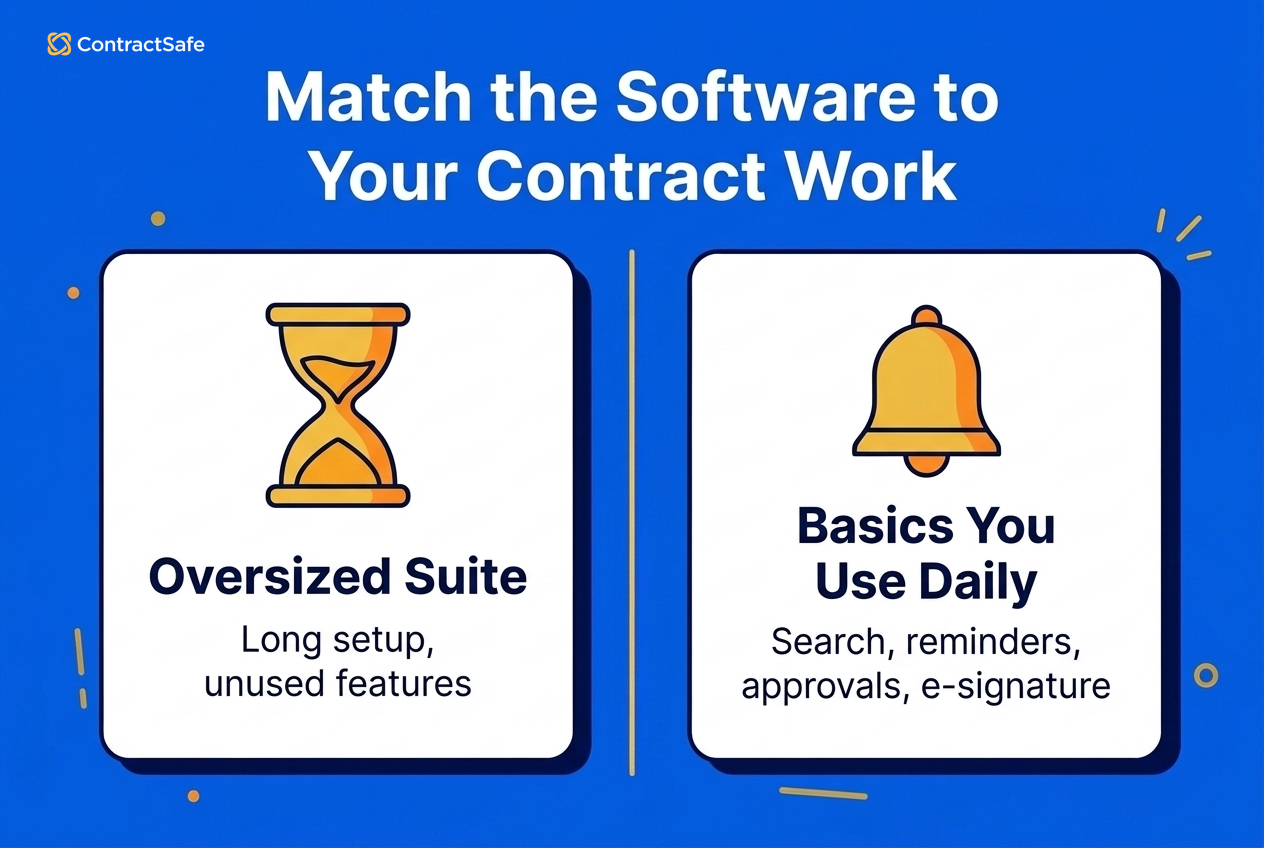
If your contracts don't need heavily configured workflows, look for the basics your team will use every day: searchable records, AI extraction of dates and clauses, reminders to named owners, simple request and approval steps, and e-signature.
An enterprise-scale contract lifecycle management (CLM) system is built for a different buyer: a global enterprise with:
Highly customized workflows
Extensive legal operations teams
Thousands of contract types
Heavy integration requirements
Buy that much system for simpler work and people stop using it. They go back to email, shared drives or side spreadsheets because the tool feels too complicated for everyday contracts. You're left with low adoption, a long implementation and a bill for features nobody opens.
Missing Contract Renewal Deadlines
Renewal deadlines get missed when auto-renewal and notice dates live inside documents instead of tracked fields, so the window closes before anyone looks. The fix is to pull every date out when the contract is uploaded and send reminders to a named owner.
Automatic renewal clauses are designed for convenience. They let agreements continue without renegotiation when both parties are satisfied. The risk appears when no one is tracking those dates. What looks like a small oversight can lock you into months, or years, of spend you didn't want.
When renewal windows are missed, organizations may:
Stay locked into unwanted vendor relationships
Miss opportunities to renegotiate pricing
Continue outdated terms
This is especially common with:
IT service contracts
SaaS agreements
Employment contracts
Commercial leases
Government service contracts
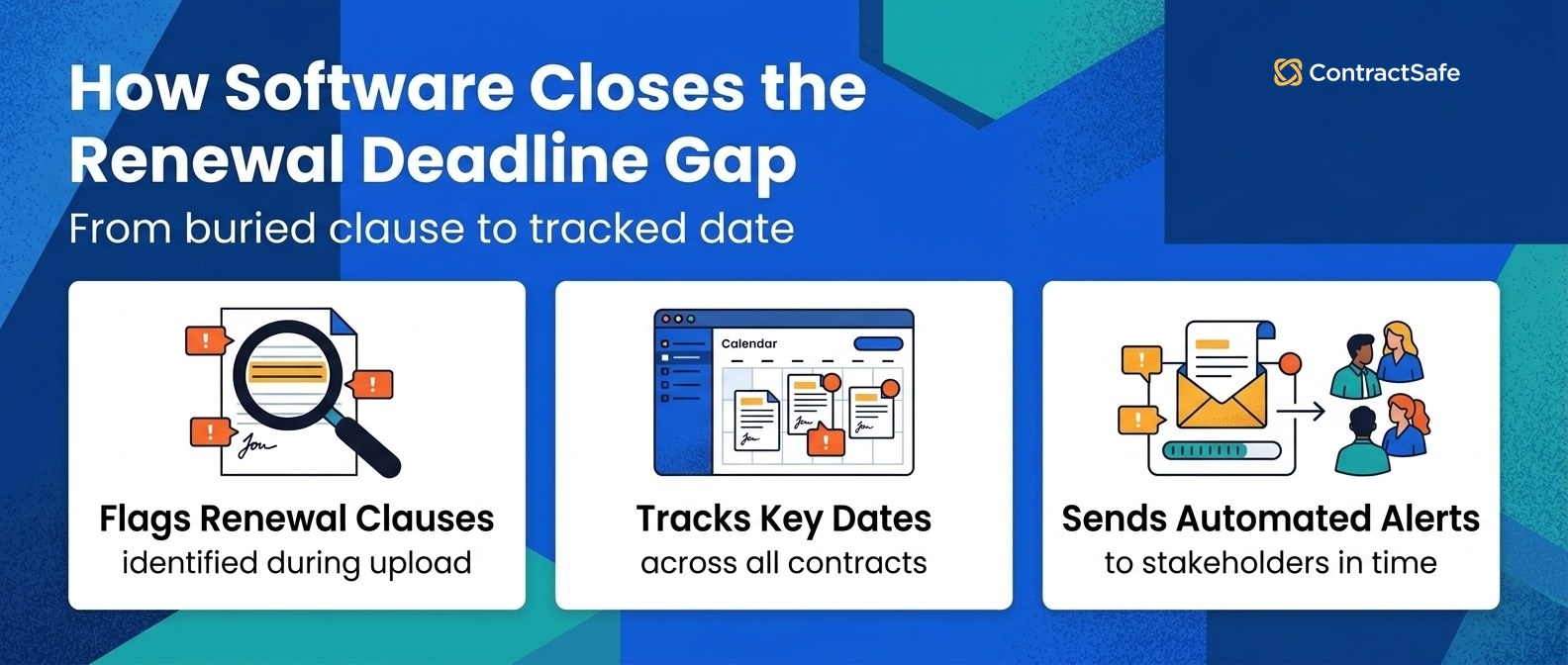
Contract management software helps by:
Identifying renewal clauses during upload
Tracking key dates across all contracts
Sending automated alerts to contract owners
Giving teams time to renegotiate or exit agreements
Grant agreements carry more dates than a renewal, though, and they come with rules most vendor contracts don't.
Treating Grant Agreements Like Ordinary Contracts
This one only applies if your organization takes federal grant money, directly or as a subaward. If it does, the Uniform Guidance (2 CFR 200) decides how long you keep award records, when you need an audit and what overhead you can charge, which no vendor contract asks of you.
OMB's 2024 revision also raised the audit trigger. For fiscal years beginning on or after October 1, 2024, you need a single audit in any year you spend $1,000,000 or more in federal awards, up from $750,000. That's measured across all your federal awards, so track spending for the whole portfolio, not one award at a time.
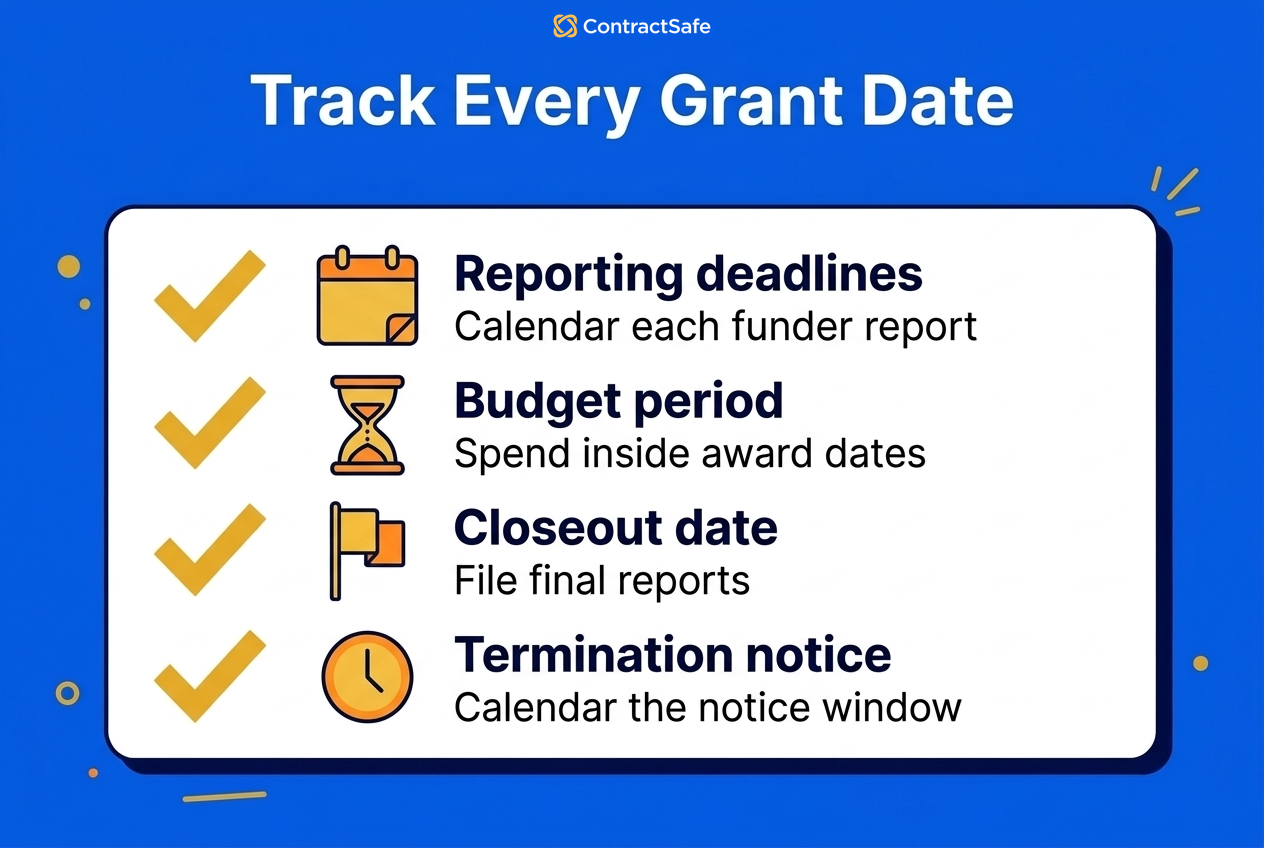
Each award also carries its own dates. When an award letter arrives, record these in your contract system first and file the letter after:
Reporting deadlines
Budget period end
Closeout date
Termination clause and its basis
Grant files rarely belong to one person. Program staff, finance and board members all need to see the award, and each of them should know which reporting date is theirs before the first one comes due.
Leaving Contract Ownership and Responsibilities Unclear
Every contract needs one named owner for each stage, from drafting through renewal. When nobody's responsible, work stalls between handoffs and no one notices until a deadline passes.
Legal assumes sales is handling a renewal. Sales assumes finance is tracking it. By the time someone checks, the deadline has already passed. In a grant-funded nonprofit, the grants manager assumes the program director is tracking deliverables, and the program director assumes finance has the reporting date.
Ownership should be defined for:
Drafting
Review
Approval
Renewals
Obligations
Our guide to contract lifecycle management process best practices covers how to assign each stage. Whatever tool you use, attach each reminder to the contract rather than one person's inbox, so it still fires when someone changes roles.
Managing Contract Status Through Email and Spreadsheets
When contract status lives in email threads and spreadsheets, nobody can tell where an agreement stands without asking someone. Put each contract's stage and owner in one shared system, so anyone can check the status themselves instead of sending another email.
Teams end up asking the same questions repeatedly:
“Where is this contract?”
“Who has it now?”
“Is it approved yet?”
The answers sit in someone's inbox, and the spreadsheet is only as current as the last person who remembered to update it.
Teams benefit from a shared system that shows:
-
Current contract stage
-
Responsible owner
-
Time spent in each step
Time in each step is where you spot the stall, and approvals are the usual culprit. Automatic reminders to pending approvers keep a contract from sitting unnoticed in someone's queue. If you're weighing tools on this, our guide to the best contract management software compares the options.
Treating Contract Management as a Legal-Only Process
Contracts drive revenue, spend, compliance and grant delivery, so the people who act on them need to see them. When only legal can see contracts, staff in finance, programs and operations end up planning from memory or old emails.
The fix is permissions set by role, folder or tag, so finance, program and operations staff see the agreements they act on, while legal keeps control of the restricted ones.
So What Happens When These Contract Management Mistakes Add Up?
They cost money. Each mistake looks like admin on its own, but together they turn into renewals you didn't want, deals waiting on paperwork and audits spent rebuilding records. Most trace back to three questions nobody can answer about a contract: where it lives, who owns it and what happens next.
Common outcomes include:
-
Delayed deals due to contract bottlenecks
-
Audit stress from disorganized records
-
Legal teams pulled into status-tracking instead of advisory work
To see how exposed you are, take the contracts renewing in the next few months and try to answer those three questions for each one. The ones you can't answer quickly are where to start. For the cost side in more detail, see how contract management software affects the bottom line.
Related Reading
How ContractSafe Helps You Avoid These Mistakes
ContractSafe is full-lifecycle contract management, so requests, approvals, signature and date tracking run on the same contract record. ContractSafe's two higher-tier plans add two things that help here. Approvers who haven't acted get a reminder every three days. You can also edit a contract in Word, online or on the desktop, with tracked changes and comments, then save the new version back to the contract record.
Turn on Autorenew for an auto-renewing contract and ContractSafe rolls the renewal date and the deadline to renew forward each cycle, with reminders reset for the next renewal on their own. A date reminder can also go to someone who isn't a ContractSafe user, such as outside counsel or a program director.
It's the wrong fit if your team drafts heavily inside the tool and runs multi-round negotiations there; a drafting-first CLM will serve you better.
ContractSafe pricing starts at $450/month (Organize plan, billed annually; $540 month-to-month), with unlimited users on every plan, so program, finance and operations staff can all see the contracts they act on.