



Quick answer: A contract repository is a secure, searchable system that holds signed contracts plus the key details about them (renewal dates, notice terms, owners) and keeps a record of who did what to each one. A shared drive stores the files; a repository turns them into records the whole company can find, trust and act on before a date is missed.
Without one, the signed agreement exists but finding it before a renewal hits turns into a hunt through inboxes, desktops, and the laptop of someone who left last spring. A real repository ends that scramble by giving one trusted home to every contract and the details that matter.
Choose your next step:
If you're still defining the category, start with what a contract repository actually is and the contract repository feature page.
If you're comparing tools, jump to repository vs shared drive vs CLM and ContractSafe pricing.
If you're preparing for a demo, use the demo test and our guide to contract repository software before you meet with vendors.
Key Takeaways
- A contract repository is the working system for signed agreements, dates, owners, search, permissions, alerts and reports, not only storage.
- A shared drive can hold files, while a repository lets the team answer contract questions without turning legal into the help desk.
- The repository features that matter are practical: OCR search, metadata, reminders, permissions, reports, bulk upload, audit history and a review step for AI-extracted fields.
- AI makes a repository faster but can't replace clean source documents, human review and trusted contract records.
- The buying question is whether your team can find the right contract, trust the record and act before something gets missed, not which platform has the longest feature list.
What a Contract Repository Actually Is
A contract repository is a central system for storing signed contracts and making the important details inside those contracts easy to find, trust and use. The contract is the obvious part: the PDF everyone thinks they're looking for. But the PDF by itself is only half the story. Who owns the agreement? When does it renew? What notice period applies? Which version is final? Can finance see it? Should HR see it? Has anyone checked whether the indemnity language changed in the last amendment? That's where a repository earns its keep.
Picture a library. The contract is the book. The repository is the catalog, the shelf label, the checkout record, the restricted section, and the reminder note that says "this one is due soon." A shared drive can hold the book; it can't run the library. That distinction shows up at renewal time, when a vendor agreement auto-renews for another year because the notice deadline sat unread in a signed PDF nobody opened, and now you're locked into terms you meant to renegotiate. The contract didn't fail. The system around it did.
The issue usually isn't that companies don't care about contracts; it's that the useful information gets trapped inside documents, then work moves on, people leave, and the business starts asking legal the same questions again. A repository is how you get the information back into the flow of work.
How a Repository Does the Compliance Work
A repository does the compliance work through four ordinary mechanisms: audit history, version control, role-based permissions, and owner and date fields. Together they form the record that makes a repository a compliance tool and not only storage; when an auditor asks which version was in force in March, who approved it, and who had access, the repository answers from its own log instead of from someone's memory. Ask to see all four on one record in the demo.
Audit history logs every upload, edit, field change, permission change and view, with the user and timestamp. When an auditor asks how a contract record came to say what it says, you export the trail instead of reconstructing it from email.
Version control keeps every version and amendment attached to the same record, so you can show which terms governed on a given date. "We think this was the final one" is not an answer during a dispute.
Role-based permissions keep employment agreements away from procurement and customer terms away from contractors, and let you show a reviewer exactly who had access and when it was granted.
Owner fields and date fields turn obligations into someone's job. Many compliance failures come from an auto-renewal nobody owned or an insurance certificate requirement nobody tracked, the kind of post-signature value leakage World Commerce & Contracting's market insights keep returning to.
When a Contract Repository Is the Right First Move
A contract repository is the right first move when you can't say which contracts renew soon, who owns them, and where the signed copies are without assembling a search party.
A lot of teams go shopping for contract software with a long wish list: intake, drafting, redlining, approval routing, clause libraries, AI review, signature, storage, dashboards, renewal workflows, integrations. The demo looks impressive because the software touches every part of the contract lifecycle. Then the implementation begins, and the team realizes the first real problem is much simpler:
We don't have all signed contracts in one place.
We don't know which files are final.
We don't know which renewals are coming.
We don't know who owns each agreement.
We don't trust the spreadsheet that's supposed to answer those questions.
If that's the problem, don't start by redesigning every contract process in the company. Get the signed agreements into one searchable place, then add the dates, the owners and the alerts. Legal can still improve intake and approvals later, procurement can still build better vendor workflows, and finance can still connect contract data to budget planning. Those projects work better when the signed agreements and their basic facts are already reliable.
How a Contract Repository Differs From a Shared Drive and a Full CLM
A contract repository manages the signed contract record. A shared drive stores files. A full CLM platform usually covers drafting, approval, signature, storage and renewal.
A general document platform such as SharePoint is a reasonable place for ordinary files. Contracts ask for more: dates, owners, restricted access, reminders, reports, and source language people can trust.
Contract Management Tools Buyers Shortlist Most
If you're shopping right now, these are the systems that come up most often, and the question to put to each one:
| Tool | Pricing and what to ask |
|---|---|
| ContractSafe | Starting at $450/month with unlimited users, pricing published; best for lean legal, finance and ops teams that want the whole company in the system on day one; OCR search, AI field extraction and migration included; ask to see your own scanned contracts searched in the demo. |
| LinkSquares | Quote-based; built for in-house legal teams that want heavy AI analytics across an existing archive; ask what rollout the extraction pass needs and how long until a renewal report works. |
| Conga CLM | Quote-based; built for large, Salesforce-centric organizations with complex approval and revenue workflows; ask what configuration has to exist before anyone can find a contract. |
| SpotDraft | Quote-based; built for teams where sales, procurement and HR run their own contract requests end to end; ask what the intake build takes before the archive is searchable. |
What Contract Data Belongs in the Repository?
The repository should track the contract data people need to answer business questions: parties, contract type, dates, renewal terms, owners, status, value, permissions and source documents. The mistake is trying to capture everything. If every contract record needs dozens of fields before it can be saved, people will avoid the system or fill it with junk; if the record only has a file name and upload date, the repository is a shared drive wearing better clothes.
The right middle ground is the data your team uses in real conversations. Finance asks what renews this quarter. Legal asks whether the indemnity language changed. Procurement asks who owns the vendor relationship. Sales asks whether an old customer agreement includes a limitation of liability. HR asks who can see employment agreements. Leadership asks where the near-term contract risk sits. Those questions tell you what fields matter and what can wait: you probably don't need every clause coded on the first pass, or a perfect taxonomy for every historical agreement before the first report runs. A vendor agreement that renews soon needs a notice window and an owner first.
| Field | Why it belongs there |
|---|---|
| Counterparty | Legal, finance, procurement and sales search by vendor, customer, landlord, partner or employee more often than by file name. |
| Contract type | NDAs, MSAs, order forms, leases, employment agreements and vendor contracts need different handling by legal, operations and HR. |
| Effective and end dates | Date fields turn a static archive into a working system for the renewals, expirations and deadlines finance and department owners track. |
| Notice window | A renewal date isn't enough if the contract requires advance notice before cancellation; finance and procurement act on this one. |
| Business owner | Someone has to decide whether to renew, renegotiate, terminate or ignore an upcoming date. |
| Permissions | The same repository may hold customer contracts, vendor terms, employment agreements and sensitive amendments; legal, HR and admins decide who sees what. |
If you're building the repository from scratch, start with those fields. You can add more later. A small field set people trust beats a giant field set people ignore.
The Repository Features That Matter Most
The most useful contract repository features are OCR search, metadata, reminders, permissions, reports, bulk upload, audit history, and a review step for AI-extracted fields. These aren't the shiny features in most sales decks, which is usually a good sign. Search matters because people rarely remember exact file names. OCR matters because old contracts are often scanned images pretending to be documents. Metadata matters because the useful facts are usually buried on page seven. Reminders matter because renewal windows don't care that everyone was busy that week. Permissions matter because not every contract belongs in front of every person. Reports matter because leadership will eventually ask what's renewing, expiring, missing, ownerless or stuck in cleanup. The feature test should be painfully practical:
Can finance find a renewal date without asking legal?
Can procurement pull every agreement tied to one vendor?
Can the team search scanned PDFs, not only clean digital files?
If those take a person a day of digging, the feature list is probably louder than the product. Watch, too, for systems that make every useful feature an upgrade: a repository that only becomes useful after you add OCR, alerts, reports and a migration package can end up costing much more than the platform fee suggests.
How AI Helps a Contract Repository Without Replacing It
AI helps a contract repository by extracting dates, parties, terms, clauses and summaries from contracts faster than a person wants to type them. It still needs source documents, permissions, history and review. AI without a repository is like hiring a fast assistant and sending them into a storage room where nothing is labeled: they may find something, summarize something, and sound confident about it, but if the team doesn't know whether the document is final, who owns it, who can access it, or what should happen next, speed isn't the real problem. The useful AI work is ordinary in the best way:
Read scanned agreements with OCR.
Suggest counterparty, dates, renewal terms and contract type.
Point users back to the source language.
Help search by meaning, not only exact words.
Flag records that need human review before the team trusts them.
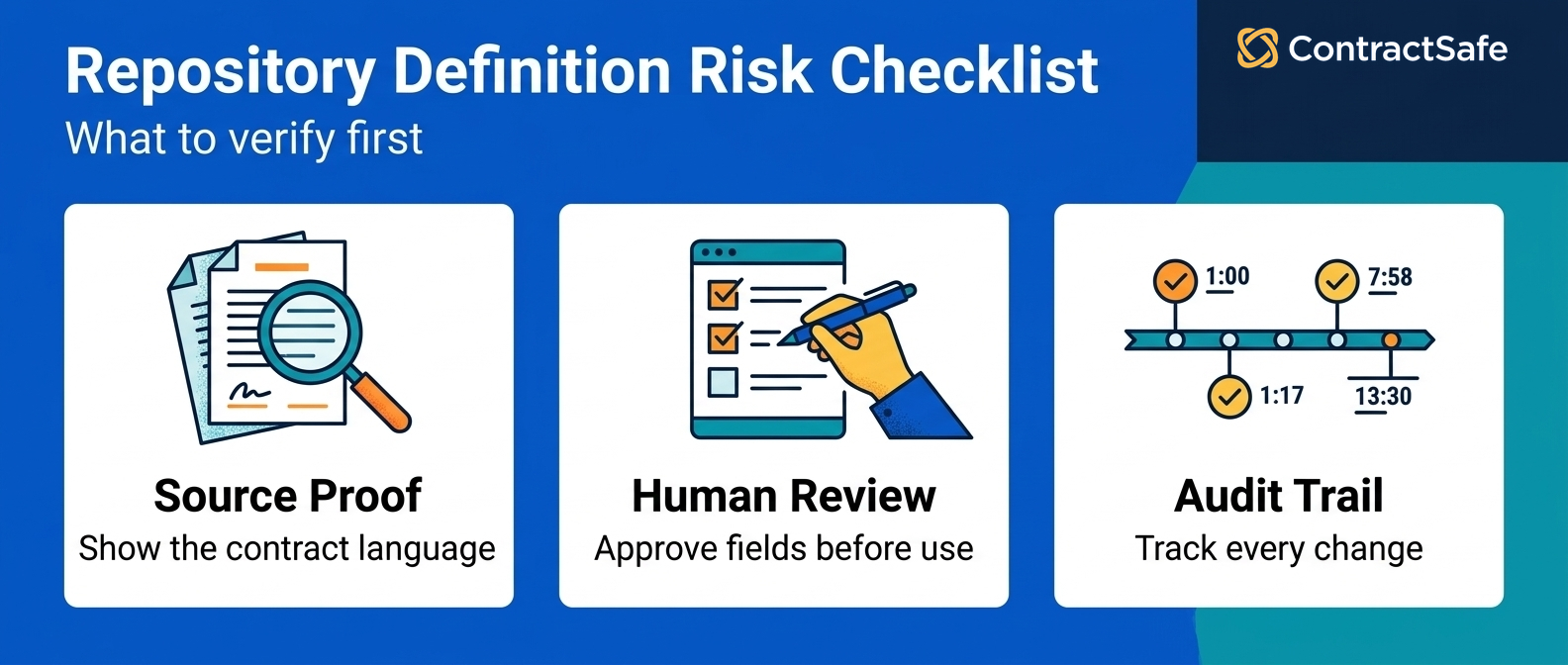
The risky version is treating a general chatbot like a contract system. A good repository gives AI a safer job: AI helps read the record rather than inventing it, and the source document stays close enough for a person to verify. In a demo, ask where every extracted answer came from; our guide to AI contract management tools covers how to compare the AI itself.
How to Roll Out a Contract Repository Without Creating a New Mess
The safest rollout starts with the real contract locations, a small required field set, bulk upload, human review for risky records, permission setup, reminders, and a named owner for ongoing cleanup. Start with the messy reality: where contracts are today, not where they're supposed to be. Inbox attachments, shared drives, e-signature folders, procurement folders, local desktops, old employee accounts, and the spreadsheet everyone quietly depends on but nobody wants to defend. From there, six steps:
Map the current locations. List every system, folder, mailbox and team that may hold signed agreements.
Decide the first field set. Use the six fields from the table above plus status and value.
Upload in batches. Don't wait for every contract to be perfect before the system starts helping.
Use AI for the first pass. Let the system suggest fields, then review the records where a wrong answer would matter.
Set alerts and permissions before launch. A repository without reminders and access rules is still half a filing cabinet.
Create a cleanup owner. Someone has to fix duplicates, retired owners, missing dates, and records that come in from the wrong place.
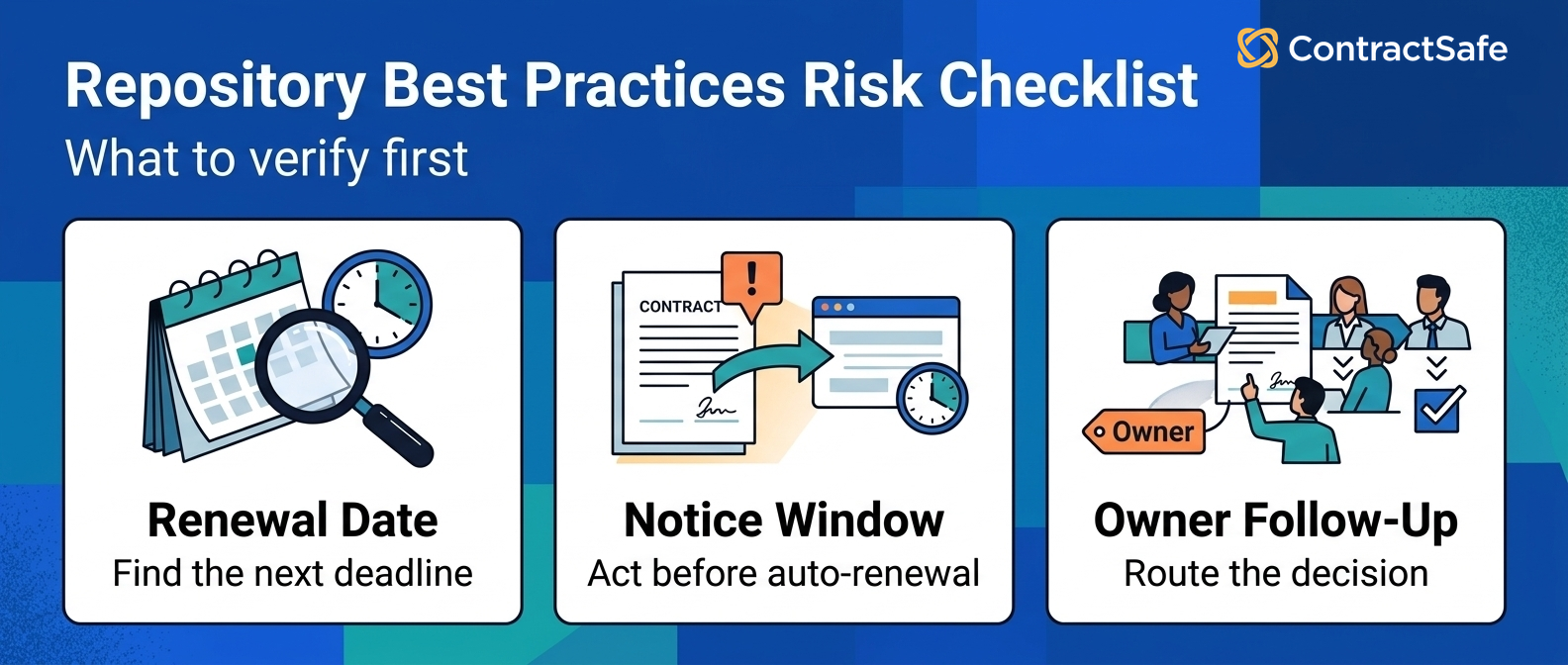
This doesn't need to be a six-month transformation project, but it does need a real owner, because a repository gets worse when nobody owns hygiene: new agreements arrive, people change roles, vendors merge, amendments get signed, auto-renewal language changes. The system stays useful only if the team treats cleanup as part of the work, not a one-time migration chore.
The rollout should answer real questions early, because people trust a repository after it helps them do something they already needed to do. A good first milestone is boring on purpose: a single team, a single contract type, a single report, and a single deadline category. Start with vendor agreements that renew soon, upload them, capture the renewal and notice dates, assign owners, and run the report with finance. If the report answers the question, expand the same pattern to more vendors. If it doesn't, fix the fields before bringing in more records. That keeps the repository from becoming a migration theater project where the team celebrates the number of uploaded files while the business still can't answer the question that started the project.
What to Test in a Demo Before You Buy
The demo should prove the repository can handle your real contracts: messy PDFs, scanned documents, amendments, renewal terms, permissions, owner fields, alerts and reports. Don't let a demo live entirely inside perfect sample files, because perfect sample files behave and your archive may not. Bring a normal vendor agreement, a scanned older contract, an amendment, an NDA with an odd file name, and one agreement where the renewal date and the notice window aren't on the same page. Then ask the vendor to walk through work your team will do:
| Demo test | What to watch | Bad sign |
|---|---|---|
| Upload a messy PDF | Can the system read it, search it, and attach fields without special handling? | The demo only works with clean vendor-provided sample files. |
| Find a renewal date | Can the user see the date, source language, notice window and alert setup? | The date appears, but nobody can tell where it came from. |
| Export the audit trail | Can you pull a full change-and-access log for one contract as a file you'd hand an auditor? | The log exists on screen but can't leave the system. |
| Show version lineage | Can you see the original, every amendment, and which one governed on a given date? | Amendments are separate uploads with no link back to the parent. |
| Assign an owner | Can legal route the next decision to finance, procurement, sales or HR? | Everything still routes back to legal by default. |
| Limit access | Can the same system hold HR, customer and vendor records safely? | The answer requires a workaround or a separate storage location. |
| Run a report | Can the team pull upcoming renewals, missing owners and expiring agreements quickly? | The vendor says reporting will be configured later. |
The best demo question is simple: "Show me what our team would do next Monday." If the answer is clear, the repository may be a fit. If the answer turns into a long explanation of implementation phases, integrations and custom configuration before anyone can find a contract, keep asking questions.
Common Repository Mistakes That Make the Problem Come Back
Six mistakes bring the problem back: treating upload as done, too many fields, no owner field, no source proof, loose permissions, and no cleanup rhythm.
The contracts have been uploaded. The folder structure looks better. The implementation checklist is complete. Everyone had a training session. Then, two months later, finance still asks legal which vendor contracts renew this quarter. That's the sign the repository became a nicer archive, not a working system. A repository doesn't fail all at once; it gets a little less trusted each time someone can't find a record, spots a bad date, sees an owner who left a year ago, or discovers a newer amendment outside the system. Then people work around it, and the company drifts back to "somewhere." Watch for these patterns:
Upload equals done. Contracts are centralized, but dates, owners, alerts and permissions are missing.
Too many fields. The record is so annoying to complete that users avoid it or guess.
No owner field. Legal owns the system, but nobody owns the business decision attached to each agreement.
No source proof. AI or manual fields exist, but users can't easily check the contract language behind them.
Loose permissions. Sensitive agreements sit in the same open space as ordinary vendor contracts.
No cleanup rhythm. Duplicates, stale owners, missing dates and old versions slowly eat trust.
The rollout steps above prevent all six, and the cleanup owner from step 6 keeps them from coming back.
Related Reading
How ContractSafe Helps Teams Build a Contract Repository People Actually Use
ContractSafe is a full-lifecycle contract management system that runs from intake and approvals through signature, storage and renewals. The repository is the capability inside it that does this job: signed agreements stay organized in one searchable home, OCR makes scanned files searchable, AI data extraction suggests the dates and parties for a person to confirm, and search and reporting pull the records finance, procurement and leadership ask for. Alerts help owners act before renewal and notice dates pass, and permissions let departments share the same system without opening sensitive records to the wrong people.
Unlimited users are included on every plan, so finance, sales, HR, procurement, leadership and auditors can get the access they need without legal rationing logins. That changes behavior: if only a handful of people can use the system, the rest of the company keeps asking those people for answers; if the right people can search, view and act for themselves, the repository becomes part of daily work instead of another legal-only system.
Every plan includes OCR, AI data extraction, search, reports, alerts and permissions, plus implementation and migration support, so getting the contracts in doesn't become a separate project. ContractSafe pricing starts at $450/month on the Organize plan, billed annually ($540 month-to-month).









.svg)







.svg)




