


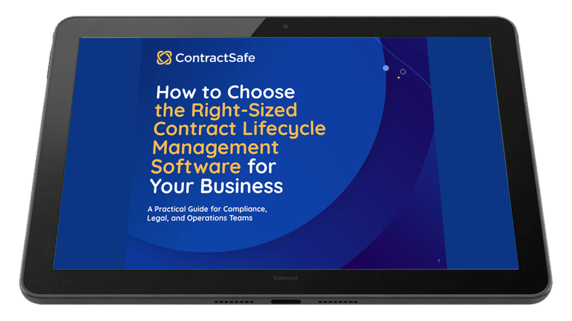
Right-sizing a contract management software purchase means choosing the system your team's actual workflow can absorb, not the one with the longest feature list. That's the decision our new free eBook, How to Choose the Right-Sized Contract Management Software for Your Business, is built to help you make, and it's written for the compliance, legal, and operations people who end up living with the answer.
Here's why the decision is worth slowing down for. Three weeks into a new job, an ops manager needs to know whether a vendor agreement renews automatically next month, so she checks a shared drive, then a second one left over from the last reorg, then an email thread. She finally finds a file named MSA-vendor-FINAL-v3_ACTUAL, and it isn't the executed version, and nobody who signed it still works at the company. Buying a platform built for a legal department ten times your size doesn't fix that afternoon, it just gives the mess a more expensive place to sit.
The guide hands you four things to work with: a needs worksheet you can fill in with your own team, a workflow-to-feature matrix that turns those answers into a requirements list, a review of the costs vendors leave off the quote, and a vendor-evaluation cheat sheet with four questions and the answers you should expect back. Everything in this article comes out of it, so read the short version here and download the full guide when you're ready to run a real evaluation.
Free eBook
How to Choose the Right-Sized Contract Management Software for Your Business
A Practical Guide for Compliance, Legal, and Operations Teams
Download the eBook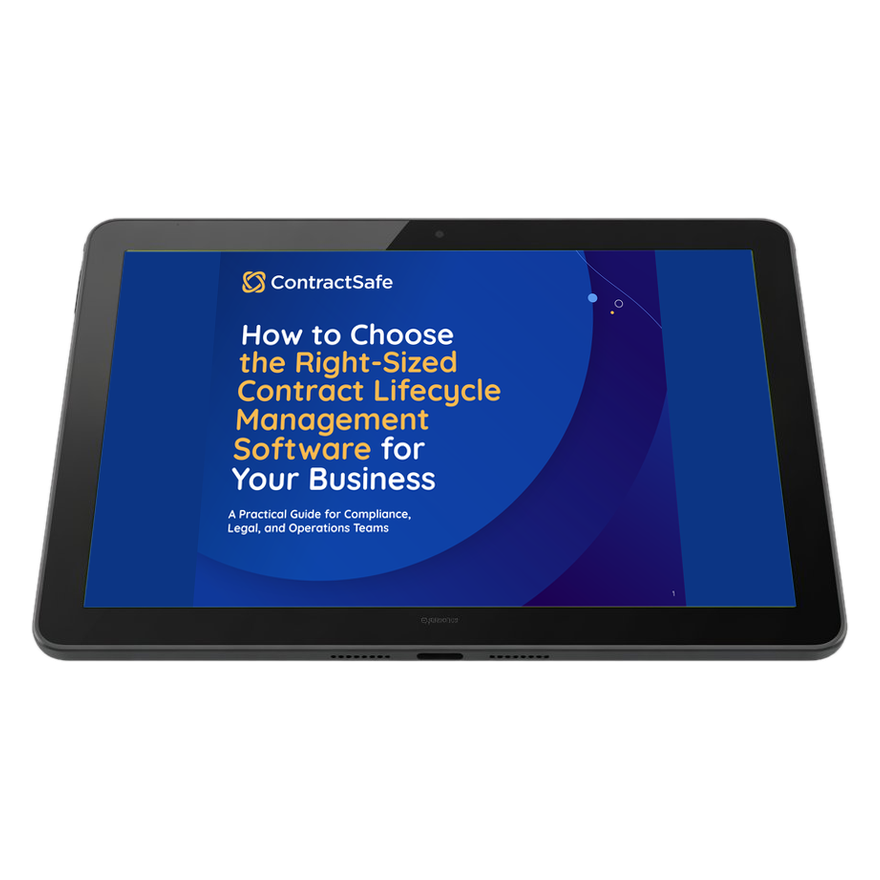
Key Takeaways
- Right-sized means the software fits your contract volume, workflow, and team skill level, not the biggest feature list you can buy.
- Map your workflow first, then shop. Demos are designed to make you want capabilities you'll never open.
- Total cost includes implementation, migration, admin time, training, and integration work, not just the subscription line.
- Adoption is the whole ballgame. A powerful system nobody outside legal touches loses to a simple one everybody uses.
- Ask every vendor four direct questions about price, rollout, adoption, and usability before you get anywhere near a contract.
What You Get Inside the Right-Sized CLM Guide
The eBook isn't a vendor roundup, and it doesn't rank platforms. It's a set of working tools you use in order: figure out what your contracts actually demand, translate that into features, price the whole thing honestly, then put vendors on the spot. Here's how the four pieces fit together.
| What you get | What it does | When to use it |
|---|---|---|
| CLM needs worksheet | Walks your team through plain questions about your own paper, people, deadlines, and compliance limits | Before you book a single demo |
| Workflow-to-feature matrix | Turns each worksheet answer into the capability it actually calls for, and the ones it doesn't | While you build your requirements list |
| Hidden-cost review | Names the fees, timelines, consultants, and per-seat charges that arrive after the quote does | Before you compare proposals |
| Vendor-evaluation cheat sheet | Four questions to ask, each paired with the answer a straightforward vendor gives you | On the first sales call |
The needs worksheet is the part most teams skip, and it's the part that changes the shortlist. It asks whose paper you're mostly working with, yours or theirs, how many contract types make up 80% of your volume, and whether you can look at your most-amended agreement and tell what's still in force without reading every document in the stack. It also asks you to name a commitment in a live contract that isn't a date, and to think about a deadline that isn't a simple renewal, since plenty of systems assume one date and a fixed 30, 60, or 90 days of lead time.
From there, the matrix does the translating. If most of what you sign is inbound paper, you need AI extraction and software that can read a scanned document, not a heavy authoring environment. If you draft a lot of your own agreements, you need customizable templates and self-serve intake forms instead. And if you negotiate clause by clause, you need clean version control, easy version comparison, active redlining, Word editing and commenting, and approval routing that bends to your structure.
The cost section names the four places budget quietly leaks: surprise fees for implementation and training, timelines that stretch from months into a year, consultants hired to make an intricate platform usable, and per-user pricing that charges you every time someone new needs occasional access. The cheat sheet closes it out with four questions for the first call, each one paired with the answer a vendor with nothing to hide will give. Have a look at a few of those pages before you download the whole thing.
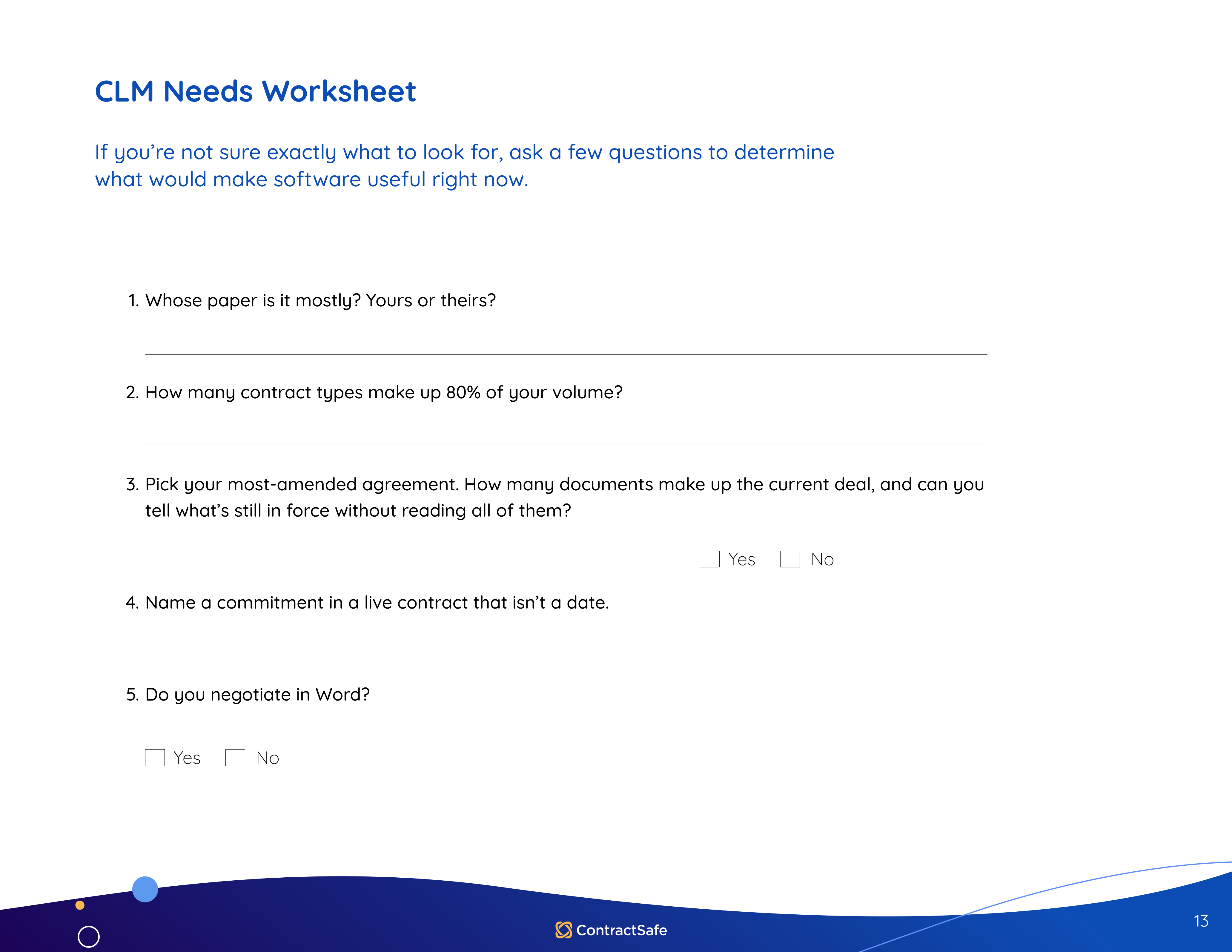
CLM Needs Worksheet
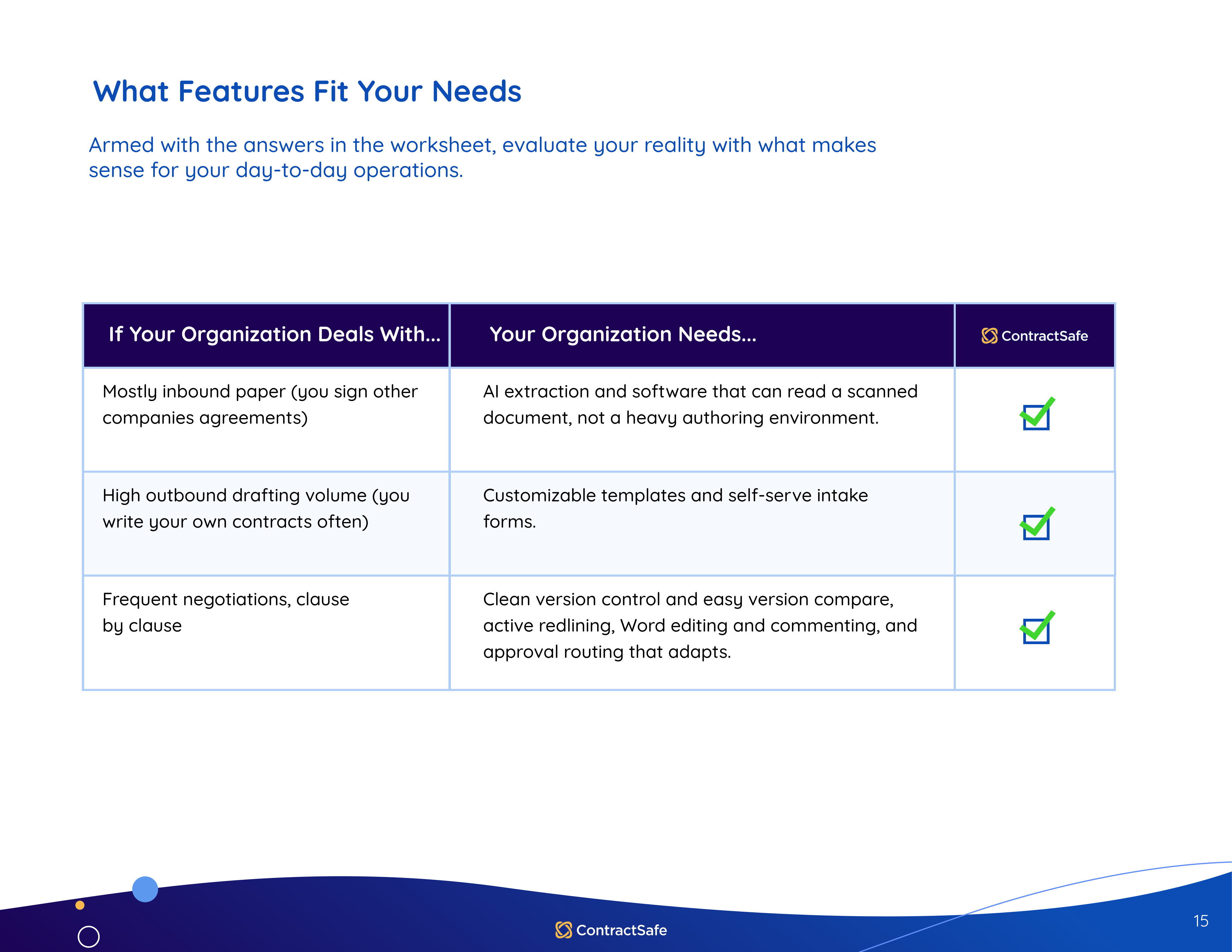
What Features Fit Your Needs
The SMB Buyer’s Cheat Sheet
What Right-Sized Contract Management Software Actually Means
Rightsizing is the practice of matching what you buy to what's really there. In packaging, it means finding a box that matches the dimensions of the product inside so you're not paying to ship air. In software, it means matching the platform to your company's actual needs, so you're neither spending on features nobody opens nor running out of room in eighteen months.
Two failure modes exist, and they're mirror images of each other. Undersized looks like a shared drive with folder names nobody agrees on, renewals discovered by invoice, and a paralegal who is functionally the search engine. Over-engineered looks like a platform with clause libraries, negotiation playbooks, and an approval matrix nobody remembers configuring, used by a handful of people because everyone else went back to email.
The numbers say the second failure is common. Vertice found that 15% of SaaS licenses are entirely untouched and 51% are underused in 2026, which means more than half the applications companies pay for aren't being used to their full potential. Info-Tech's 2026 CLM selection guide puts core business needs, process complexity, and risk profile ahead of market hype for exactly that reason. Buy where your real workflows and your team's capacity overlap.
Here's a comparison the guide leans on. A Formula 1 car is a marvelous piece of engineering and completely useless to a family running errands on a Sunday, because it needs a pit crew, a trained driver, and months of setup before it leaves the garage. A minivan gets everyone to soccer practice, and every adult in the house can drive it. Enterprise CLM is the F1 car, and most growing businesses need the minivan.
So what does the minivan look like in practice? A right-sized system is one your back-office admin and your summer intern can use, not just IT and legal, and it shows up in six ordinary places:
- Self-serve standard templates for generating NDAs and MSAs, instead of a code-heavy clause library only one person knows how to operate.
- Intake automation with customizable forms that collect key details up front, so legal starts with clean, consistent information.
- Flexible, simple approvals where you pick approvers, see where things stand, and let automatic reminders do the chasing, with no workflow builder to configure and maintain.
- Familiar editing through native integration with tools people already use, like Microsoft Word, rather than a proprietary portal nobody outside legal has ever opened.
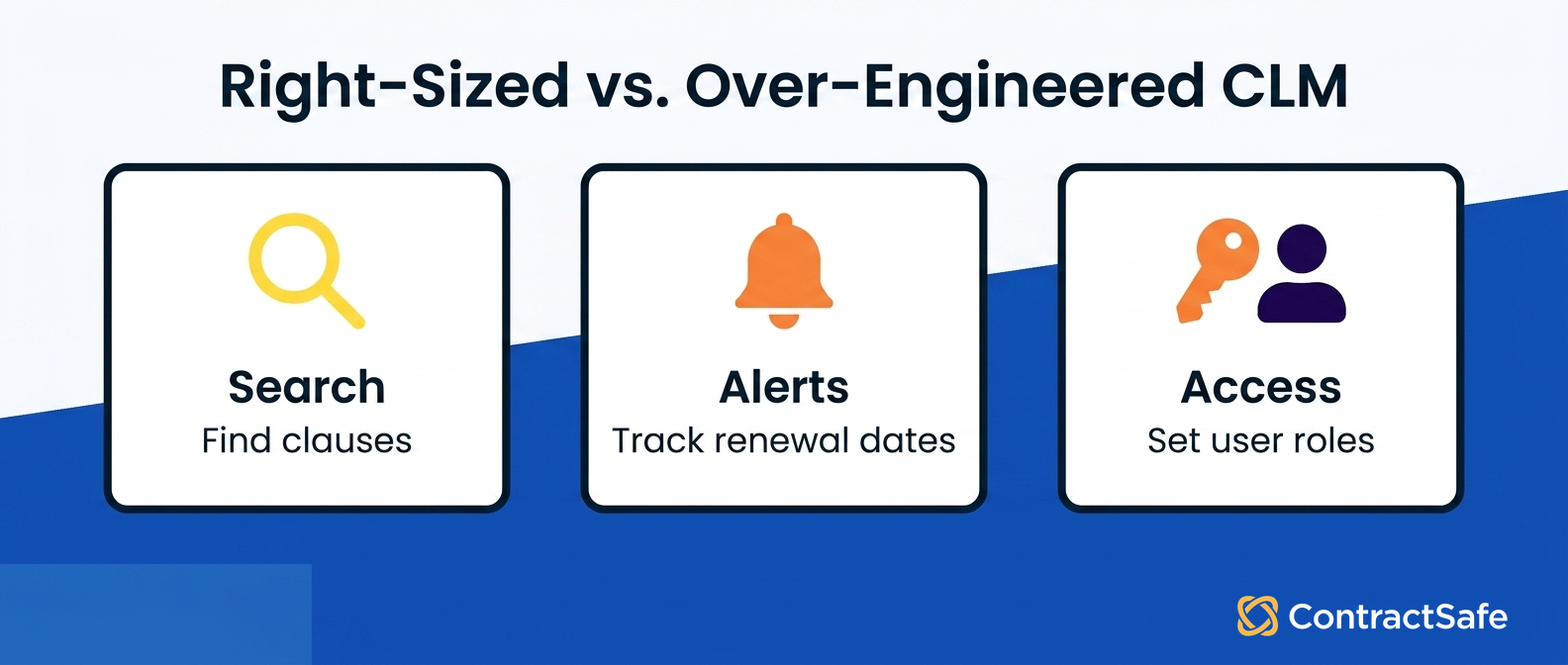
- A usable post-signature repository where anyone on the team can find a document or set an expiration date in seconds.
- Automated deadline alerts you can schedule to the right people at whatever lead time makes sense, covering renewals, expirations, compliance dates, and payments.
None of those are exotic, which is the point. They're the things somebody touches on an ordinary Tuesday, and they decide whether your repository fills up or sits empty. If people find it hard to upload, tag, and search, the repository won't hold the information anyone needs, and they'll quietly stop bothering with it.
Match Features to the Workflow You Have Today
Compare platforms by starting with what your team does with contracts every week, then working backward to the tools that support it. A team losing track of renewals needs alerts and search. A team stuck in redlines needs something else entirely. The table below sorts the most common cases, and the matrix in the guide goes further into inbound versus outbound paper, negotiation depth, and regulatory exposure.
| Your contract reality | What you actually need | What you can skip for now |
|---|---|---|
| Contracts scattered across drives, inboxes, and desks | Central searchable repository with OCR and custom fields | Clause libraries and negotiation playbooks |
| Renewals and auto-renew dates catching you by surprise | Deadline alerts with multiple reminders and named owners | Complex approval routing |
| Legal is the bottleneck for every "where is that contract" request | Org-wide access with permissions by role or folder | Heavy configuration tooling |
| Leadership asks how many contracts are in flight | Reporting on contracts awaiting review, awaiting signature, and active by business unit | Custom BI integration |
| Redlines and approvals crossing in email | Structured review and approval workflow | Multi-entity global rollout features |
| Multiple regions, entities, and negotiation teams | Full enterprise contract management with deep workflow configuration | Nothing. You're the buyer these platforms were built for |
That reporting row is worth pausing on. If you can pull how many contracts are awaiting review, how many are awaiting signature, and how many are active in each business unit, you've answered most of what leadership asks without anyone building a custom dashboard.
Search deserves the same scrutiny. Full-text search finds the contract you're looking for, but questions like "what renews next quarter?" and "what are we spending over $50K on?" need structured data, meaning dates, parties, and values pulled out and organized. That's the part nobody wants to key in by hand, which is why AI extraction matters more than it sounds like it should.
Be careful about how much you trust that AI without checking it, though. Stanford research found that purpose-built legal AI tools hallucinate less than a general model like ChatGPT but still hallucinate 17% to 33% of the time, particularly when retrieving citations or related cases. Every AI output needs human review, and AI doesn't save you time if you're constantly reworking what it produced.
One more matching question: which of these capabilities have to work for people who don't sit in legal? Think of the sales rep checking termination terms before a renewal call, the finance analyst pulling payment schedules at close, and the ops manager confirming an SLA the morning of a service review. If the answer is "they'd submit a request," you haven't matched the work, you've centralized the bottleneck.
Count the Costs That Don't Appear on the Quote
Enterprise CLM vendors frequently obscure total cost of ownership, which means the quoted subscription is often a small share of what you'll actually spend. A 2025 Freshworks survey of more than 700 business leaders found companies waste roughly one dollar of every five spent on software, mostly on failed implementations and features nobody uses. Sales timelines tend to run optimistic too: some platforms carry an annual cost near $40,000 with implementation taking up to six months, and rollouts on the largest systems can eat six to twelve months or longer.
The guide sorts the leakage into four categories, and each one deserves a number before you compare any two proposals:
- Surprise fees. Implementation and training show up as premium line items, and there's an entire consulting industry built around making CLM software usable for a price.
- Extended timelines. A platform that needs a quarter of configuration before anyone logs in carries a real cost that never appears on the quote.
- Extra consultants. One-time setup work can run 20% to 50% of the first year's license fee, and leaving later can cost even more, since proprietary storage formats and data export fees mean some companies pay thousands just to get their own contracts back.
- User adoption pricing. Per-seat pricing charges you for every person who needs occasional access, which penalizes exactly the cross-team use that makes a contract repository worth having.
Run every finalist through the same six lines: subscription, implementation and configuration, data migration, training, ongoing admin time, and integration work. Ask who uploads your existing contracts, who tags them, and who checks the metadata, because if the answer is "your team," you should price those hours now rather than discover them in month three. Ask which connections to e-signature, storage, and CRM are standard and which need custom development.
Total cost of ownership tends to be dominated by everything after the subscription line, which is why the cheapest subscription isn't always the cheapest system. Thomson Reuters notes that contract management is often under-appreciated despite the importance businesses place on their contracts. Under-appreciated work gets under-resourced budgets, so the hidden costs land later on the people closest to the contracts, who never got the chance to plan for them.
Adoption Is the Number That Decides Everything Else
Most CLM implementations fail for a plain reason: the software is too hard to learn, so people default back to email and shared drives. An underused system quickly becomes an unusable one. Adoption drips away, the old habits move back in, and a year later you're paying for a platform nobody opens while the problems you bought it to solve sit exactly where you left them.
It's also worth remembering that software doesn't repair a broken process. IT teams already know that automating a bad process doesn't make it efficient, it just breaks the same way, faster. Rolling out an enterprise platform means hours of calls with implementation specialists, a dedicated employee who specializes in knowing the software, and training your whole staff again every time someone joins.
The upside of getting this right is concrete. When everyone works in the same system, renewals don't sneak up on you, you find the right contract in seconds instead of pinging three people on Slack, and you can hand an auditor a clean, linked history instead of a pile of PDFs. That means fewer fire drills, less risk sitting in the dark, and a legal team spending its hours on judgment instead of digging.
Some companies genuinely do need the enterprise platform. A legal department handling 20,000 active contracts a month across a 1,000-person org chart needs that infrastructure, and no amount of simplicity substitutes for it. But a small company can carry complicated needs too, so the real question isn't headcount, it's what your day-to-day workflow actually demands.
Four Questions to Ask Every CLM Vendor
Most enterprise vendors aren't dishonest about price or timeline, but they can be evasive, and they tend to defer the number through several discovery calls. That delay is itself the answer. These four questions come straight from the guide's cheat sheet, and they get you a straight one sooner.
1. Can you give us a line-item breakdown of our total cost over three years, including implementation, licenses, and premium support? The answer you want is a transparent rate where core features, unlimited users, and standard support are bundled, with any tiers for extra capability clear from the first conversation. Better still, you already found the number on the pricing page. A vendor who keeps pushing that answer later into the sales cycle is telling you indirectly that it's going to grow.
2. If implementation runs long, are we billed for the license while we wait, and do we need a third-party consultant to finish setup? The answer you want is minimal setup your own team can complete, with contracts uploaded and searchable on day one. What you may hear instead is that rollout takes months, requires a formal statement of work, and starts the license clock the moment you sign. One verified Capterra user described just the workflow-configuration phase on an enterprise platform as a two-month, aggravating experience.
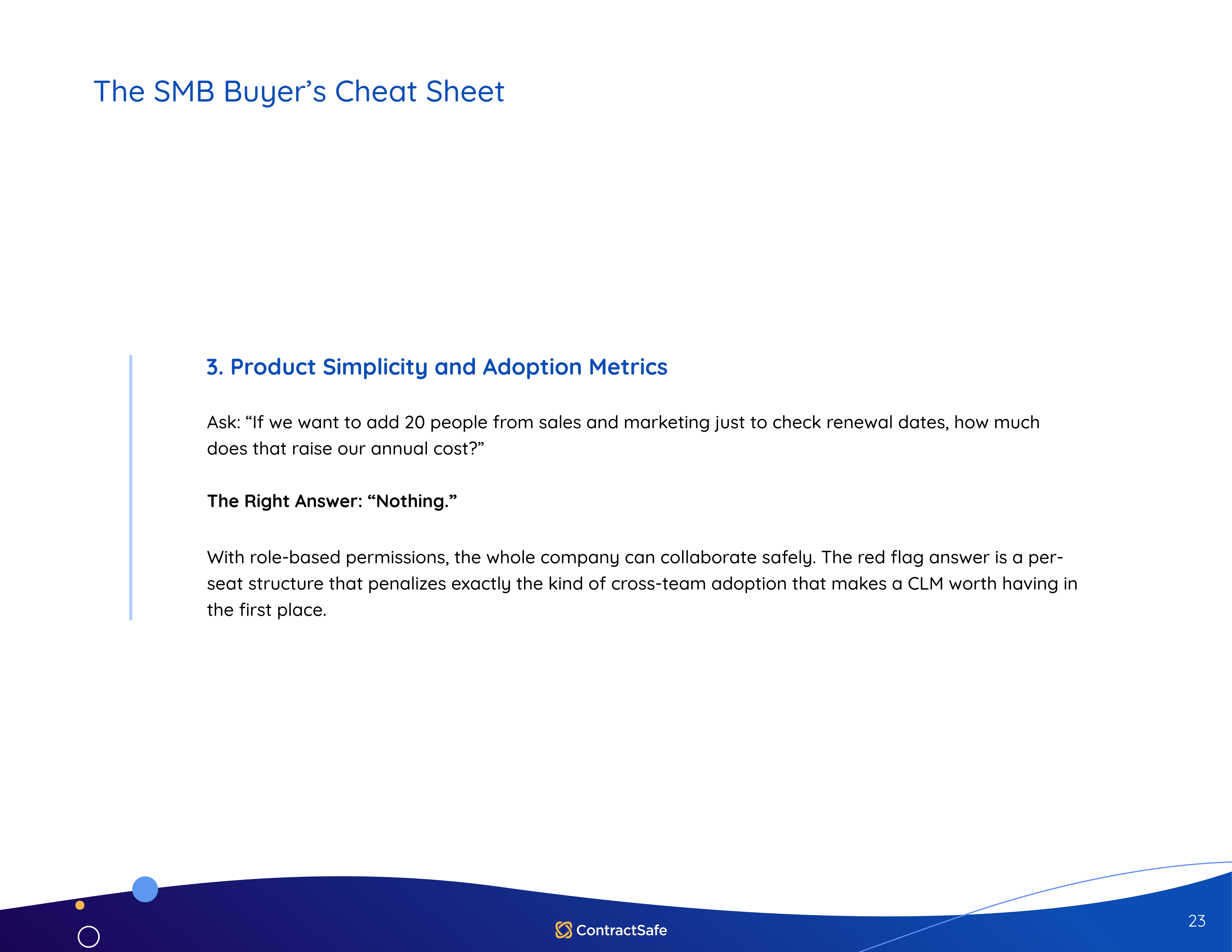
3. If we add 20 people from sales and marketing just to check renewal dates, how much does that raise our annual cost? The right answer is nothing. With role-based permissions, the whole company can collaborate safely, and a per-seat structure penalizes exactly the cross-team adoption that makes contract software worth buying in the first place.
4. How much training will my team need, and does someone need to be tech savvy to upload a contract or set an alert? The right answer is not much, and no. Ask them to prove it live using a search term you choose rather than one they picked, then try it yourself in a trial with your own documents, crooked scans included.
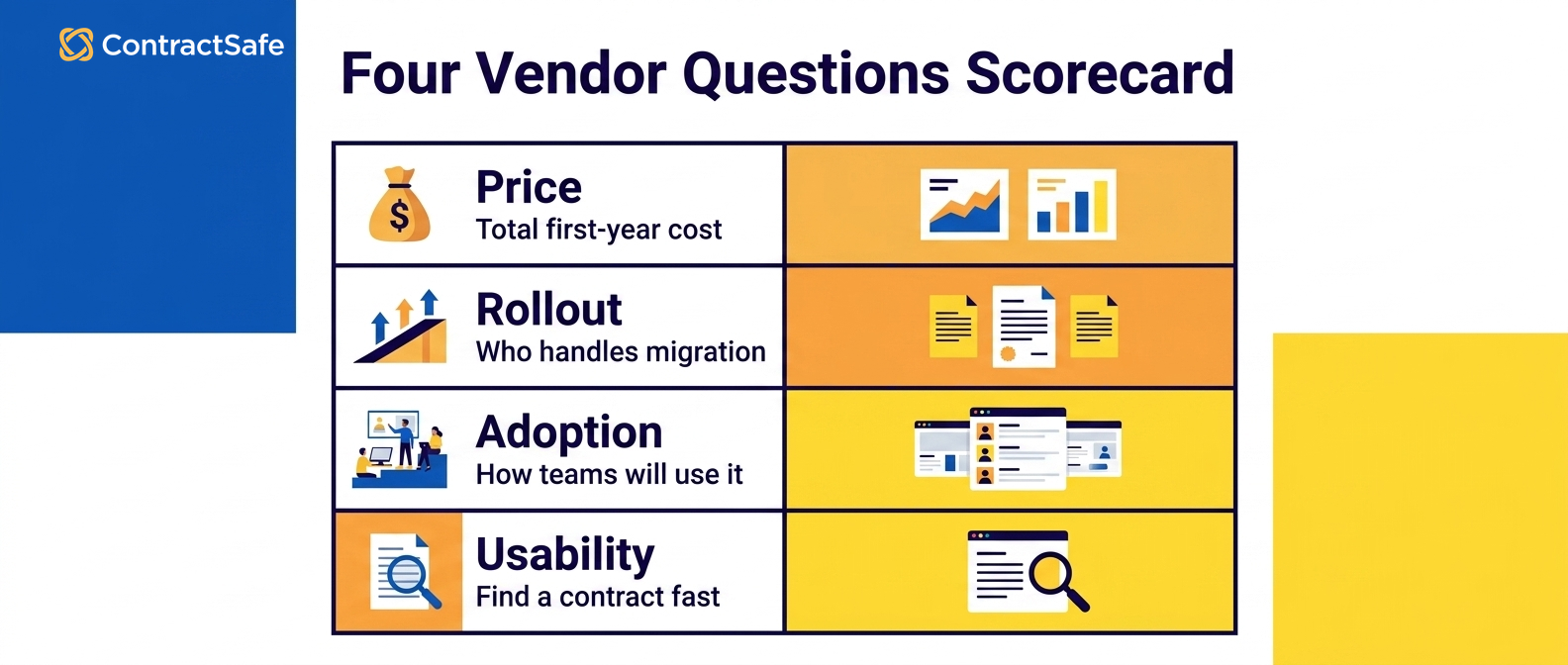
Usability is the one criterion you can't judge from a slide, and it decides whether your investment becomes a searchable contract repository the whole company uses or a very expensive filing cabinet. If you want more detail on where real requirements come from, our contract lifecycle management overview breaks down which stages tend to generate genuine needs versus theoretical ones.
Related Reading
- How to run a contract management software evaluation
- The CLM software checklist
- Best contract management software compared
The full eBook, How to Choose the Right-Sized Contract Management Software for Your Business, puts the worksheet, the matrix, the cost review, and the cheat sheet in one place you can share with everyone involved in the decision. Grab the right-sized CLM buyer's guide before your next demo, then score each option against the way your team really works.
How to Choose the Right-Sized Contract Management Software for Your Business
Download the eBookHow ContractSafe Fits a Right-Sized Buy
ContractSafe is contract management software for teams that have outgrown the shared drive but don't need a configurable enterprise suite and the long rollout that comes with it. It covers the full lifecycle from signature through renewal, with search, deadline alerts, permissions by role or folder, and reporting, plus AI extraction that pulls key terms out of your documents so nobody is retyping them into fields by hand.
ContractSafe pricing is published on the site, and every plan includes unlimited users, which takes away the awkward question of who's important enough to get access. Implementation and migration support are included rather than sold as a separate professional services engagement, and so is customer success support, so the year-one number and the subscription number land close together.
On usability, test it instead of taking our word for it. Load your own messy contracts, including the ones somebody scanned crooked, and watch whether a colleague who's never used contract management software can find what they need without asking for help.







.svg)







.svg)




