


A ContractWorks comparison is a side-by-side test of how ContractSafe and ContractWorks handle your real contracts, rollout constraints, and year-one budget. ContractSafe documents full-lifecycle contract management and published flat pricing. For ContractWorks, buyers should confirm current scope, services, and quote terms directly rather than relying on stale feature or price claims.
Quick answer: Compare ContractSafe and ContractWorks by the work your team must finish: finding the right contract, trusting its data, routing the next action, and keeping post-signature duties visible.
Picture buying a house based on the listing photos. Wide-angle lens, good light, everything staged. You walk in and the kitchen is fine, but the water pressure is bad, the basement smells like a decision someone deferred, and nobody mentioned the improvised wiring. Contract software demos work the same way. The staged tour shows a small set of tidy contracts. Your real archive may be the basement: scanned files, inconsistent names, a shared-drive folder called “Contracts FINAL v2,” and a renewal nobody noticed in time. Look at the basement before you sign.
Key Takeaways
- ContractSafe documents full-lifecycle contract management. Ask ContractWorks to demonstrate its current scope from intake through post-signature work using your own agreements.
- ContractWorks doesn’t publish current plan pricing, so a ContractWorks comparison has to be run on quotes, not list prices. Ask for year-one totals that include implementation, migration, training, and support.
- ContractSafe publishes flat pricing with unlimited users on every plan, which makes user access easier to model before a quote call.
- Vendor scorecards should be weighted to your department’s size, staffing, and budget rather than scoring every criterion equally, because legal-operations maturity priorities vary by team.
- AI features should be tested under conditions that match your intended use, with human review roles defined and documented, using your own difficult contracts during the demo.
Choose your next step:
If search and repository quality are the priority, start with the repository tests.
If the team needs approvals and post-signature work in one system, compare daily contract work.
If budget and rollout are driving the decision, go to pricing, implementation, and support questions.
What Is the Difference Between ContractSafe and ContractWorks?
The practical difference is the scope and commercial model each vendor can prove for your team. ContractSafe’s published scope covers full-lifecycle contract management with flat pricing and unlimited users. ContractWorks pricing is quote-based, so confirm its current product scope, services, and year-one total in writing.
That distinction matters more than it sounds. A repository answers “where is the contract.” A lifecycle system answers “what happens next, who has to approve it, and what do we owe on it.” If your team’s pain is purely that documents are scattered, either category of tool improves your week. If your pain is that a contract sits in someone’s inbox for days waiting on a signature, or that renewals surprise you, storage alone won’t fix it.
Back to the house analogy for a second. Buying a repository when you need lifecycle management is like buying a beautiful garage and then wondering why the car still won’t start. The garage is great. It’s just solving a storage problem when you had a mechanical one. So the first move in any ContractWorks comparison isn’t a feature grid at all. It’s an honest read on which problem you actually have.
Here’s the useful framing: legal-operations maturity priorities and target levels vary by department size, staffing, and budget. A small legal team and a larger global department can have genuinely different right answers. That’s why a vendor scorecard should weight criteria by buyer fit instead of treating every line item as equally important. If you score “advanced workflow branching” the same as “our paralegal can find an NDA in ten seconds,” you’ll pick the wrong tool with great documentation.
A polished demo will show search working perfectly and alerts firing on time. The differences show up in the parts of the sale that don’t demo well: who does the migration, what happens after your admin leaves, and whether adding more read-only users changes your invoice.
Legal teams are evaluating new technology while managing staffing and budget pressure at the same time. That’s the real environment these decisions happen in, and it argues for comparing year-one cost and internal administration load rather than counting features.
ContractSafe vs. ContractWorks at a Glance
The at-a-glance comparison is clearest when ContractSafe facts come from its current pages and ContractWorks details remain questions for the quote and demo. Use the table to choose proof tests, not to assume an unverified competitor capability.
| What you’re evaluating | ContractSafe | ContractWorks |
|---|---|---|
| Core scope | Full-lifecycle contract management across pre-signature and post-signature work | Ask the vendor to demonstrate current scope from intake through renewal |
| Repository and search | OCR-backed repository search | Test search, OCR, permissions, and reporting on your own files |
| User model | Unlimited users on every plan | Confirm how users, admins, and viewers are counted on the quote |
| Published pricing | Pricing starts at Pricing: USD 450 per month, billed annually, with unlimited users | Current plan pricing is quote-based; request a year-one total |
| Implementation | Implementation and migration support included | Confirm what is included and what is scoped separately |
| Ongoing support | Customer success support included | Confirm the post-launch contact and response commitment |
| AI assistance | AI-assisted extraction with human review | Test supported fields, correction steps, and audit history |
The pricing row changes how you build the comparison. ContractSafe provides a public starting figure, while ContractWorks requires a current quote. Put both into the same year-one model and compare the scope behind each number, including users, implementation, migration, training, support, storage, and renewal assumptions.
For a fuller side-by-side that keeps pace with what each vendor currently ships, the dedicated ContractWorks comparison page is where we keep the running version.
Which Platform Fits Your Contract Search and Repository Needs?
Search and repository capability should be proved on messy real-world documents, not assumed from feature lists. ContractSafe documents OCR-backed repository search, permissions, and reminders. Ask ContractWorks to demonstrate the same tasks on your files and show how much organizing work remains with your team.
Every vendor demo uses clean contracts. Your archive isn’t clean. It’s scans of scans, faxed amendments, a 2014 MSA where someone wrote the counterparty name in handwriting on page one, and 400 documents whose filenames are just dates. A contract repository earns its keep on those documents, not on the pristine PDF the sales engineer uploads live.
Here’s what to actually probe on the repository side:
Full-text search against scanned documents. Ask whether OCR is applied automatically to uploads, and then test it on a genuinely bad scan you supply.
Search that finds language, not just titles. You should be able to find every agreement containing a specific indemnity phrase, not just every document named “indemnity.”
Bulk upload and migration. Ask who does it, how long it takes, and whether it costs extra.
Permissions granularity. Who can see which folders, and how hard is it to give a sales director read access to their own region without exposing everything else.
Field extraction accuracy. How many key dates and values come out automatically versus needing manual entry, tested on your documents.
The unlimited-users point deserves a paragraph of its own because it quietly shapes repository adoption. If your pricing model charges per seat, the rational move is to limit seats, which means the people who most need to look something up end up emailing legal instead. That’s how a shared repository turns back into a bottleneck with better software behind it. ContractSafe includes unlimited users on every plan specifically so read access doesn’t become a budget conversation.
How Do ContractSafe and ContractWorks Compare on Daily Contract Work?
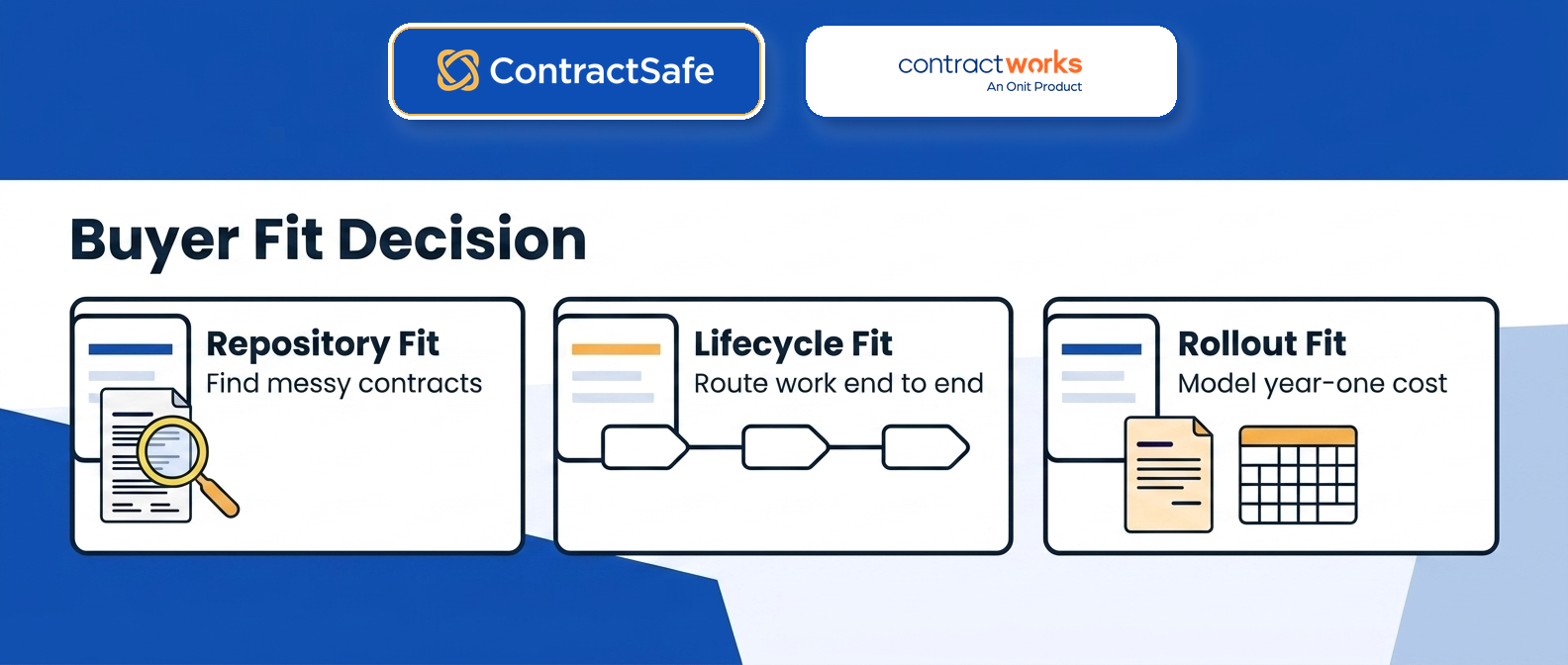
ContractSafe and ContractWorks diverge most in daily use around what happens between “someone needs a contract” and “the contract is signed and filed.” ContractSafe handles intake, approvals, and signature routing inside the same system that stores the finished document. Whether ContractWorks covers that same span for your workflow is a direct demo question worth asking early.
Daily contract work arrives as interruptions: find a clause, route an approval, confirm a signature, or report on a renewal. The useful comparison isn’t whether a feature name appears on a grid. It’s how often someone must leave the system to finish the task.
Getting Contracts in the Door
Intake is where most contract processes quietly fall apart. Somebody emails a Word doc. Somebody else uploads a PDF to a folder. A third person starts a redline in a thread nobody else can see. Two weeks later you have three versions and no idea which one got signed.
ContractSafe puts intake in the same place as the repository, so the request, the draft, the approvals, and the executed file all live on one record. When you’re evaluating ContractWorks alongside it, ask specifically: where does a new request start, who sees it, and does the finished document land automatically or does someone have to remember to upload it? That last question matters more than it sounds. Any step that depends on a human remembering to do filing is a step that fails eventually.
Approvals and Routing
Approval routing is the feature most often demoed with a happy path and most often broken by the unhappy one. A vendor will show you a clean sequence: request comes in, goes to legal, goes to finance, gets signed. Beautiful.
Then ask what happens when the finance approver is on vacation. Ask what happens when someone needs to be added mid-flight. Ask what happens when the contract value changes after the first two approvals and the threshold now pulls in a third approver. Ask whether the approver can see the actual document or just a notification saying something’s waiting.
Run that same set of questions at both vendors. The answers separate contract management software platforms that model real organizations from ones that model a flowchart somebody drew once.
Signature and What Happens Right After
Signature is usually the easiest part to demo and the easiest part to get wrong operationally. Signature routing is only part of the test. The harder question is what happens immediately after the last signature lands.
Does the executed document file itself into the repository with metadata attached? Do the key dates get created automatically, or does someone type them in? Does the requester get told, or do they have to ask? In ContractSafe, execution feeds the record directly, which means renewal dates and obligations exist without a manual handoff. Ask ContractWorks to demonstrate the same moment end to end rather than describing it.
Living With the Contract After It’s Signed
This is the long tail, and it’s where a repository-shaped tool and a lifecycle-shaped tool feel genuinely different. A signed contract isn’t finished. It has renewal windows, notice periods, price escalators, volume commitments, insurance certificates that expire, and a counterparty who may or may not be doing what they promised.
Ask each platform to prove its date alerts. Then move to the harder questions: can it report across the portfolio on a clause type, not just a date field? Can you find every agreement with a specific indemnity structure without opening documents one at a time? Can a non-lawyer in procurement self-serve an answer without emailing legal?
That last one is the sleeper. Most of the actual cost of bad contract management isn’t a missed renewal. It’s the accumulated hours legal spends being a search engine for the rest of the company.
ContractWorks Pricing, Implementation, and Support Questions
ContractWorks doesn’t currently publish plan pricing on its site, so a ContractWorks comparison on cost has to be built from your own quote rather than from a published rate card. ContractSafe publishes flat pricing.
A public starting price and a vendor quote are different kinds of evidence. Build a fair comparison from written year-one totals with the same scope: software, users, storage, implementation, migration, training, support, and expected internal administration.
Questions to Ask About the Quote Itself
Ask what the number covers and what it doesn’t. Specifically: how are users counted, and does a read-only viewer cost the same as an admin? Is document storage capped, and what happens if you exceed it? Are reporting and analytics included at your tier or a step up? Is e-signature bundled, metered, or bring-your-own? Does the price hold at renewal, and if there’s an uplift, what’s the ceiling?
The user-counting question deserves particular attention because it drives behavior. When seats cost money, teams ration them. When teams ration seats, the people who most need to look something up, sales ops, procurement, finance, the AP clerk chasing an invoice against a contract, don’t get access. Then they email legal instead, and you’ve paid for a system that made legal busier. ContractSafe includes unlimited users on every plan for exactly that reason. Ask what your ContractWorks quote does with the same scenario.
We keep a running set of these budget questions on the ContractWorks pricing page.
Implementation Is a Cost Line, Even When It’s Included
Every migration has three costs: the vendor’s fee, your team’s hours, and the quality of the result. Vendors talk about the first one. You’ll live with the other two.
Ask both vendors: who does the actual uploading? Who maps your existing folder structure and naming conventions to the new system? Who fixes the four hundred contracts where the counterparty name was entered three different ways? Is there a cutoff date after which included help ends and hourly work begins? What does a realistic timeline look like for a portfolio your size, not a demo-sized one?
ContractSafe includes implementation and migration support, which means the answer to “who does the uploading” isn’t “you, on weekends.” Get the equivalent answer in writing from any vendor you’re considering, because a migration that stalls halfway is worse than not starting. You end up maintaining two systems and trusting neither.
Support After the Honeymoon
Implementation support and ongoing support are separate promises, and buyers conflate them constantly. The onboarding specialist who’s wonderful in month one may not be who you reach in month seven when a workflow rule starts misfiring.
So ask the boring questions. Who’s the contact after go-live? Is it a named person, a shared queue, or a help center? What’s the response commitment, and is it tied to your tier? What happens when your internal admin leaves, do they retrain a replacement or hand you documentation? Is there a cost to adding a new department or a new contract type six months in? ContractSafe includes customer success support, and it’s fair to ask us to describe what that means concretely, just as you should ask any vendor.
A note on why these questions beat feature checklists: features are visible in a demo. Support quality only becomes visible when something’s broken, which is precisely when you have the least bargaining power to fix your vendor choice. So front-load the interrogation.
What Should You Test in ContractSafe and ContractWorks Demos?
Demo proof tests are the specific, repeatable tasks you make each vendor perform live using your own contracts instead of their sample data. The U.S. Department of Justice guidance asks whether new technology is tested, monitored, limited to intended uses, supported by a human decision baseline, and evaluated through accessible data. Translate those controls into search, workflow, and AI tests you run in the room.
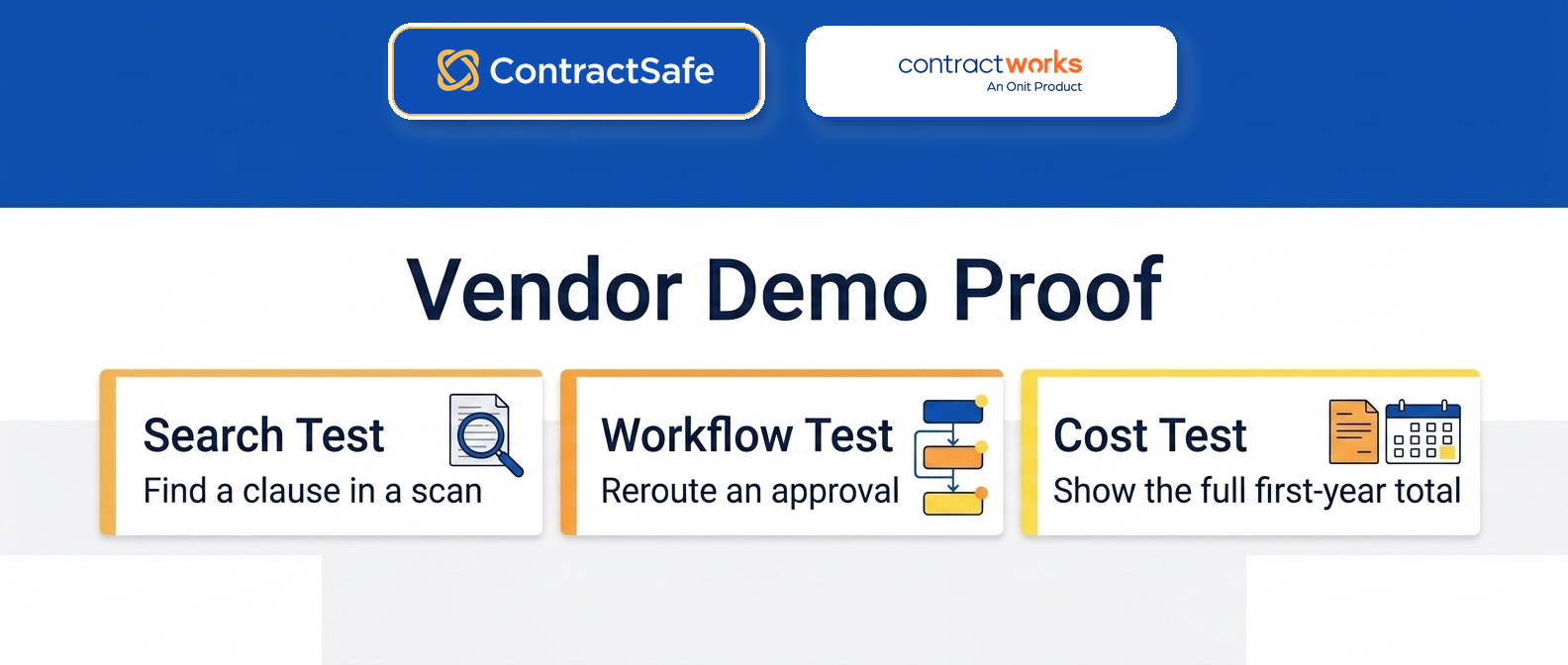
Bring five documents to every demo. Not your best five. Your worst five: the scanned one, the one with handwritten edits, the 90-page one with three amendments, a foreign-language contract if you have one, and one where the counterparty name appears differently in four places. Then run these tests in order.
Upload test: Drop all five in. Time how long until they’re searchable and see whether OCR runs automatically.
Find-it test: Locate a known clause inside the scanned document using search only.
Extraction test: Pull dates, parties, and renewal terms from the 90-page agreement, then compare the output with the source.
Human-review test: Show where a person confirms or corrects extracted fields, who owns the review, and whether the correction is logged.
Approval test: Route one document through two reviewers and a conditional step. Watch how the route is built, not just how it runs.
Alert test: Set a renewal reminder, then show who receives it, what happens during an absence, and whether it escalates.
Admin test: Have someone on your team add a user, change a permission, and create a folder while you watch the clock.
That last one is the sleeper. Implementation is a one-time cost; administration is forever. If your team can’t do routine setup without a support ticket, you’ve bought a system that requires a specialist you may not have next year.
Proof to Ask For
Request these in writing before you sign anything, from both vendors:
A year-one total cost figure with every line itemized, including implementation and migration.
What’s included in support: hours, channels, response times, and whether a named contact comes with the plan.
Migration scope: how many documents, who does the tagging, and what the timeline is.
Renewal terms: what changes at renewal, and under what conditions the price moves.
A structured contract management requirements checklist helps here because it forces both vendors to answer the same questions in the same format instead of each steering toward their strengths.
Decision Check: Which Platform Fits Your Team?
Use this ContractSafe and ContractWorks decision check before you commit. If your notes cannot answer one of these buyer-fit questions, you do not have enough evidence to choose a contract management platform yet.
Where does a request start? If the answer is “email legal,” intake is still unresolved.
What happens when an approver is unavailable? Test delegation and reassignment without an admin ticket.
Who files the executed document? A manual handoff is a future data-quality risk.
What can a non-lawyer find without help? Test this with a real colleague and a real agreement.
What does year two cost? Include users, storage, modules, support, and renewal changes.
Who helps in month seven? Implementation support and ongoing support are different promises.
Write your answers down for both vendors in the same document. The gaps will be obvious in a way they never are during back-to-back demo calls a week apart.
Related Reading
Best contract management software for a wider field of options before you narrow to two
Best CLM software if lifecycle scope beyond storage is your deciding factor
Contract management price comparison to build a year-one total-cost model
How ContractSafe Helps Teams Choose With Confidence
The hardest part of a ContractSafe and ContractWorks evaluation isn’t ranking features. It’s figuring out whether your actual problem is “I can’t find my contracts” or “I can’t manage my contracts,” because those two problems buy differently. A repository addresses the first. Full-lifecycle contract management software is designed to address the second by connecting the stored agreement to approvals, alerts, reporting, and post-signature work.
ContractSafe is built for the second case without making you suffer through the first. The contract repository does the searching work you’d expect, with full-text OCR so you can find language buried inside a scanned PDF rather than only the fields somebody remembered to tag. AI-assisted extraction pulls key terms and dates on upload, and a human confirms them before anybody relies on them, because extraction that nobody checks is just a confident guess with a nice interface.
Then it keeps going. Intake, approvals, signature routing, renewal alerts, and portfolio reporting sit on the same record, reducing the manual handoffs that depend on someone remembering to move a file. That’s the practical difference between a tool that stores your contracts and one that runs your contract process.
On cost, the model stays legible. ContractSafe publishes flat pricing with unlimited users on every plan, plus implementation and migration support. The exact current starting rate appears in the comparison table above, beside the pricing source.
If you’re mid-evaluation, the fastest way to settle the question is to bring your own worst contract to a ContractSafe demo and watch it get uploaded, extracted, and searched live. Bring the scanned one with the handwritten amendment. Bring the master agreement with six schedules. Ask for the same test at every vendor on your list, and let the results decide it rather than the grid.








.svg)







.svg)




