



Contract management software for legal operations is the system a legal ops team uses to take in requests from the business, route reviews and approvals, offer governed self-service for low-risk paper, and report on cycle time, obligations, and renewals. It isn’t a filing cabinet with search bolted on top. The real buying test is whether your operating model still works once it lives inside the software.
Quick answer: Contract management software for legal operations should help legal, finance, procurement, and operations teams find the right contract, trust its data, and turn that data into the next action.
Picture the legal function as a restaurant kitchen on a Friday night. Requests come in from every direction: sales wants an order form by Thursday, procurement has a vendor MSA, HR needs a contractor agreement, and someone in marketing just emailed a signed sponsorship deal nobody reviewed.
The rail assigns each request to a stage, the expediter owns the handoff, and the board shows how long the request has been waiting. The right platform should become that rail: intake, routing, signature, obligations, and renewal in one system, with reporting that tells you where the line is backing up.
We’ll come back to the kitchen a few times, because the analogy keeps earning its keep.
Key Takeaways
- Legal ops should buy for the operating model, not the feature grid. Intake, routing, self-service guardrails, and reporting have to work together or none of them stick.
- Ownership is the hardest thing to keep. A request that leaves the system for someone’s inbox is a request with no owner and no clock.
- Dashboards need to answer two different questions: how is this one agreement moving, and how is the whole portfolio behaving.
- Adoption is a requirement, not a rollout phase. Software the business avoids produces the same email chaos you were trying to fix.
- Score vendors on evidence you watched in a demo, not on capability checkboxes they filled in themselves.
Choose your next step:
Skip to the routing and ownership requirements if approvals are your current bottleneck.
Jump to the legal ops evaluation scorecard to build your shortlist criteria today.
Compare written pricing, implementation scope, and renewal terms before you choose a vendor.
What Legal Operations Should Require from Contract Management Software
Legal operations should require software that covers the whole contract path, from request through signature, obligations, and renewal, with intake, routing, self-service, and reporting that a non-lawyer will actually use.
That coverage is important because anything narrower turns legal ops into the integration layer between several tools and a spreadsheet, which is a job nobody applied for. Most evaluations start from the wrong end. Teams write a feature list, sit through demos, and pick the platform with the most checkmarks.
Then they discover the intake form can’t branch by contract type, reporting only covers signed documents, or business users need paid seats before they can submit a request. The features were all there. The operating model wasn’t. WorldCC’s 2025 contracting benchmark separates the technology work into capabilities such as request interfaces, approval monitoring, templates, dashboards, and analytics. Require separate proof for each job.
One broad CLM label doesn’t show whether the individual parts work together, so test the handoffs as carefully as the individual capabilities.
| Requirement | What legal ops actually needs | How to test it in a demo |
|---|---|---|
| Lifecycle coverage | Request, draft, review, sign, store, monitor, renew in one place | Run one agreement end to end without switching tools |
| Governed intake | Required fields and contract-type branching | Submit a request as a salesperson, not an admin |
| Routing and approvals | Rules that assign owners and escalate on time | Make a non-standard term trigger a different path |
| Self-service | Templates and clause options the business can use safely | Try to break the guardrails on purpose |
| Reporting | Workflow status plus portfolio trends | Build a cycle-time report by contract type |
| Access model | Everyone who touches contracts can get in | Confirm whether user count changes the price |
| Implementation | Migration and configuration support | Ask who does the migration and what it costs |
Access determines whether the system becomes an org-wide source of truth or a legal-only island. Implementation determines whether the agreed process survives contact with messy legacy files, the ones with names like `MSA_FINAL_v3_REALLY_FINAL.pdf`. So ask who gets access, who maps the data, who configures workflows, and who owns changes after launch.
Turn Requirements Into Demo Evidence
Turn each requirement into a demo contract before vendors arrive. Name the business role that performs the task, the sample agreement they’ll use, the action the vendor must complete, and the evidence your team will save. A requirements row is useful only when two reviewers can watch the same demonstration and reach the same conclusion.
Capture the evidence in writing, too. Save the configured rule, requester view, audit trail, report export, and migration responsibility beside the score. If the proof arrives later as a sales email, mark it differently from something the team watched live. That one distinction keeps a promised roadmap item from quietly scoring the same as working software.
Build a Contract Intake Front Door That Legal Can Triage
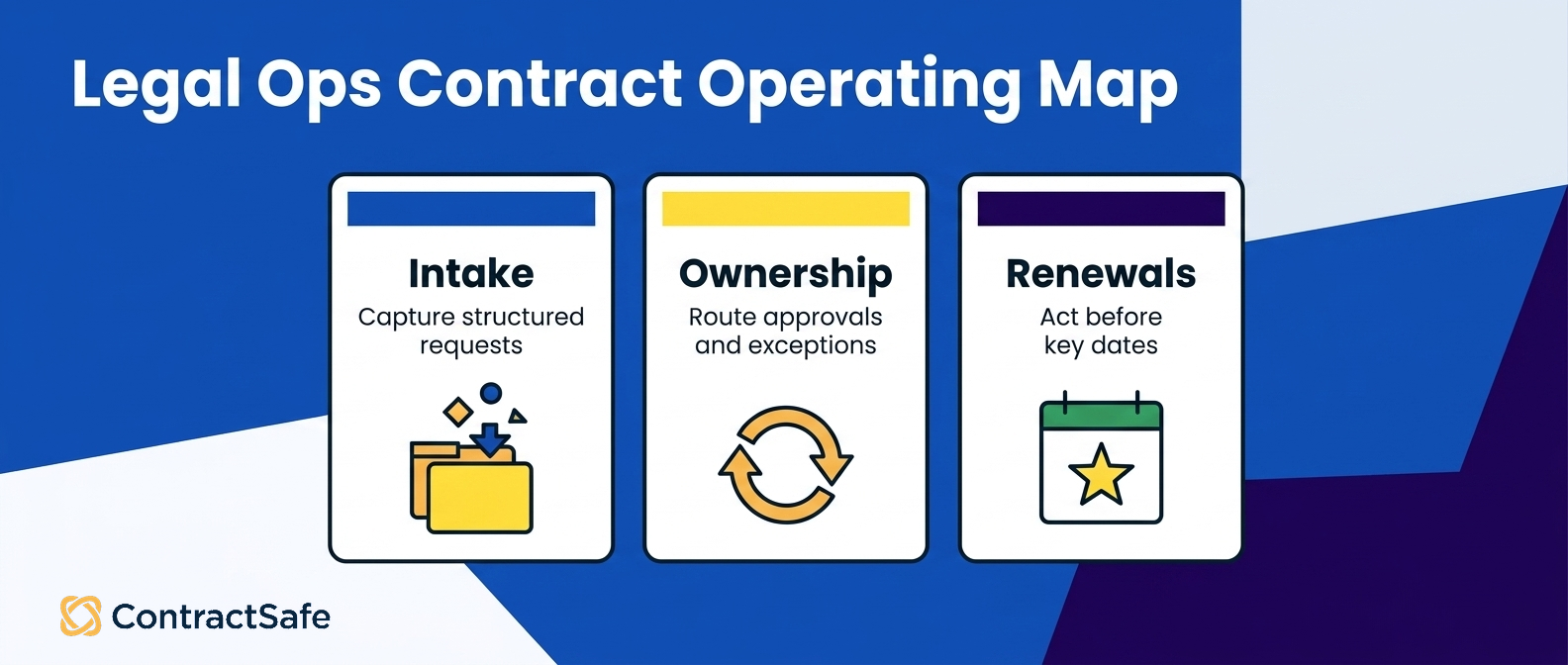
Contract intake should give the business one structured front door that captures the facts legal needs, assigns a named owner, and starts a clock when the requester submits.
If email is still easier than the form, people will keep using email. Make the form the shortest path to a named owner and visible status.
WorldCC’s framework identifies a front-end contract request or selection interface for business units as a distinct capability. Test it from a requester’s view, because an admin demonstration won’t show whether the business can complete the form without help. Admins know where everything lives. Your account executive on a deadline will struggle.
Build the intake path in four steps:
Make one form easier than email. Give requesters a visible starting point and keep the first screen short.
Branch by request type. An NDA shouldn’t ask the same questions as a data-processing agreement or a high-value vendor contract.
Triage with rules. Use paper source, value, term, data use, and non-standard language to select the owner and route.
Confirm ownership. Return a reference number, owner, status, and target date so the requester doesn’t need to chase legal.
A useful form captures request type, paper source, business owner, department, value, term, needed-by date, relevant risk flags, and the draft itself. Required fields should feed the reports legal ops plans to use later, which is the part teams tend to skip. If contract type is optional at intake, a dashboard can’t reliably compare cycle time by type six months from now.
Test Intake From a Requester’s View
Use a demo table to keep the test concrete:
| Intake test | Passing evidence | Warning sign |
|---|---|---|
| Requester starts without training | The first screen makes the request type clear | An admin has to explain where to click |
| Form branches by contract type | Irrelevant questions disappear | Every requester sees the entire field list |
| Required data reaches the record | Owner, type, value, and target date populate automatically | Someone rekeys the submission after intake |
| Confirmation closes the loop | Requester sees owner, status, and reference | Confirmation says only that legal received an email |
To test this in ContractSafe, submit the request from a business-user view and verify that the owner, status, and required fields remain attached to the same record.
Ask who can change the form after launch. Legal ops should be able to add a request type, change a required field, or update branching logic without rebuilding the whole workflow. The answer reveals who controls post-launch intake changes and how quickly legal ops can make them.
Keep the request, redlines, approvals, signature, and final agreement on the same record. That continuity is what turns legal workflow automation into an operating system instead of a very organized inbox.
Route Reviews, Approvals, and Exceptions Without Losing Ownership
Routing should decide who touches a contract next, under which rule, and by when. Ownership should leave every open request with one person accountable for moving it, even when the agreement wanders into an exception path.
Back to the kitchen: the ticket rail only works because every ticket belongs to a station, and the expediter can see which station is drowning.
The common failure is a request that leaves the system for email. The work may continue, and often it does, but the requester can’t see it, the audit trail goes quiet, and legal ops loses the clock. Three weeks later nobody can say whether the delay was legal, the counterparty, or a vacation.
WorldCC’s 2025 framework separates approval-status monitoring from automated workflows for non-standard terms. Test both. Monitoring tells you where work is sitting right now, while exception routing proves what happens the moment a deal falls outside the playbook. A routing design that holds up under load follows six rules:
Classify at intake. Use contract type, value, paper source, and risk flags.
Assign one owner. Don’t rely on a visible queue that nobody claims.
Set the standard path. Define sequential or parallel reviews by contract type.
Define exceptions. Route non-standard language to the approver who owns that decision.
Escalate on a clock. Notify, then reassign, when a step exceeds its target.
Close the loop. Let the requester see status without emailing legal.
Use a sample rule from your own policy in the demo, such as routing agreements above a chosen value threshold or with modified liability language to a named approver.
The goal of CLM software platforms isn’t merely to show you a workflow box on a screen. It’s to preserve the rule, the owner, the clock, and the history when the agreement stops being standard. Make ownership visible at every state:
| Request state | Accountable owner | Evidence to retain |
|---|---|---|
| Submitted | Intake owner or automatically assigned reviewer | Submission time and assignment rule |
| Under review | Named legal reviewer | Current version and review start time |
| Waiting for approval | Named decision-maker | Approval request, threshold, and due date |
| With counterparty | Internal business owner | Sent version and last activity |
| Ready for signature | Signature coordinator or business owner | Final approval and signer list |
| Executed | Obligation or renewal owner | Signed file, dates, obligations, and alerts |
A queue isn’t ownership. A queue is a pile with good lighting. In the demo, open a stalled request and ask the vendor to point to one accountable person, the rule that selected them, and the next escalation. If any of those answers lives outside the record, legal ops will end up reconstructing it later from memory and email threads.
Proof to Ask For
Configure a new approval rule without a support ticket.
Show the audit trail for an agreement that followed an exception path.
Reassign an owner and prove the clock and history remain attached.
Show the requester’s status view while review is in progress.
If a change needs an implementation specialist, write that down as an operating constraint rather than a dealbreaker. It tells you how much routing your team can realistically maintain after launch, which is a different question from whether the software can do it at all.
Set Guardrails for Legal Self-Service
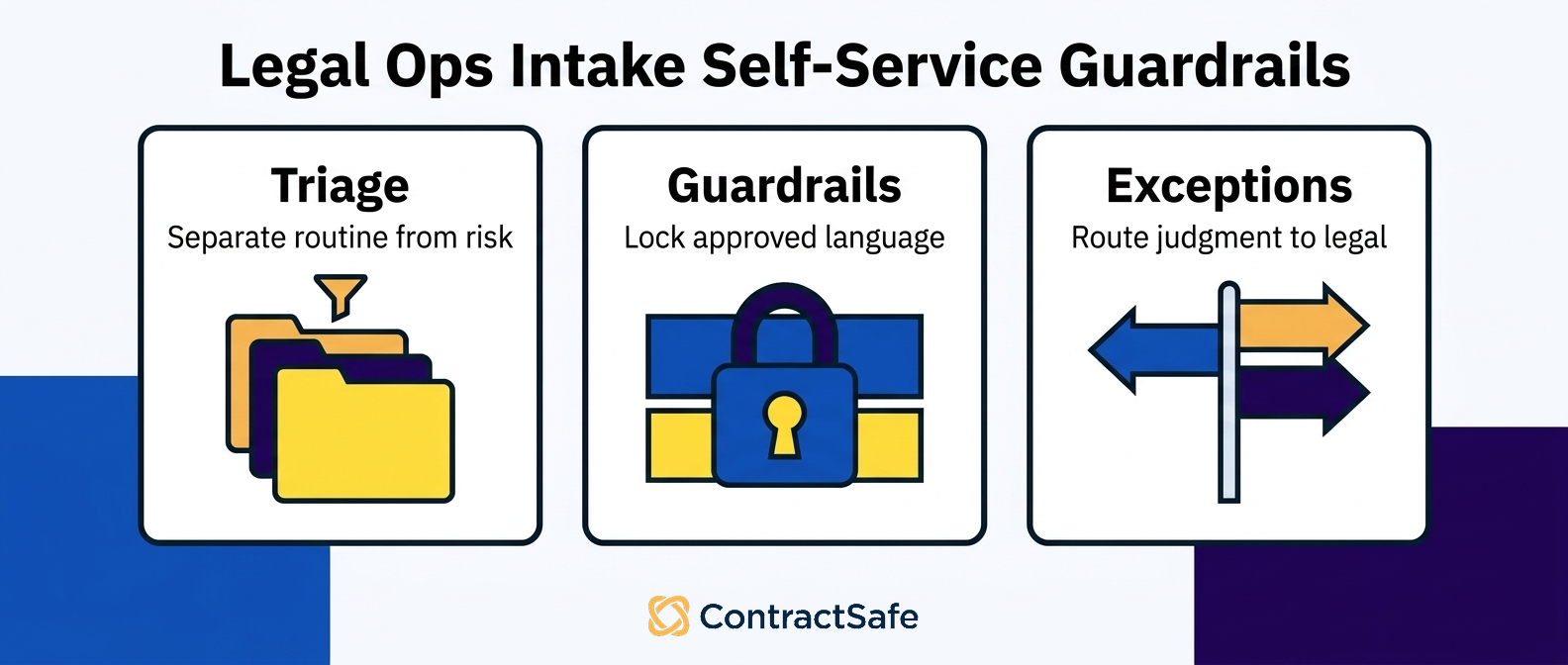
Legal self-service lets the business generate and send low-risk agreements inside boundaries legal defines in advance. The software should lock sensitive language, offer approved choices, and route the request to legal when it crosses a threshold.
Think of a self-checkout lane with an attendant standing nearby. Routine items scan and move, and an exception triggers a human.
Legal self-service needs that same division of labor: safe work stays fast, and edge cases never depend on the requester recognizing legal risk on their own. Nobody in sales should have to know what a mutual indemnity carve-out implies. WorldCC’s framework identifies standard-contract assembly, clause libraries, and digitized playbooks as separate capabilities. Ask the vendor to show how they work together, not just that each exists.
A template without routing is only a document, and a playbook without enforced choices is only advice. Start with a narrow pool, such as approved NDAs or order forms on your paper. Give each template locked clauses, editable business fields, approved fallback language, and escalation rules.
A change to protected language, a risk flag, or a threshold breach should move the agreement to the right reviewer automatically, without anyone deciding to be helpful about it.
Self-Service Guardrails Worth Writing Down
Agreement types that qualify, with everything else defaulting to review
Value and term thresholds tied to named approvers
Locked clauses and editable fields for each template
Approved fallback language for common negotiations
An option to send the request to legal when judgment is needed
An audit trail showing the template, choices, requester, and resulting agreement
Test the boundary, not just the happy path:
| Scenario | Expected system response |
|---|---|
| Request uses the approved template and stays inside policy | Generate the agreement without legal review |
| Requester changes protected language | Stop self-service and route to the clause owner |
| Deal crosses a value or term threshold | Add the required approver automatically |
| Request involves a flagged data or IP issue | Route to the specialist named in the policy |
| Requester is unsure | Let them request legal review without working around the form |
Ask the vendor to run these tests from a business user account. An administrator can usually override every restriction in the product, which proves configuration access exists but says nothing about the guardrails an actual requester will hit on a Tuesday afternoon. Review the self-service pool on a schedule. Sample completed agreements, check what escaped review, and check what escalated unnecessarily. Then change the thresholds, because your first guesses will be wrong in both directions.
The goal is governed speed, not the largest possible self-service catalog.
Use Contract Dashboards and Reporting to Run the Function
Contract dashboards should help legal operations manage today’s workload and understand the portfolio over time.
Reporting has to cover in-flight requests as well as executed agreements, or legal ops will still be running daily work from a spreadsheet that somebody updates by hand every Monday morning. WorldCC’s framework separately identifies management dashboards, individual-agreement analytics, and portfolio analytics. That distinction matters more than it sounds, because vendors often demonstrate one of the three and quietly imply the rest.
Workflow reporting shows open requests by owner, age, and stage.
Agreement analytics shows terms, dates, obligations, signatures, and review history for one contract.
Portfolio analytics shows cycle time, request volume, renewal exposure, and patterns across agreements.
Connect Each Dashboard to a Decision
Each view supports a different decision, which is why one dashboard can’t cover all three. Workflow reports run the team’s queue today. Agreement analytics answer a business owner’s question about one deal. Portfolio reports support staffing, process changes, and renewal planning next quarter. Tie every dashboard to an operating response:
| Dashboard signal | Question it answers | Legal-ops response |
|---|---|---|
| Requests aging by stage | Where is work stalled right now? | Reassign the owner or remove the approval bottleneck |
| Cycle time by contract type | Which process creates avoidable delay? | Simplify intake, routing, or fallback language for that type |
| Renewals by owner and date | Which decisions need preparation? | Confirm the business owner and start review before the notice window |
| Missing required metadata | Which reports can’t yet be trusted? | Correct the record and enforce the field earlier in the workflow |
The action column is the one that matters. A chart that can’t change a queue, a rule, an owner, or a planning decision is decoration, and decoration is expensive when it takes an hour a week to maintain. During the demo, ask who receives each report, how often they open it, and what they’re expected to do next.
Test reporting in three steps:
Build a report without vendor help.
Filter in-flight requests and executed agreements by contract type and owner.
Trace every chart field back to the intake or contract data that supplies it.
To test ContractSafe reporting, build one workflow report and one portfolio report from the same sample records, then trace the fields back to intake and signed agreements.
Reporting quality is downstream of data discipline, always. If requesters can skip contract type or owners can leave renewal dates blank, no dashboard rescues the missing data later. So evaluate intake and reporting as one connected system rather than two sections of the RFP.
Plan Adoption, Governance, and Continuous Improvement
Adoption should be managed as an operating requirement, not a launch announcement with a celebratory email and a link to a training video.
Legal ops needs a named system owner, role-based training, usage measures, and a recurring process for changing forms, templates, routing rules, and reports.
Thomson Reuters’ 2025 Legal Department Operations Index tells legal-ops teams to diagnose whether underused technology reflects a product limitation, poor training, or resistance to adoption.
That turns into a very practical review question: when usage is low, can you actually tell which of those three problems you have? Without that diagnosis, a team can mistake a training gap for a product gap.
Name one system owner inside legal ops. That person defines fields, approves templates, assigns workflow ownership, and decides when the process changes. A committee can advise all it likes, but accountability needs a name and a calendar.
Launch by role instead of all at once. A requester needs to know how to submit and check status, full stop. An approver needs the queue, decision context, and escalation rules. A legal-ops analyst needs reporting and configuration access. Training people on features they’ll never touch makes the system feel harder than it actually is.
Measure behavior that shows whether the operating model is taking hold:
Share of new agreements that begin through intake
Requests submitted outside legal
Self-service agreements that stay inside guardrails
Records with a named owner, complete metadata, and a renewal date
Workflow stages that repeatedly exceed their targets
Run governance on a recurring schedule. Retire unused fields, review fallback language, inspect rules that escalate too often, and compare cycle time by request type. The system should change as the business changes, because the business definitely isn’t going to hold still for you.
Treat the platform like a garden, not a monument. It needs pruning, and occasionally it needs you to admit that the thing you planted in year one isn’t thriving. The goal isn’t to preserve launch-day configuration in amber. It’s to keep the intake, routing, templates, and reporting aligned with how contracts actually move through your company.
How to Use the Legal Operations Evaluation Scorecard
The scorecard turns a legal-ops evaluation into a repeatable vendor comparison instead of a vibe check across three demos you’ll half remember.
Score each criterion from one to five based on what you watched, weight the rows that match your bottleneck, and write the passing evidence beside every score.
| Criterion | What a 5 looks like | Evidence to capture |
|---|---|---|
| Lifecycle scope | Intake through renewal in one system, no second tool | One agreement demoed end to end |
| Intake | Branching request form the business can fill out unassisted | Live submission from a business user view |
| Routing and exceptions | Self-configurable rules with escalation and reassignment | New rule built during the demo |
| Ownership and audit trail | One named owner per request, full history retained | Export of a completed exception path |
| Self-service guardrails | Templates and clause options with limits legal controls | Attempt to edit a locked clause |
| Reporting | Workflow, agreement, and portfolio reports built by your team | A custom report created live |
| Search and metadata | Accurate extraction, reliable filters, few blank fields | Search run against your own sample set |
| Integrations | Working connections to your CRM, storage, and signature tools | Named integration demoed, not listed |
| AI features | Extraction and review help you can inspect and correct | Run on a messy scanned PDF |
| Security and permissions | Access controls that match how your org is structured | Written documentation, not verbal claims |
| Implementation and migration | Included support with a defined timeline | Named owner and start-to-launch dates |
| Adoption model | Every user who touches contracts can have access | Confirmed user policy and cost impact |
| Pricing | Published, predictable, no per-seat surprises | Written quote with year-two renewal terms |
Weight the rows against your actual bottleneck rather than scoring everything equally. Use a contract management requirements checklist to catch baseline needs you’d otherwise forget until week three of implementation.
For broader category context, read Forrester’s 2023 CLM landscape. Then let your own demo evidence decide the score.
Related Reading
How to choose contract management software for a step-by-step evaluation approach you can run with procurement and IT
CLM software features for a breakdown of what each capability actually does day to day
Contract management software cost for how to budget, compare quotes, and spot the fees that show up after signature
How ContractSafe Helps Legal Operations from Intake Through Renewal
ContractSafe is full-lifecycle contract management software for legal operations teams that want one system from intake and agreement creation through signature, search, obligations, and renewal. One rail, one ticket board, one place where a request goes to become an actual contract.
ContractSafe handles intake, approvals, e-signature, searchable contract records, deadline alerts, reporting, permissions, and AI extraction in the same platform. The repository is one capability inside that lifecycle, not the whole product.
ContractSafe includes unlimited users on every plan, so requesters, approvers, finance, procurement, and business owners can all participate without anyone doing seat math first. ContractSafe pricing starts at $450 per month billed annually.
ContractSafe includes implementation and migration support, plus ongoing customer success help. That gives legal ops help loading existing agreements, mapping data, configuring the process, and improving adoption after launch. ContractSafe supports legal, finance, procurement, and business teams in the same contract process while preserving role-based permissions and a shared record.
Bring your own scenario to a ContractSafe demo. Submit a request, trigger an exception route, generate an agreement inside self-service guardrails, and build a report from the resulting record.
You can also inspect how the searchable contract repository fits into the larger workflow.








.svg)







.svg)




