


A Statement of Work (SOW) is the project contract that spells out exactly what's being delivered, when, how much it costs, and how everyone agrees it's done.
Think of the SOW like the work order attached to a larger relationship. It tells everyone what this project includes.
If the SOW is vague, every later disagreement starts with the same question: did we actually agree to that?
Key Takeaways
- A statement of work pins down what a vendor will deliver, when, for how much, and how the client confirms it’s done. It’s the contract that says what “done” looks like.
- Scope creep is not rare: 52% of projects run into it, and a vague SOW is one of the easiest ways to get there.
- A SOW is basically a dispute-prevention checklist. One section says what is included, another says what “done” means, and another says how new work gets priced instead of argued over.
- A SOW works best underneath a master service agreement (MSA) that covers payment terms, IP, and liability. Together, they help you manage the big-picture relationship separately from the day-to-day project work.
- ContractSafe links SOWs to their parent MSAs and tracks milestone dates across your entire portfolio.
Choose Your Next Step
Statement of work problems get solved faster when you start from the contract in front of you. Jump to the part of this guide that matches your project.
- Writing a SOW now? Work through the six sections, in order.
- Reviewing a vendor's draft? Start with the sections most teams skip.
- Untangling documents? Read how a SOW fits with the MSA, proposal, and PO.
- Managing a pile of signed ones? Go to the portfolio playbook.
- Whichever path you take, name the acceptance criteria and the change-order process before anyone signs. Those two sections settle most future contract arguments in advance.
- Setting up the wider system? Our contract repository requirements guide covers where all these documents should live.
What Happens When a Statement of Work Is Too Vague
A vague statement of work turns into a dispute the first time expectations diverge, because the contract can't answer the question both sides are asking.
A marketing director hires a design agency to redesign the company website. The proposal says “full website redesign” and quotes $85,000. Both parties sign.
The SOW describes the scope as “redesign of company website including updated branding, improved UX, and mobile optimization.” That’s the entire scope section. One sentence.
Three months in, the agency delivers a homepage, five interior pages, and a blog template. The marketing director expected all forty-seven existing pages redesigned, plus a new customer portal.
The agency says a portal was never discussed. The marketing director says “full website redesign” obviously includes every page. Both are reading the same document. The SOW just never said what “full” meant. Signing tools can't fix vague scope, but eSignature inside a contract repository at least keeps the signed SOW attached to the record everyone reads later.
The agency quotes $60,000 for the additional work. The marketing director refuses to pay for pages that should have been in the original scope. The agency refuses to build them for free.
The project stalls for two months while both sides argue about a document that took ten minutes to write.
The original timeline is blown. The agency bills for the delay. The marketing director’s boss asks why the website still isn’t live. The answer is a one-sentence scope section that nobody questioned when it was signed.
That is the cost of fuzziness: 52% of projects experience scope creep, up from 43% five years earlier. A vague SOW gives the project room to wander.
When the gap surfaces after signature, the real damages get split crudely: the client pays the overrun again, the agency absorbs the loss, or both stall.
Meanwhile the MSA's remedies and penalties clauses get read in anger. Prevention costs a page of writing.
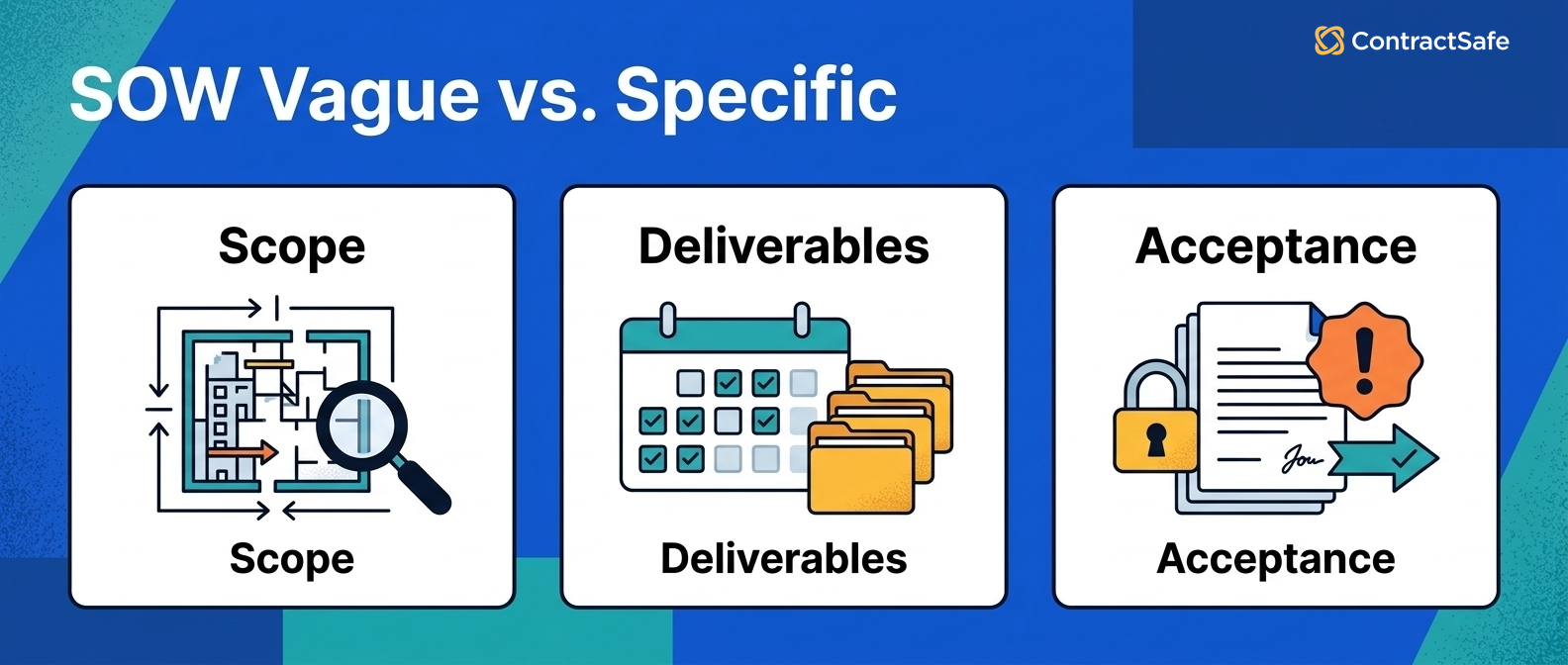
What a SOW Contains (and What Each Section Prevents)
A SOW contains the scope, deliverables, milestones, payment terms, acceptance rules, change process, and owners that turn a project from a handshake into something both sides can check.
A SOW is a governing document, not a sales pitch. A proposal sells the project. A SOW holds both parties accountable to it. Every section exists because, at some point, someone got burned by leaving it out.
Here's each section in working detail, with what it prevents and what to check before signing. Work through them in order on your next vendor agreement, and require an owner for every date you write down.
1. Scope of Work
The scope section of a statement of work names the actual deliverables of the contract, not the general topic of the project. If an output is not listed, the agreement does not include that output.
This is how you avoid the “I assumed that was included” argument. Write it so someone outside the negotiation could check whether a task belongs.
For example, "redesign of all forty-seven existing pages, listed in Exhibit A" survives a dispute. "Full website redesign" starts one.
Before signing, run the exclusions test: name three things the other side might assume are included, and check whether the scope text answers each one.
- Watch for: scope written as the proposal's marketing language.
- Watch for: "including but not limited to" doing the work a real list should do.
2. Deliverables and Milestones
The deliverables section of a SOW names the outputs and the dates attached to them, so progress is checkable instead of arguable.
“Wireframes first, design review next, development after acceptance” is much harder to wriggle out of than “deliver by Q3.”
For example, "design review complete by the end of week six, confirmed in writing" is a milestone; "design phase, Q3" is a hope with a quarter attached.
Attach each milestone to a date and a deliverable, then put those dates on the contract record the day the SOW is signed. In ContractSafe, those milestone dates carry alerts with owners, so the schedule watches itself.
- Watch for: milestones with dates but no defined output.
- Watch for: dependencies on your own side's inputs with no dates of their own.
3. Acceptance Criteria
The acceptance section of a SOW is where the client says yes or no to each deliverable: what “done” looks like and how many revision rounds are included.
This prevents the infinite revision loop that happens when “acceptable” is never clearly defined. Fuzzy requirements become budget problems, which is exactly why acceptance criteria belong in the SOW.
Say the deliverable is a report dashboard: "loads the six agreed views with last-month data in under five seconds, confirmed by the client within ten business days" is acceptance. "Client satisfaction" is not.
Check the acceptance owner has the time and authority to review on schedule. An acceptance clause assigned to the busiest executive becomes a deemed-acceptance clause in practice.
- Watch for: acceptance windows with no deemed-acceptance fallback, which let deliverables sit unreviewed forever.
- Watch for: revision rounds that restart the acceptance clock.
4. Change Order Process
Mid-project changes to the contract need a paper path: who asks, who approves, and what happens to cost and timing. That path is the change order section.
This prevents expensive surprises. A change order clause turns the new request into something everyone prices and approves before the work starts.
Without one, every scope addition is either absorbed silently by the vendor or rejected outright. For example, the customer portal from the story above becomes a priced line item instead of a two-month standoff.
Keep the change order itself to one page: the requested change, the price, the timeline impact, and two signatures. Require that page before any new work starts, because heavyweight change control gets bypassed, and bypassed process is no process.
- Watch for: change processes so heavy nobody uses them, which recreates the silent-absorption problem.
- Watch for: changes agreed in standups that never reach a signed change order.
5. Payment Terms
The payment section of a SOW covers how and when the vendor gets paid: milestone-based, monthly, or on completion.
This prevents frustrating cash flow disputes. A vendor unpaid for three months works differently than one paid at each milestone.
Check the payment triggers against the acceptance criteria. For example, payment "on delivery" of a dashboard the client hasn't accepted yet is a dispute with an invoice attached.
- Watch for: payment schedules that don't reference the milestone definitions.
- Watch for: final payments large enough to fund a dispute instead of closing a project.
6. Assumptions and Exclusions
The assumptions section of a SOW writes down what everyone is assuming, and the exclusions section says what the vendor is not doing.
This prevents every argument that starts with “I thought you were handling that.”
For example: “This engagement does not include content migration, SEO optimization, or post-launch maintenance.” That sentence prevents three future arguments. The five minutes it takes to write an exclusions section can save weeks of renegotiation.
For example, when a SOW says “the vendor will build a customer portal,” it assumes someone will provide authentication requirements and design specs. If nobody writes those assumptions down, everyone fills in the blanks differently.
- Watch for: assumptions about your team's availability that nobody told your team.
- Watch for: exclusions that quietly shift tracking, alerts, or renewal duties onto owners who never agreed to them.
- Watch for: exclusion lists copied from a different project's SOW.
7. Owners and Escalation
The owners section of a SOW names the working contacts on both sides: who answers questions, who approves deliverables, and who gets called when the project slips.
Projects stall politely when nobody knows whose desk a decision sits on. Naming the owners turns "we're waiting on them" into a person with a deadline.
For example, a SOW that names the client's acceptance owner and the agency's delivery lead, with an escalation path to both executives, settles most slow-downs with one email.
Check the names still hold at every milestone. Project staffing changes faster than contracts do.
- Watch for: owners named by role only, which becomes nobody after a reorganization.
- Watch for: escalation paths that skip the people who can actually change scope or budget.
Quick gut check before anyone signs. Hand the SOW to someone outside the project and ask them what's being delivered and when. If their answer doesn't match yours, the document isn't done, whatever the deadline says.
When a Project Goes Wrong, the SOW Is the Only Document That Matters
When a project goes wrong, the statement of work decides the outcome: a late deliverable, a missing feature, or mismatched expectations all get resolved by what the SOW says.
Most projects run smoothly. The SOW sits in a folder, referenced occasionally, mostly forgotten. Then something goes wrong.
At that moment, the only thing that matters is what the SOW says. If it’s specific, the answer is clear. If it’s vague, you’re negotiating from scratch with a vendor who reads the same sentence differently.
Check your highest-spend active SOW against that standard today: could a stranger settle a deliverable dispute over the contract's scope, milestones, or payment terms from the document alone?
If not, ask the vendor for a clarifying amendment now, while the relationship is still friendly, and watch the acceptance dates on the record in the meantime.
The SOW Sections Most Teams Skip (and Most Disputes Come From)
The SOW sections teams skip are usually the sections people fight about later: acceptance, changes, owners, dependencies, and what happens when the work slips.
Most SOW disputes don’t come from the sections that are present. They come from the sections that aren’t.
Teams skip acceptance criteria and then fight about “done” later. When “done” has no definition, the client’s standard and the vendor’s standard never match.
Teams skip the change process and then absorb or reject every addition. Teams skip assumptions and discover them as surprises. Teams skip exclusions and pay for the gap.
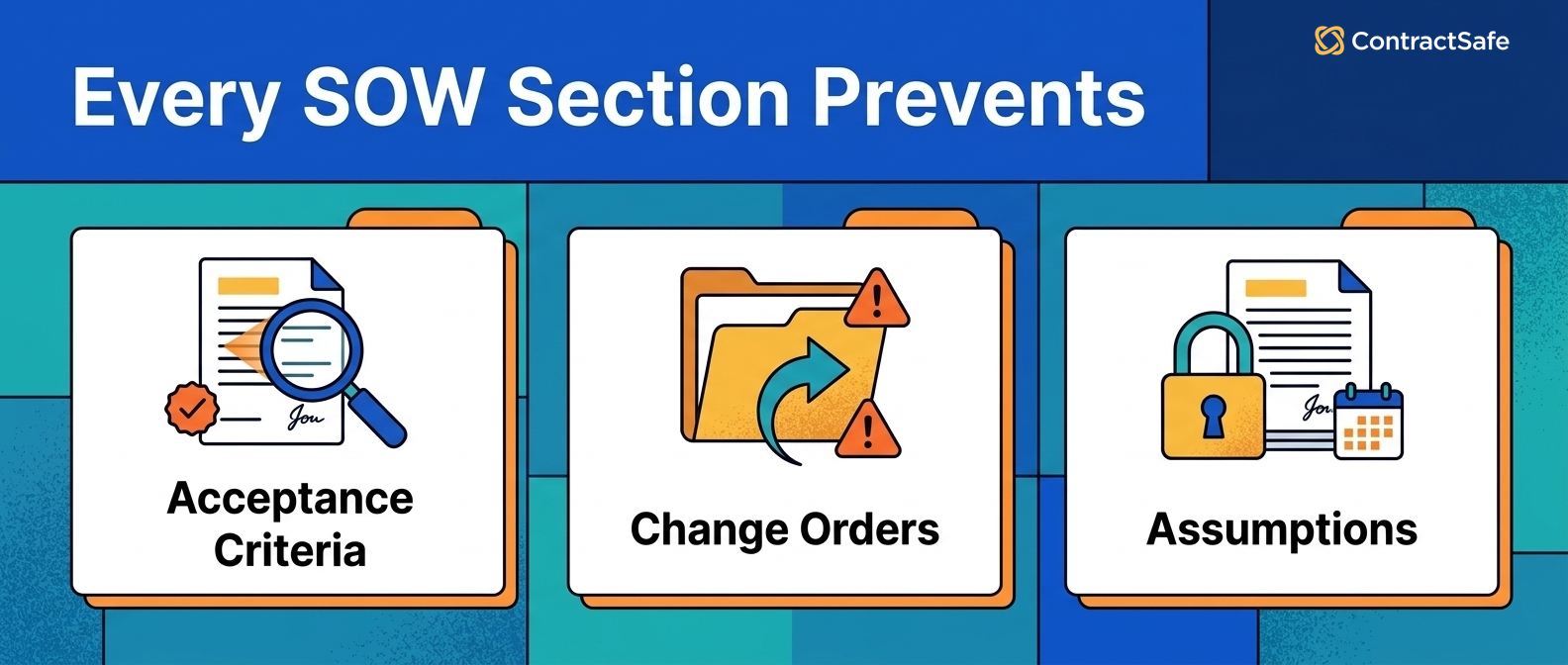
Review a vendor's draft contract by hunting for what's missing, not just reading what's there. Check each of the six sections, mark yes or no, and require a fix for every no before signature.
Compare the exclusions list against your own assumptions last; that's where the silent gaps live.
The SOW Compared to the MSA, Proposal, and Purchase Order
A SOW belongs in a stack of documents, and mixing up the stack is where vendor management gets messy.
Each document has a job. Use the wrong one and you leave gaps that become disputes later.
SOW vs. MSA. The MSA governs the relationship: payment structures, IP ownership, liability caps, dispute resolution. The SOW governs the project: deliverables, scope, timeline, cost. You negotiate the MSA once. You write a new SOW for every project.
SOW vs. proposal. A proposal is a sales document. It describes the vendor’s qualifications and estimated cost. A SOW is a contract. When a client signs a proposal thinking it’s a SOW, they’re agreeing to a pitch, not a scope.
A SOW is not a purchase order. A PO authorizes a specific purchase: quantity, price, delivery date. A SOW covers the project itself, including deliverables, milestones, and acceptance criteria. A PO buys a thing. A SOW manages the work.
| SOW | MSA | Proposal | Purchase Order | |
|---|---|---|---|---|
| Purpose | Governs a project | Governs a relationship | Sells the project | Authorizes a purchase |
| Legally binding? | Yes | Yes | Usually no | Yes |
| Defines deliverables? | Yes, in detail | No | At a high level | Quantity only |
| Includes acceptance criteria? | Should | No | No | No |
| So, how many SOWs are you juggling for each vendor? | One per project | One total | One per pitch | One per transaction |
A One-Page SOW Review Checklist
A statement of work review fits on one page: ten questions, each answered yes or fixed before signature. That same question-by-question review works for any scoped engagement you buy, from a penetration test to seo audit services, where written criteria are what keep two proposals comparable before signature.
- Could a stranger list the deliverables from the scope section alone?
- Does every milestone have a date and a defined output?
- Does "done" have a measurable definition with a revision limit?
- Is there a change-order process both sides would actually use?
- Do payment triggers reference the acceptance criteria?
- Are the assumptions about your team's inputs written down?
- Is there an exclusions list for this project, not a copied one?
- Does the SOW name its governing MSA?
- Are the owners named on both sides?
- Did someone outside the project pass the read-back test?
Require the checklist on every SOW above a spend threshold you choose. Ten minutes of checking against it beats any amount of dispute-resolution language.
Rolling Out a SOW Standard Across Your Team
A statement of work standard sticks when the rollout starts small: one contract template, one pilot project, one review pass, then expansion.
- Build the template from the six sections in this guide, with the acceptance and change-order language pre-drafted.
- Pilot it on the next new project, and time how long the SOW takes to write. The template should make specificity faster, not slower.
- Require the gut-check read before signature: someone outside the project states the deliverables back.
- At project close, compare what happened against the SOW. Every mismatch is a template improvement.
- Expand team by team, keeping one owner for the template so improvements accumulate instead of forking.
Time-to-value is one project. If the first pilot doesn't prevent at least one "I assumed" conversation, the template needs more specificity, not more sections.
Managing SOWs as Your Portfolio Grows
As the SOW pile grows, connect each one to its MSA, owner, dates, and obligations. Otherwise old project work disappears into scattered files.
One SOW is easy to track. Twenty SOWs across eight vendors under four MSAs is where things get disorganized. The SOW that governs your largest vendor engagement ends up in someone’s downloads folder, disconnected from the MSA it references.
That mess gets worse with time. When a vendor dispute surfaces two years after the SOW was signed, can you find the original acceptance criteria? Can a new project manager see what was agreed before they arrived?
When legal needs to review all active SOWs with a vendor whose MSA is up for renewal, can they pull that list in one search?
Keep the SOW with the signed contract, the key details, and the open obligations, so nobody has to rebuild the story from scattered files.
Dates in an SOW can be tricky. Before you mark that file complete, it's smart to quickly check your contract renewal checklist and your contract effective date rules.
Use the SOW record like a map, then check it again when the project, vendor, owner, or deadline changes.
Related Reading
- Master service agreements, for the relationship contract every SOW should hang under.
- Contract management metrics, for measuring whether your SOWs and milestones are actually being tracked.
- Contract repository requirements, for choosing the system your project documents live in.
How ContractSafe Helps With Statements of Work
ContractSafe keeps the SOW connected to everything it governs: open the MSA and see every SOW underneath it, open any SOW and see the agreement that governs it.
AI extraction can pull milestone dates, deliverable deadlines, and payment triggers out of the uploaded SOW. Automated alerts then remind the right person before the milestone passes, not after.
And when it’s time to write the next SOW with the same vendor, your team can review every previous engagement’s scope and pricing without digging through email. That history lives in the repository, not in someone’s memory.
Unlimited users on every plan means the project manager writing the SOW and the attorney reviewing it are working from the same system. No seat-license math to decide who gets access.
Your team should be able to answer the next statement of work question without waiting on the one person who remembers where the file lives.
The fastest proof is a real project. Bring an active SOW and its MSA to a free demo and watch the milestones, owners, and alerts get linked live.








.svg)







.svg)




